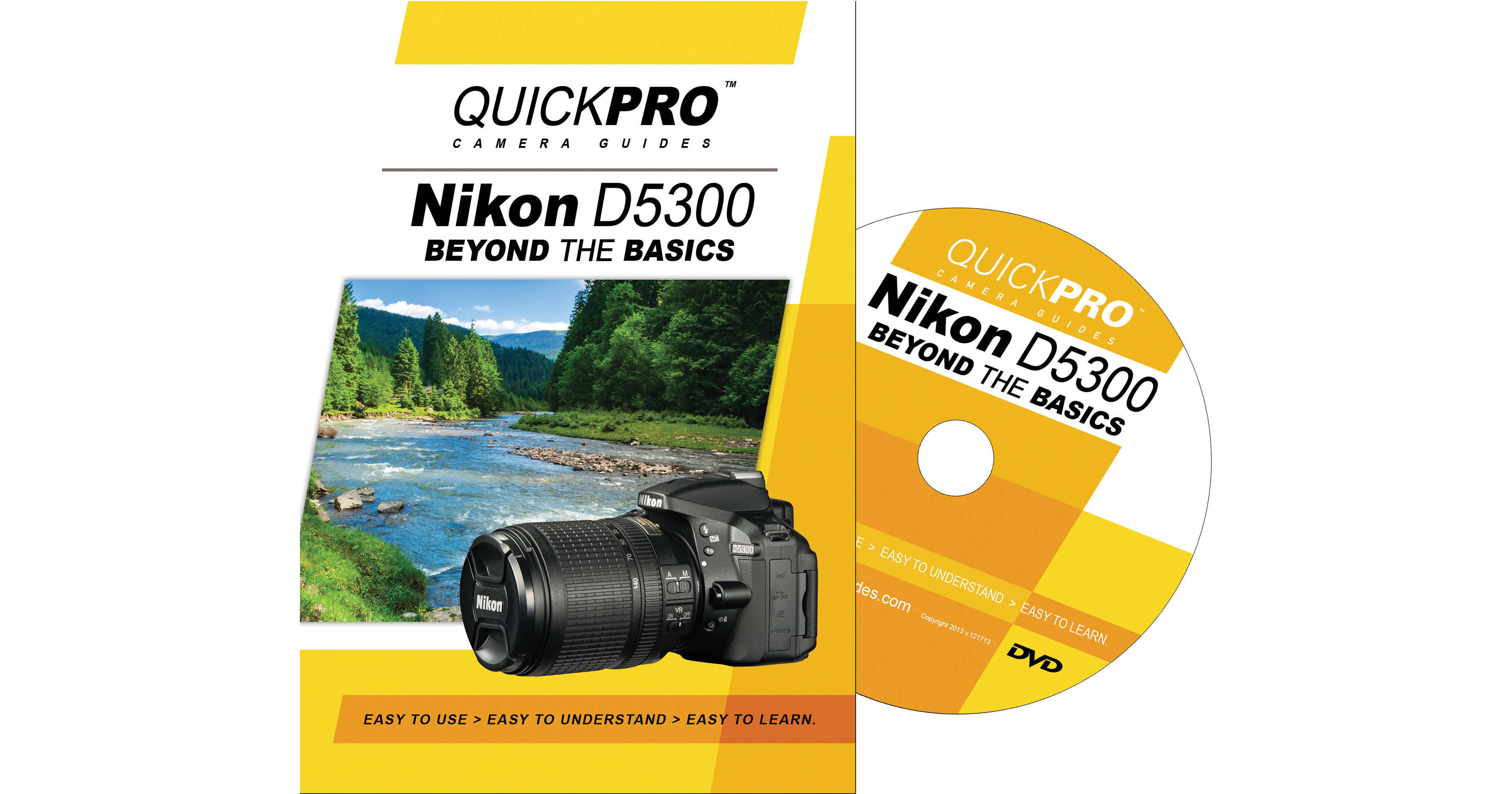
Get the most out of your camera with the Nikon D5300 Beyond The Basics DVD by QuickPro Productions. Professionally produced and hosted, this 52-minute instructional video begins with a walk-through of camera controls. Presenter Todd Hansen offers useful tips on digital photography fundamentals as they apply to your camera, before delving deeper into the D5300's advanced capabilities. You'll learn about user settings modes, bracketing, autofocus & area modes, multiple exposures, interval timer photography, choosing lenses & accessories, camera care & maintenance, and more - enabling you to customize the camera to suit your personal shooting style.
Format
DVD
Table of Contents
- Introduction to the Nikon D5300
- Customizing Camera Buttons & Dials
- Customizing Function (Fn) Button
- Customizing AEL/ AFL Button
- Customizing the Command Dial
- Customizing Other Buttons & Controls
- Bracketing
- Bracketing: Exposure
- Bracketing: White Balance
- Bracketing: Active D Lighting
- Multiple Exposures & Interval Timer
- Creating a Multiple Exposure
- Interval Timer Shooting Chapter 4
- Using Nikon Lenses
- Lens Compatibility
- Lens Selection
- Custom Settings
- Custom Setting Menu
- Custom Setting Menu - Metering & Exposure
- Custom Setting Menu - Timers & AE Lock
- Custom Setting Menu - Shooting & Display
- Custom Setting Menu - Bracketing & flash
- Recent Settings & My Menu
- Using the Built-In Wi-Fi & Location Data
- Using the Built-In Wi-Fi
- Using the Built-In Data Feature
- Movie Mode Features
- Frame Size & Frame Rate
- Additional Movie Features
- Camera Maintenance
Chapter 1
Chapter 2
Chapter 3
Chapter 5
Chapter 6
Chapter 7
Chapter 8