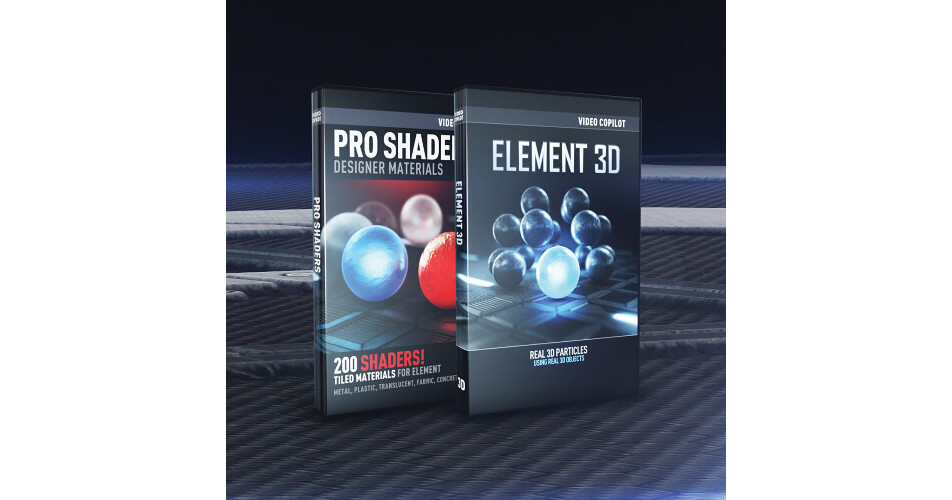


The Pro 3D Bundle from Video Copilot provides you with Element 3D, a particle based animation and rendering engine software, and a collection of materials and textures for creating detailed surfaces. The bundle features Element 3D and Pro Shaders.
Element 3D works natively inside of After Effects and includes its own Open GL rendering engine. With Element 3D, you can import objects as particles, as well as composite 3D images together using adjustable matte controls. The software also provides tools for anchoring 3D shapes and effects on another 3D object. The world position control allows you to utilize objects and matte effects in 3D space, for a realistic looking effect from any camera angle. The Pro Shaders software provides 200 materials to work with, helping you create detailed surfaces, such as concrete, metal, ice, glass, and more. You can also edit the presets to customize the appearance of the materials.
Please see the links below for more information on the various components of this bundle.
Video Copilot's Element 3D is designed to be used whenever it will save you time or make your job easier. By working natively inside After Effects, you can make serious changes to your scene like change materials, add lights and even animate the camera without the intense re-rendering of traditional 3D.
Element works at compositing speed, which means you can see the final look of your scene while you make changes with virtually no interruptions.
Element uses fast Open GL rendering instead of the per-pixel Raytracing found in traditional 3D programs. The main difference with Open GL rendering is that objects do not reflect other objects in your scene. However, Element does use Reflection Mapping to generate the appearance of reflectivity without compromising speed.
Element provides artists with 3D solution right out of the box and with our various 3D Model Packs, it is easy to find great models to use right away.
Users with 3D experience will be able take advantage of Element's streamlined workflow to create impressive renderings in less time.
Element uses a custom built Open GL render engine that does not require AE CS6, in fact it even supports After Effects CS3+.
Element's render system is not related to the Open GL mode found inside the comp window. In fact it is recommended you set this to Adaptive.
Video Copilot's Pro Shaders helps you create detailed surfaces such as concrete, metal, ice, glass, and more.