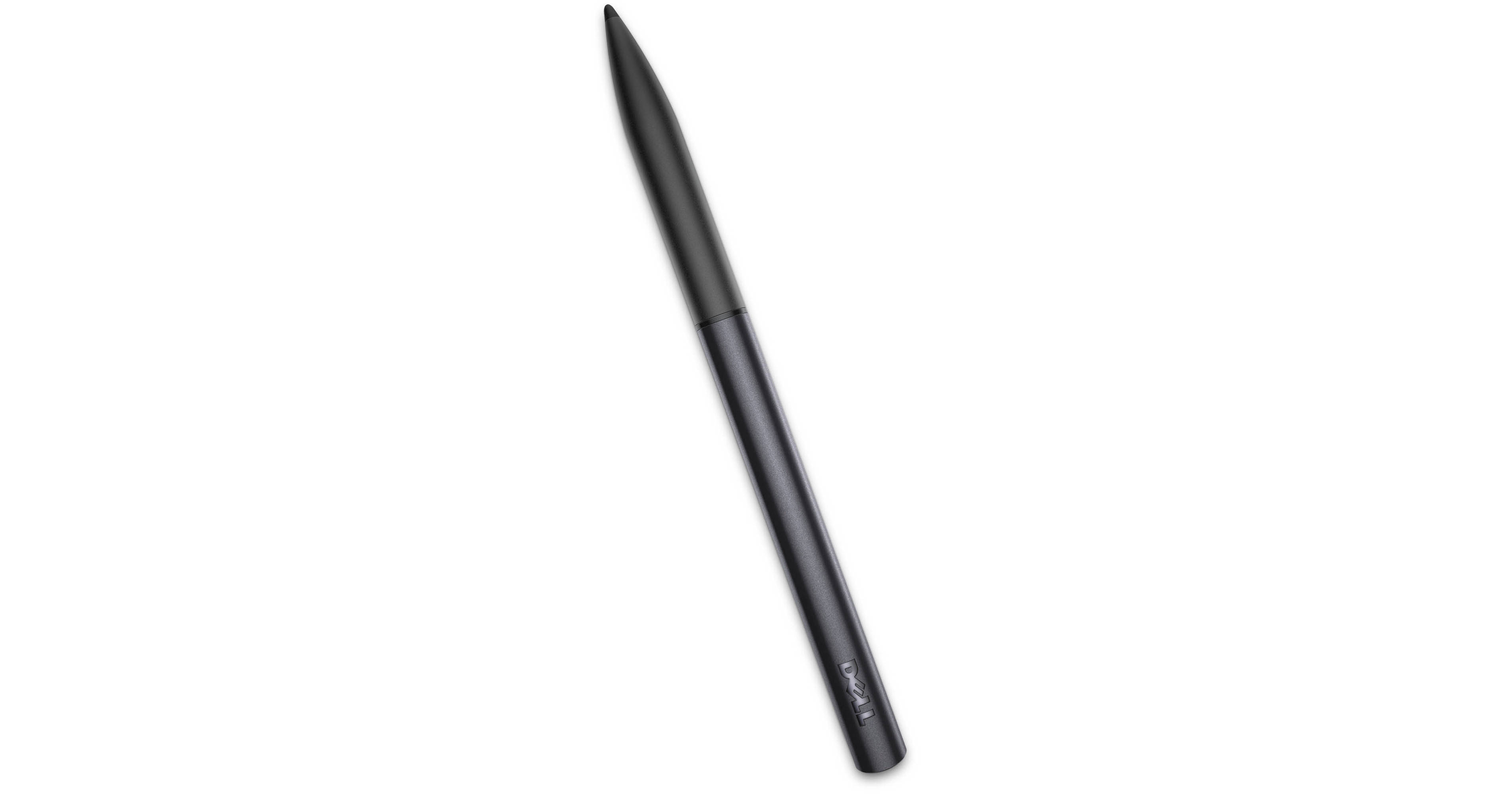
The Dell Active Stylus for Dell Tablets is a stylus designed to be used with a Dell Venue 11 Pro, Venue 8 Pro, or Ultrabook XPS 11. It has an internal transmitter so that it can work with the same capacitive sensor stack used for touchscreens. It's ideal for quickly jotting down notes, marking up images, and drawing figures. The stylus has a very thin tip for precision. It has two side buttons that allow for easy access to the functions of the tablet. The stylus runs on a single battery, which lasts for up to a year.
Allows for Enhanced Productivity
Designed to work with a Dell Venue 11 Pro, 8 Pro, or Ultrabook XPS 11 tablet for higher precision and improved productivity. Whether you are taking notes or sketching pictures, the stylus gives you a natural and precise way to interact with your tablet. The pen has also been pre-calibrated to work with your tablet right out of the box
1mm Tip with Pressure-Sensing Technology
The fine 1mm tip lets you draw precise lines without jagged edges. Pressure-sensing technology allows the stylus to mimic a traditional pen by drawing a thicker or thinner line depending on the amount of pressure applied
Easy Access to Functions
The stylus has two built-in side buttons for access to functions including erasing, highlighting, and clicking. The stylus is detected as it nears the tablet screen, allowing the tablet to predict a landing point
Palm Rejection
An internal transmitter lets your tablet know when the stylus is in use, preventing accidental actions if your palm or wrist rests on your tablet while you write. This allows you to write on your tablet naturally, just as you would on a pad of paper
Hover Sensing
When the stylus is held near your tablet, the tablet automatically detects it. Your tablet even predicts and shows landing points for the stylus tip, so you don't accidentally write in the wrong spot
Long Battery Life
The stylus uses a AAAA battery that lasts up to one year of regular use