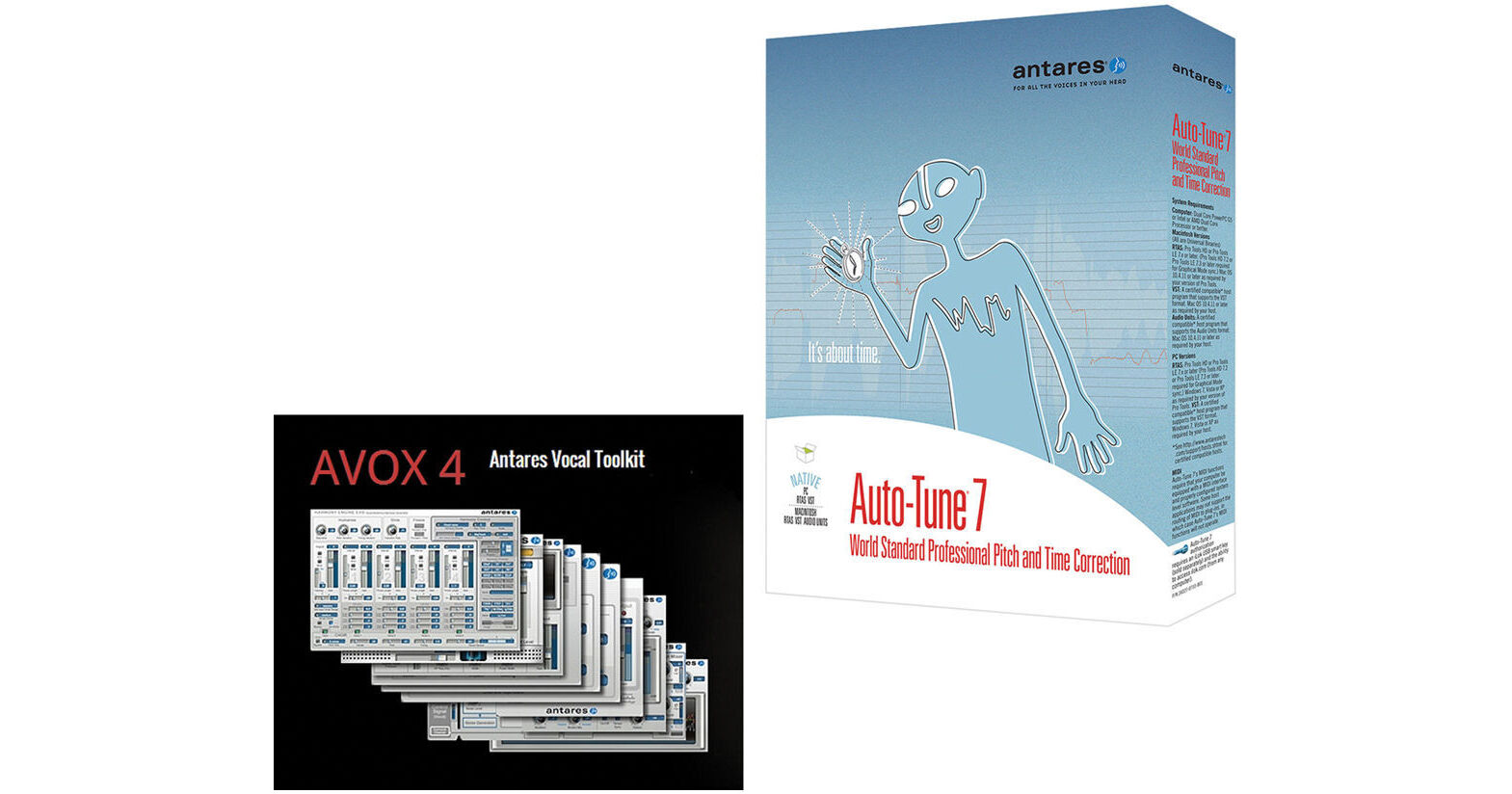
The Auto-Tune Vocal Studio Native from Antares includes the Auto-Tune 7 real-time pitch correction plug-in and the AVOX 4 vocal toolkit which features 11 different vocal processing plug-ins. The software is for Mac and Windows and must be run within an Audio Units, RTAS, AAX, VST host.
Auto-Tune 7's low-latency pitch correction technology provides accurate correction of vocal performances in real-time. It allows you to correct mistakes in a performance to the closest pitch in a chosen scale. A wide variety of scales are available including minor, major, chromatic and 26 historical and microtonal scales. It can also be used to create the popular Auto-Tune vocal effect made famous by artists such as Cher and T-Pain.
The AVOX 4 vocal toolkit includes 11 powerful tools designed to produce polished vocal tracks in any musical style, as well as design unique vocal effects for audio post-production applications. AVOX 4, in combination with Auto-Tune 7, provides a vast palette of vocal production tools that can take your tracks to the next level.
- Time control capabilities combine an extremely high-quality time shifting algorithm with an exceedingly intuitive user interface designed to make it quick and easy to correct timing errors or exercise your creative imagination
- Includes the ability to move a point in time within a selected range as well as move a range in time within a larger range
- The time functions have their own Undo/Redo controls independent of the pitch correction controls and an Enable button that allows you to instantly switch between your original audio and your time shifted audio
- When tracking pitch in Graphical Mode, the software will record any MIDI note information routed to it (either from another MIDI track or live from a MIDI controller) and (optionally) display the data on the Pitch Graph Display
- You can then use the new Make Notes from MIDI function to convert the MIDI information into Note Correction Objects
- Perfect for fine-tuning the Auto-Tune Vocal Effect or even completely redefining melodies
- To give you maximum control over the timbre of vocal tracks, Throat Length Adjustment is now an independent property of each individual correction object (Curve, Line or Note)
- While the overall Throat Length is still set by the master Throat Length knob, each correction object can have its own independent adjustment (either longer or shorter) as desired
- Whenever time control is enabled, the Amplitude Envelope Display will display both the original audio and the time-shifted audio, updating in real time as edits are made
- It is always possible to see at a glance the results of time edits relative to the original audio
- Adjust Vibrato allows for modifying the depth of any natural vibrato in the original performance
- Since the process is additive, acting on any already existing correction object, the user is free to work on pitch correction and vibrato adjustment in any order desired
- A display of the tracked audio's amplitude envelope now appears as a background element in the graphical editing window
- While its primary function is to help make precise selections for time shifting, since it is always visible in the center of the window, it provides a helpful indication of the presence of tracked audio, even if that audio is currently beyond the upper or lower boundaries of the window
- Key Binding system has been expanded to allow for programming custom keyboard access to the new time manipulation tools and controls
- When Auto Scroll is selected in Graphical Mode, the graphical data will scroll smoothly across the screen during playback, maintaining the currently playing audio at the vertical center of the window
- Primarily designed as a reference for time manipulation, the graphical timeline can now be displayed in either absolute time or as bars and beats relative to a project's tempo
- For ease of extremely precise pitch editing, the user can now zoom all the way in to the one-cent-per-pixel level