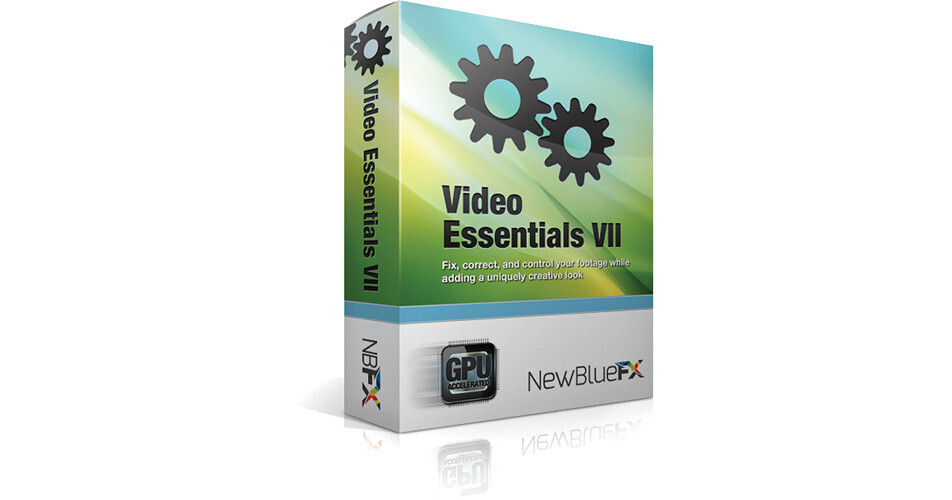
Video Essentials VII from NewBlueFX is a collection of 10 plugins that are compatible with a number of video editing programs (NLEs), including Adobe After Effects, Premiere Pro, and Premiere Elements, Apple Final Cut Pro, Avid Media Composer, Sony Vegas Pro, Sony Movie Studio, and Grass Valley EDIUS. They provide an alternative to keyframing, masking, and other potentially tedious post-production processes by providing tools optimized to address specific challenges.
Included Plugins:
Auto Pan
Add pan and zoom effects to stills or video, without resorting to keyframes. This effect is ideal when you want to give still or otherwise static images an element of motion
Detail by Chroma
Focuses on a specific color region within your picture and heightens the detail and contrast within that region. Invert the result for added flexibility
Detail by Luma
Separates your image out into High and Low regions, giving separate detail control to each, while compensating for possible noise increase in shadow regions
Flying PIP
Create various picture-in-picture effects all without keyframing. Attributes include outline, drop shadow, motion blur, and animation
Gamma Corrector
Dial in the precise amount of expansion or compression to compensate for how your encode is perceived by the human eye. This tool is ideal when updating footage to make the gamma look natural when viewing on a different type of display than the one it was originally graded on
Gradient Fill Pro
Solves many diverse needs when it comes to overlays with alpha, such as company logos and creating mattes. Choose color and gradients in both alpha and opaque areas including, built-in drop-shadow and blending modes
Legal Level
Gives you a warning frame-by-frame when your video signal is out of spec. The plugin can be user-defined to comply with just about any specification you need it to
Quick Pixelator
Avoids keyframing by locking the pixel effect to specific color regions. Use the included Mask tool to refine your results
Region Scope
Allows you to isolate your scope readings to specific, user-defined parts of the image without spending time creating masks. Ideal for every scope application, whether it's evaluating for correct skin tone, targeting highlight issues, or simply omitting letter- or pillar-box bars in your scope readings
Video Tune-Up Plus
Combines a versatile set of color and luminance controls all in one effect. While using the built in scopes, refine contrast, hue, saturation, and more. Generate tonally nuanced Black and White content, or compensate instantly for the flat look the created by the log setting found on many cameras