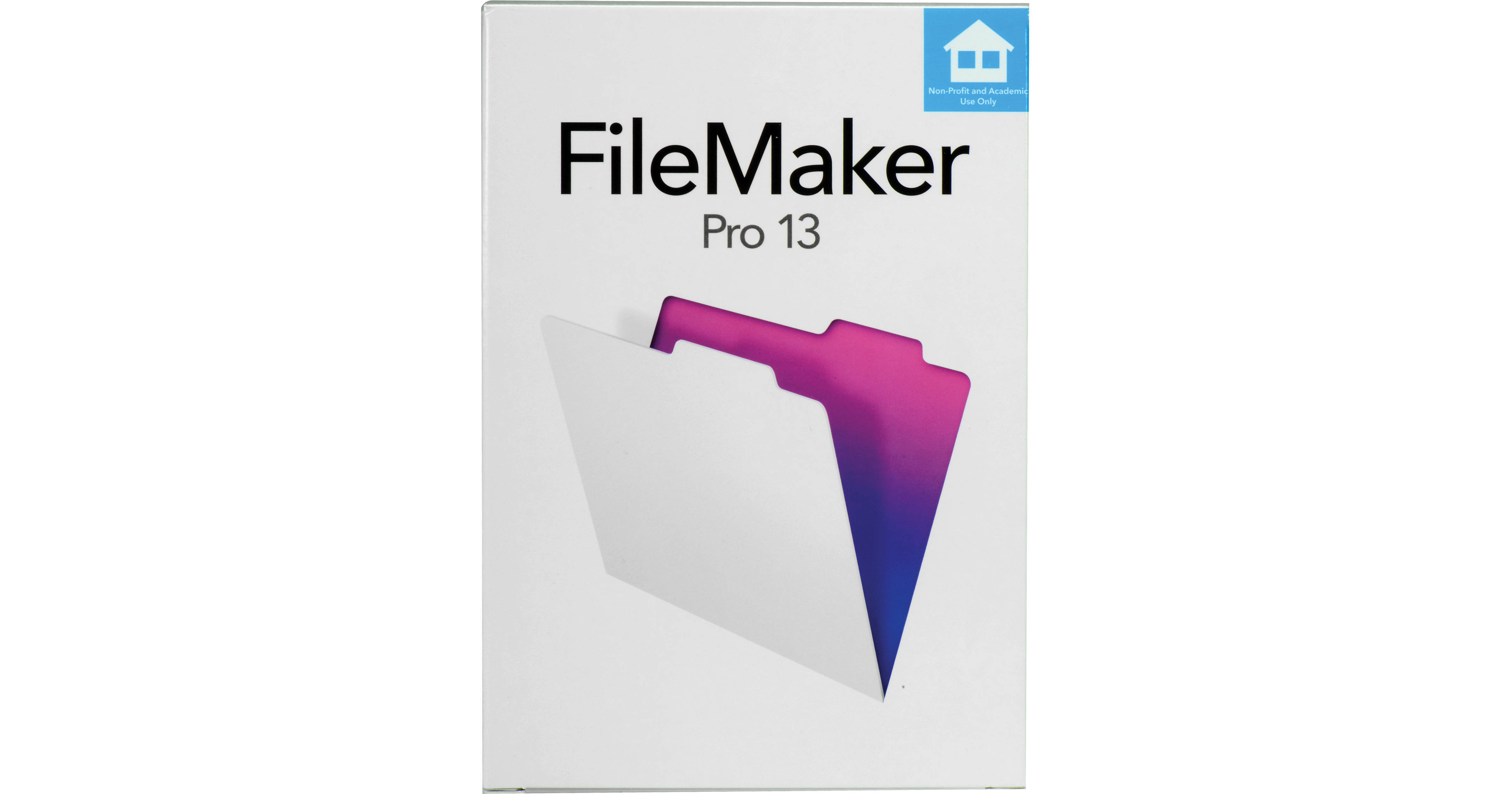
FileMaker Pro 13 (Education & Non-Profit Edition)

BH #FIFMP13BENE • MFR #HFTU2LL/A
Print
FileMaker Pro 13 (Education & Non-Profit Edition)
Key Features
  • Create Custom Databases
  • Create, Duplicate, Edit Records
  • Build Reports and Charts
  • Access Data On-The-Go
Design, maintain, and build a smart, secure database with FileMaker Pro 13, which is used in both home offices and top Fortune 500 companies. This software allows you to create tables, manage fields, and design layouts that display your data. You can also find, import, export and sort data, create reports, write scripts, diagram relationships, and more.
More Details
No Longer Available
No Store Display
Ask an Expert
800-606-6969

FileMaker HFTU2LL/A Overview

Design, maintain, and build a smart, secure database with FileMaker Pro 13, which is used in both home offices and top Fortune 500 companies. This software allows you to create tables, manage fields, and design layouts that display your data. You can also find, import, export and sort data, create reports, write scripts, diagram relationships, and more.

The new features offered in FileMaker Pro 13 include enhanced design, development tools such as security features, custom themes, styles, undo after save, field picker, control object visibility, and the redesigned Starter Solutions. Some of the more popular templates of the 16 prebuilt Starter Solutions allow you to create invoices, inventory, expense reports, and product catalogs in just minutes. In addition, you can easily modify the Starter Solutions for your own unique needs.

Your database can also be used on the iPhone or iPad via the free FileMaker Go 13 app. You can include features such as bar code scanning to instantly to update inventory, or log research results in the field and send real-time updates to the lab. Templates included with FileMaker Pro 13 utilize the special features of mobile devices to capture signatures on the go, or take photos, videos, and audio to add them directly into your database.

Note:
To qualify for FileMaker Education & Non-Profit you must either be a registered student and possess a valid student I.D., or a teacher, lecturer or administrator at an education institution, or be a member of a Non-Profit organization. You must require the Product for your own use, your classes, research or administration of the educational institution, or use in your Non-Profit organization.
What's New in FileMaker Pro 13
New Design Features
Custom Themes
Customize existing themes, then save and reuse them across multiple layouts. This makes it easy to give all your databases a consistent look and feel. Plus, FileMaker Pro 13 also comes with even more ready-to-use themes.
Styles
Themes now include styles, which are sets of attributes like colors, fonts, and text sizes. Apply styles to objects, such as buttons, fields, and backgrounds. Create your own styles or customize existing styles, then save and reuse them across multiple layouts and objects. Modify a style once, and it changes everywhere.
Undo After Save
Undo changes in Layout mode, even after saving your layout and viewing it in Browse mode.
Redesigned Starter Solutions
Take design cues from the entirely redesigned Starter Solutions for Contacts, Assets, Content Management, and Invoices. Their fresh, new look takes advantage of new features in the FileMaker 13, including bar code scanning, popovers, and slide controls.
More Inspector Design Attributes
Control additional design attributes of objects using the expanded Inspector palette. Now you have control of these elements and more:
  • Inner/outer shadows
  • Padding
  • Text baselines
  • Layout backgrounds, including support for full-screen backgrounds, colors and gradients
  • Field Picker
    Create new fields or drag-and-drop multiple fields onto the form directly from Layout mode for more convenient control of field and label placements.
    Getting Started Tour
    Learn more about how to get started designing great-looking databases.
    Control Object Visibility
    Build more dynamic layouts with objects such as fields, buttons, or tab controls that can appear or disappear from your layout based on the results of a calculation.
    New Features for iOS Support
    Redesigned Layout/Report Assistant
    Create layouts and reports that are optimized for different devices. Choose from a variety of iPad and iPhone sizes, and your layout will be automatically sized and themed to suit your selection.
    Slide Control
    Similar to a tab control, the new slide control lets you add multiple sliding panels to your forms to create changeable regions of content. Great for making the most use of valuable screen space on iPad and iPhone.
    Swipe Gestures
    Use swipe gestures to navigate faster on iPad and iPhone. Use a one-finger swipe gesture to change panels in a slide control, and a two-finger swipe gesture to change records.
    Popovers
    Add iOS-style popovers to your layouts to group fields, add links, and display other details. Popovers also provide useful choices for navigating to new areas of the solution without opening multiple windows.
    iOS Keyboard Types
    Make data entry faster and easier with new keyboards types. Keyboards appear based on each field type, or as you specify in FileMaker Pro. New keyboard types include: ASCII, URL, email, numeric 10-key, numeric keypad, number and punctuation, and phone number.
    Bar Code Scanning
    Add bar code scanning to your FileMaker solutions running on iPad and iPhone, without requiring additional plug-ins. Supports UPC codes, QR codes and many more bar code formats.
    Insert from Device
    This script step controls what is entered into a container field by choosing from the following sources: music library, photo library, camera, video camera, microphone, or signature.
    On Layout Size Change
    This script step controls what is entered into a container field by choosing from the following sources: music library, photo library, camera, video camera, microphone, or signature.
    On Gesture Tap
    FileMaker Go can record a tap gesture on the screen and provide info about that gesture via the Get Trigger Gesture Info function to return details about the gesture.
    Get Network Type
    This function returns a number indicating the type of network being used to access the current file, local, unknown, cellular, or Wi-Fi.
    New Development Features
    Container Field Enhancements
    Automatically get metadata from items stored in container fields using the Get Container Attribute function. More than 40 attributes can be returned based on the item stored in the container field, including filename, file size, make, model, artist, album, genre, composer, height, width, latitude, longitude, date created, date modified, and bar codes.
    Calculated Tab Control Titles and Dialog Button Titles
    Use the power of the calculation engine to specify the title of your tabs and custom dialog buttons.
    Dynamic Locale Formatting
    Format dates, times, and numbers based on the system settings on the computer running the solution, to make it easier to create solutions that will work in multiple geographic regions.
    HTTP Post
    Use with the "Insert from URL" or "Import Records: XML Data Source" commands. It is very useful when uploading files or submitting a completed web form.
    Perform Script on Server
    This triggers a script to be performed on the server that is hosting the current file.
    Upload to FileMaker Server
    This script step opens the Upload to FileMaker Server dialog box to allow a file to be uploaded from FileMaker Pro to FileMaker Server.
    Refresh object
    This script step updates the content, conditional formatting, and visibility state for the specified object.
    Get Device
    Returns a number indicating the type of computer that is currently running FileMaker Pro or FileMaker WebDirect, or the type of iOS device that is currently running FileMaker Go.
    "List of" Summary Field Type
    Shows a list of all the values for a field in the found set. For example, you can use it to return a list of all the record IDs of your found set.
    Get Modified Fields
    Returns a list of fields that have been modified in the current record of the current table.
    Get Script Animation State
    Indicates whether or not animations are enabled for the current script.
    Get Window Orientation
    Returns a value indicating the orientation of the window on which the script is acting (not necessarily the foreground window).
    Get Connection Attribute
    Returns a value indicating whether the FileMaker Pro or FileMaker Go connection to the host uses SSL, including whether the server name matches the server-side certificate.
    Base 64 Code/Decode
    Encodes or decodes a container field into a text-based binary format for interchange purposes.
    Get Layout Object Attribute
    Returns a value indicating whether an object is hidden from the current layout.
    Get Current Time UTC Millisecond
    Returns the current time without time zone adjustments in the form of the number of milliseconds since 1/1/0001. UTC time zone adjustments must be applied to get your local time.
    New Security Features
    Get Encryption State Function
    Returns a value representing the file's current encryption state.
    Encryption State Indicator
    Displays the encryption state for files hosted with FileMaker Server. A lock icon appears to indicate when connections to the server are encrypted and turns green if the connection is using a trusted security certificate.
    FileMaker Pro 13 Features
    Get Started Quickly
    Drag-and-drop Microsoft Excel files onto FileMaker Pro to create a database instantly.
    Use the pre-designed Starter Solutions for managing contacts, tracking inventory, organizing projects, creating invoices, and more. Just import your data and customize the solution as you wish.
    Create Custom Solutions with Ease
    Add fields to track whatever type of information you'd like, including names, numbers, dates, documents, prices, pictures and more.
    Choose from a wide variety of coordinated themes to give your solution a professional look.
    Control fonts, colors, backgrounds, shading, and more. Even add your company logo to further customize your forms.
    Connect your information with the powerful Relationships Graph. For example, link customer data to invoices details.
    Add buttons, scripts, calculations, and pop-up lists to automate repetitive tasks and speed data entry.
    Access Data on the Go
    Create custom database solutions in FileMaker Pro and run them in FileMaker Go for iPad and iPhone.
    Add, edit, search, sort, and report on data on iPad and iPhone to instantly boost productivity for mobile users.
    Host solutions with FileMaker Server, then instantly share in real-time with iPad and iPhone users.
    Enable FileMaker WebDirect to access databases from web browsers.
    Produce Reports and Charts in Minutes
    Produce custom reports that group, sort, and summarize data in a way that's most valuable to your organization.
    Create pie charts, bar charts, bubble charts, line graphs, and more.
    Automatically email in PDF or Excel formats.
    Share with you Team
    Multi-platform support allows users on iPad, iPhone, Windows, or Mac to access the same database at the same time.
    Includes advanced security options including user accounts, database passwords, field-level privilege sets, data encryption, and more.
    Integrate with Industry-Standard Programs
    Import and export a variety of formats, including .XLSX, .CSV, Tab, or XML.
    Use the ODBC and JDBC standards to exchange and interact with data from other applications.
    Connect with external SQL data sources including the latest versions of Oracle, Microsoft SQL Server, and MySQL.

    FileMaker HFTU2LL/A Specs

    Mac Requirements
    OS X 10.7 or later
    CPU: Intel-based Mac
    RAM: 2 GB (min), 4 GB (recommended)
    Windows Requirements
    Windows 7 SP1 or later
    CPU: Intel Pentium 4 or AMD Athlon 64 or newer
    RAM: 1 GB (min), 2 GB (recommended)
    Additional Requirements
    Internet connection is required during installation for Windows 7

    Citrix and Terminal Services:
    Citrix XenApp 6.5
    Windows Server 2012 Terminal Services
    Windows Server 2008 R2 Terminal Services

    Networking
  • TCP/IP: limited to five simultaneous FileMaker client connections; each client requires a licensed copy of the software; see FileMaker Server 13 for increased capacity. FileMaker Pro 13 supports Internet Protocol Version 6 (IPv6) addresses, as well as IPv4 addresses
  • Supports encryption [SSL] when connected to FileMaker Server 13. When sharing FileMaker Pro peer-to-peer (i.e. not using FileMaker Server 13), communication between shared files is not encrypted
  • Any computer accessing FileMaker Pro files over a network will need to have a licensed installation of FileMaker Pro 13 or FileMaker Pro 13 Advanced
  • Packaging Info
    Package Weight
    0.25 lb
    Box Dimensions (LxWxH)
    7.5 x 5.3 x 1"

    FileMaker HFTU2LL/A Reviews

    See any errors on this page?
    Whatever You Need, We've Got It