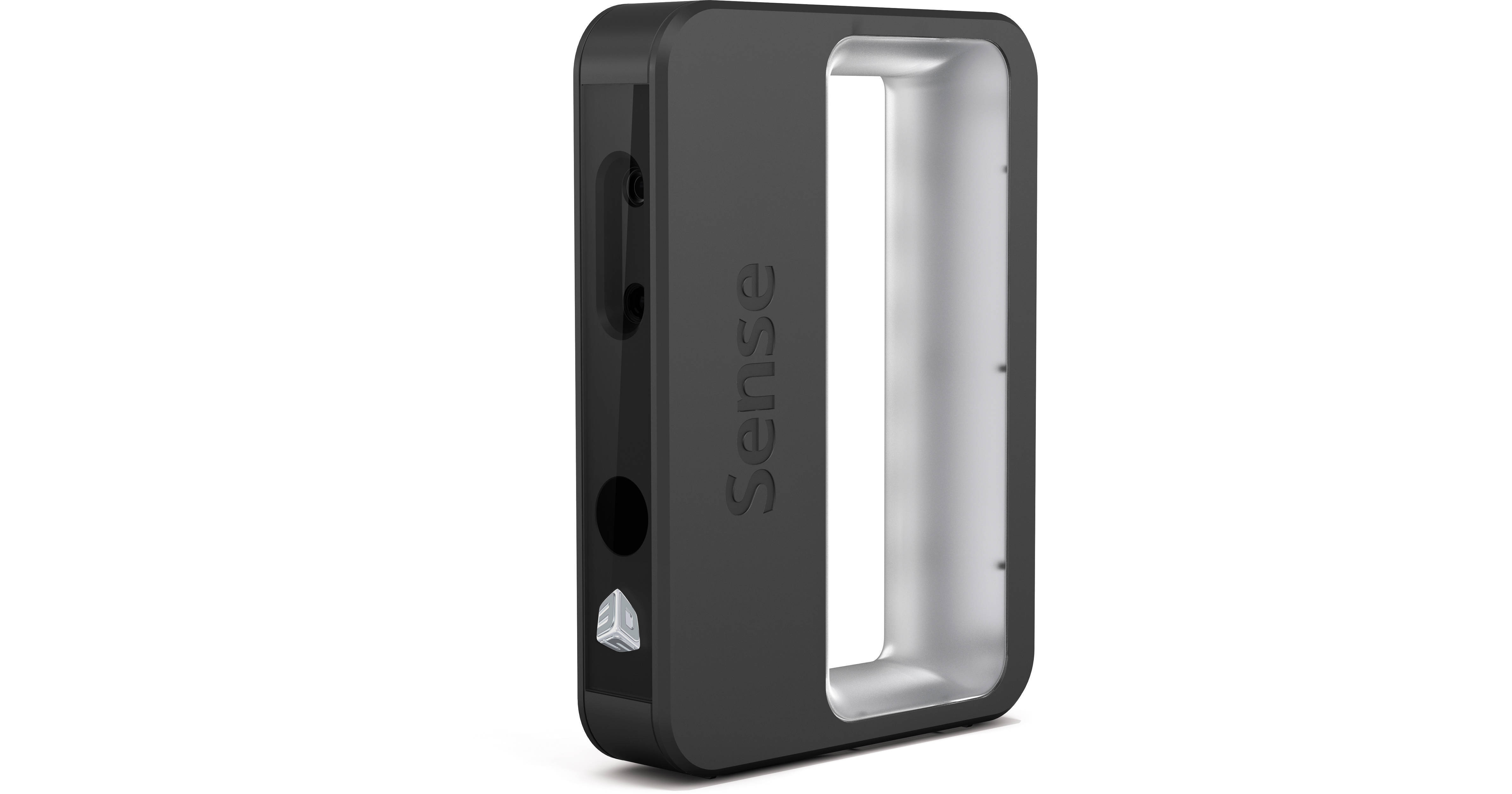


The Sense 3D Scanner from 3D Systems is a portable, full color, three-dimensional scanner for quickly and easily creating 3D models of real-world objects. It has a wide scan volume from small 7.9 x 7.9 x 7.9" items up to 9.8 x 9.8 x 9.8' objects. The Sense also has a convenient working distance of 13.8" to 9.8'.
The Sense 3D Scanner works by using two cameras on the front of the device. One camera is utilized for capturing the shape and size information while the second is solely for color. This helps to create accurate models perfect for 3D printing. This works well with the Sense's full integration with the Cubify Sculpt software and Cubify's website for direct 3D printing from home or through the cloud.
For general operation, the scanner sends a 30 frame per second image stream over the 7' USB 3.0/2.0 cable to a Windows 7- or 8-based computer. The computer then processes the information to create a 3D model. This can then be enhanced and edited with the use of the specialized software to create printable models.
The English version of Cubify Sculpt is a powerful application for sculpting digital clay. Optimized for 3D printing, Cubify Sculpt allows you to design and create 3D models.
The Sense 3D Scanner from 3D Systems is a portable, full color, three-dimensional scanner for quickly and easily creating 3D models of real-world objects. It has a wide scan volume from small 8 x 8 x 8" items up to 118 x 118 x 118" objects. The Sense also has a convenient working distance of 15 to 60".
The Sense 3D Scanner works by using two cameras on the front of the device. One camera is utilized for capturing the shape and size information while the second is solely for color. This helps to create accurate models perfect for 3D printing. This works well with the Sense's full integration with the Cubify Sculpt software and Cubify's website for direct 3D printing from home or through the cloud.
For general operation, the scanner sends a 30 frame per second image stream over the 7' USB 3.0/2.0 cable to a Windows 7, 8, or Mac OS X 10.8 or later computer. The computer then processes the information to create a 3D model. This can then be enhanced and edited with the use of the specialized software to create printable models.
The English version of Cubify Sculpt Software from 3D Systems is a powerful application for sculpting digital clay. Optimized for 3D printing, Cubify Sculpt allows you to design and create 3D models.
Cubify Sculpt lets you create and modify objects by pushing and pulling on them. You can reshape, stretch, or smush your model to your preference. You can import STL, OBJ, PLY, and other mesh file formats. You can also modify imported models in Cubify Sculpt. During the import of these files, you can try to heal the model to make it 3D printable. Many, though not all, models can be healed. Files originally designed in Cubify Sculpt shouldn't require any healing.
Cubify Sculpt works in conjunction with the Cube software that is included with your Cube or CubeX 3D printer. While files in Cubify Sculpt are saved as CLY files, you can export them as STL files so the Cube software can read it. Cubify Sculpt can also export in OBJ and ZCP formats as well.