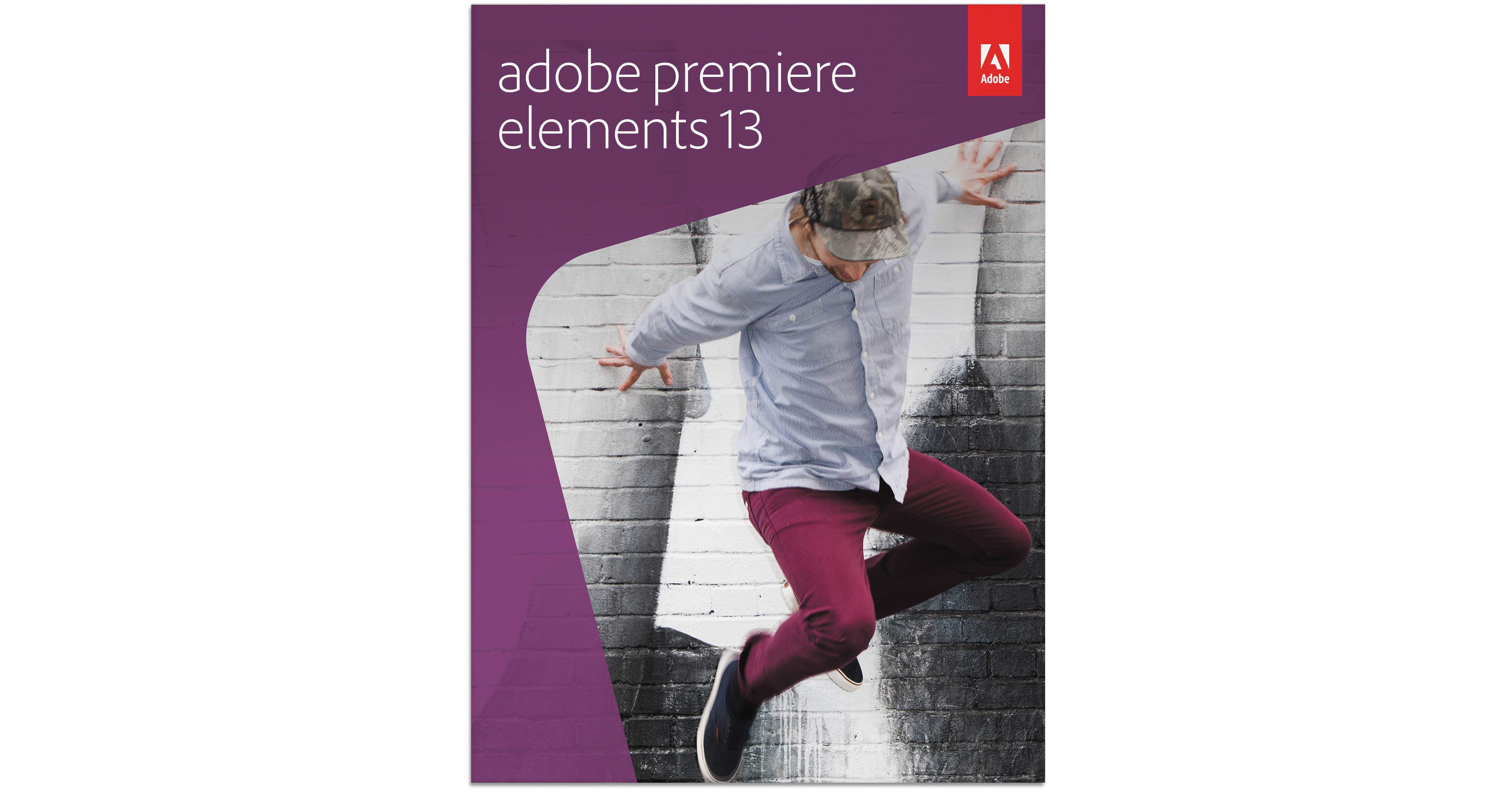
Adobe Premiere Elements 13 for Mac and Windows (DVD)

BH #ADPRE13WM • MFR #65234196
Print
Adobe Premiere Elements 13 for Mac and Windows (DVD)
Key Features
  • Multi-Platform Video Editing Software
  • Friendly and Intuitive Editing Interface
  • One-Click Movies from Video Clips
  • Guided Edits Video Tutorials
The DVD version of Adobe Premiere Elements 13 for Mac and Windows is a versatile and intuitive editing and organizing program for managing a complete digital video workflow. Beginning with a wide range of editing and enhancement capabilities, Elements 13 presents a breadth of unique tools and effects for automatically optimizing the look and feel of videos, as well as the sequencing and sharing of finalized movies. Favorite Moments provides the ability to create a movie simply by selecting those "favorite" moments from a given video clip, Guided Edits can be used to both learn and accomplish specific editing techniques while simultaneously using video tutorials, and Video Story's selectable themes help to more quickly start a project and tell the desired story. FilmLooks enable you to replicate the appearance of Hollywood effects and editing techniques and Auto Smart Tone works to efficiently adjust the colors and tones of videos based on learned personal preferences. More than 50 musical scores and over 250 sound effects can be applied to movies and smart automated options can help to correct for shaky footage, color and lighting issues, audio balancing, and removing unwanted footage from clips. Color balance can be easily adjusted using an intuitive slider system and highlights, shadows, and mid-tones can be independently controlled to create a refined, personal feel.
More Details
No Longer Available
No Store Display
Ask an Expert
800-606-6969

Adobe 65234196 Overview

The DVD version of Adobe Premiere Elements 13 for Mac and Windows is a versatile and intuitive editing and organizing program for managing a complete digital video workflow. Beginning with a wide range of editing and enhancement capabilities, Elements 13 presents a breadth of unique tools and effects for automatically optimizing the look and feel of videos, as well as the sequencing and sharing of finalized movies. Favorite Moments provides the ability to create a movie simply by selecting those "favorite" moments from a given video clip, Guided Edits can be used to both learn and accomplish specific editing techniques while simultaneously using video tutorials, and Video Story's selectable themes help to more quickly start a project and tell the desired story. FilmLooks enable you to replicate the appearance of Hollywood effects and editing techniques and Auto Smart Tone works to efficiently adjust the colors and tones of videos based on learned personal preferences. More than 50 musical scores and over 250 sound effects can be applied to movies and smart automated options can help to correct for shaky footage, color and lighting issues, audio balancing, and removing unwanted footage from clips. Color balance can be easily adjusted using an intuitive slider system and highlights, shadows, and mid-tones can be independently controlled to create a refined, personal feel.

The expansive set of editing capabilities is housed within a friendly environment, featuring easy-to-recognize icons and commands for a more seamless working method. Quick or Expert modes can be selected depending on the amount of manipulation and control desired during editing, and distinct Editor and Organizer interfaces allow for intuitive handling of clips. Mobile device support helps to make files recorded with a smartphone or tablet readily available within Elements, and conversely, files housed within Elements albums can be viewed and shared from linked mobile devices. A rich set of tagging controls, based on subject, location, or event, help to streamline navigating immense catalogs of imagery and support direct uploading of content to social media sites, including Facebook, YouTube, and Vimeo.

Friendly and Intuitive Environment
Extending the legacy of past versions of Premiere Elements, Elements 13 revolves around a highly intuitive and efficient environment for easy navigation for selecting a host of editing tools, enhancement options, and sharing solutions. Large, bold icons simplify tool selection and the ability to choose from Quick or Expert editing modes enable the appropriate amount of control based on personal needs.
Movie Creation from Favorite Moments
After simply clicking upon favorite moments within a video clip, Elements 13 can quickly generate a finished movie from those selections.
Narrative Guidance
Fragmented clips can be easily integrated into a coherent, final product. Video Story provides predefined themes and templates that can be applied to events such as weddings and parties while keeping footage chronologically ordered.
Seamless Mobile Integration
Videos from within Elements 13 can easily be viewed, shared, and linked with mobile devices and, additionally, imagery taken with your mobile devices can be sent directly to Elements albums for an even more seamless digital workflow.
Guided Editing
Professional editing techniques can be produced and learned simultaneously through the use of Guided Edits. These video tutorials walk you through the process of performing a specific edit to help learn and accomplish a technique for greater understanding.
Creative Effects and Styles
FilmLooks, including Comic, Trinity, Yesteryear, and Cross Process help match the look and style of Hollywood movies.
Add Music and Sound Effects
Over 50 musical scores and more than 250 different sound effects are available to help alter the mood and add depth and appeal to movies.
Spotlight Your Subject
Graphics, text, and effects can be added to move along with your subject using motion tracking to enhance and bring more attention to movies.
Seamless Movie Sharing
Direct uploading of finished movies to YouTube, Vimeo, Facebook, or a personal website is possible and Elements 13 works to automatically optimize and format the video for specific destinations for enhanced playback. Additionally, movies within shared Elements albums can also be easily sent and viewed on linked mobile devices.
Intelligent Automatic Video Enhancement
Intelligent and personalized video corrections can be applied using Auto Smart Tone, which works to adjust the look of videos based on learned personal preferences.
All-Around Workflow Solution
Premiere Elements 13 acts as an efficient means for importing, organizing, finding, and managing files with the Organizer view in addition to serving as a solution for editing, enhancing, exporting, and sharing videos. Visual tags can be utilized to selectively demarcate files based on subjects, locations, or events for easier locating of specific files within a vast clip library. Additionally, location-tagged images and movies can be viewed on a map based on where they were taken.
Control Playback Speed
Slow-motion or fast-motion effects can be added to key elements of a movie to add heightened drama or suspense or to create a sense of energy or excitement.
Smart Automated Options
Shaky footage, color, and lighting issues can all be easily corrected for, plus automatic trimming of unwanted footage and balancing of audio elements for an all-around professional final appearance.
Quick Editing Mode
When working in the Quick editing mode, you can simply drag and drop thumbnails of clips, transitions, and effects to quickly create an overall narrative. Furthermore, you can trim and split clips, drop in different filters or effects, create picture-in-picture effects, and add different titles and text to easily produce a finished movie.
Additional Features
Organizing and Finding Media:
Object Search helps to find specific tagged objects within imagery
Simplified importing of clips from compact camcorders and DSLR cameras
Full-screen video and photo previews in Organizer mode help to more easily identify imagery
Quickly and easily find the best video clip or photo from a series using the Auto-Analyzer
Organize photos and videos from one central location and improve searching by using dedicated visual tags

Movie Creation:
Support for 64-bit Mac and Windows 7/8 operating systems ensures speed and stability while editing
Pan and zoom motions allow you to turn still photos into movies
Optimized editing control when working with both standard- and high-definition video
Slide-shows and movies can be easily edited to the beat of a chosen song

Professional Effects:
Color balance can easily be adjusted using an intuitive slider system
Blend modes allow you to enhance one clip with textures and colors from a second clip
Image tone and vibrance can be adjusted without affecting skin tones
Shadow, mid-tone, and highlight values can all be adjusted independently for greater control
A cartoon look can be applied for a fun, creative appearance
Graphics, frames, and animations from a clip art library can be easily added to movies
Elements from different movies can be combined in order to produce unique results
A wide range of effects, transitions, movie themes, animated titles, motion menus, and credit styles can be used to provide a professional appearance

Movie Sharing:
Movies can be exported in the high-quality AVCHD format
HD-quality movie burning to both DVDs and Blu-ray discs is supported

Adobe 65234196 Specs

Delivery
DVD
Mac System Requirements
64-bit multicore Intel processor
Mac OS X 10.8-10.9
2 GB of RAM
4 GB of available hard-disk space to install application; additional 5 GB to download content
1024 x 768 display resolution (at 100% scale factor)
Compatible DVD burner required to burn DVDs; compatible Blu-ray burner required to burn Blu-ray discs)
QuickTime 7 software
Internet connection required for product activation and content download
DVD-ROM
Windows System Requirements
2 GHz or faster processor with SSE2 support; dual-core processor required for HDV or AVCHD editing and Blu-ray or AVCHD export; Intel Core i7 required for XAVC-S
Microsoft Windows 7 or 8 (32-bit or 64-bit)
2 GB of RAM
4 GB of available hard-disk space to install application; additional 5 GB to download content
1024 x 768 display resolution (at 100% scale factor)
Microsoft DirectX 9 or 10 compatible sound and display driver
Compatible DVD burner required to burn DVDs; compatible Blu-ray burner required to burn Blu-ray discs
QuickTime 7 software
Windows Media Player required if importing/exporting Windows Media formats
Internet connection required for product activation and content download
DVD-ROM
Packaging Info
Package Weight
0.25 lb
Box Dimensions (LxWxH)
7.5 x 5.4 x 0.8"

Adobe 65234196 Reviews

See any errors on this page?
Whatever You Need, We've Got It