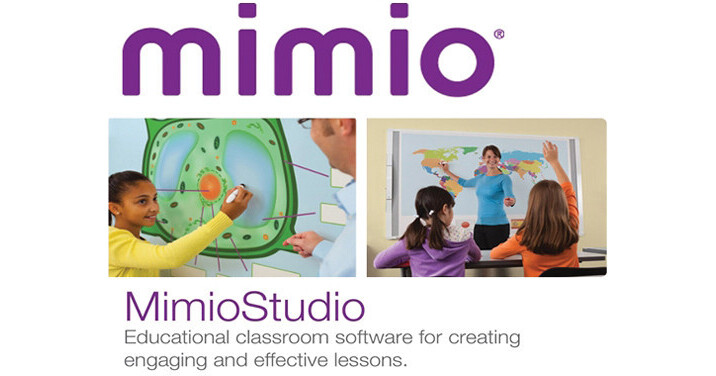
The Epson MimioStudio Interactive Software is designed to provide a single solution that integrates all of the MimioClassroom products. It is fully compatible with Epson BrightLink interactive projectors and provides teachers greater flexibility and more options for providing effective learning that supports the Common Core State Standards (CCSS). The included three-user version of the MimioMobile application enables integrating Apple and Android tablets into the classroom. Connect up to 3 mobile devices with the MimioMobile app for collaboration and formative assessment in the classroom.
Integrates all of the Mimio Classroom products in one interface
Flexible input - supports interactive pens, single touch, multi touch, and gestures
Allows use of Apple and Android devices with the MimioMobile app for formative assessment and student collaboration on the classroom display
Lesson creation tools, including MimioStudio Notebook for multipage workspace, toolbar with interactive tools, object locking, adjustable transparency, object cloning, templates, and backgrounds
Content and resources: MimioStudio Gallery, ActivityWizard - built-in activity creator, online gallery of free resources
Collaborative tools, including MimioStudio software, MimioStudio Collaborate, and the ability to pass desktop control to students using mobile devices with the MimioMobile app
Drawing tools, including color settings, brush tool, pen tool, highlighter, line styles, shapes, and grids
Grade scoring and response with MimioStudio Gradebook
ExamView importer - Blackboard 6.0 - 7.0 format
Presentation tools: transitions, animations, spotlight, reveal
Recognition tools for shape recognition and multi-language handwriting recognition
Multimedia controls
Supports 33 languages
Windows and Mac compatible
Export to HTML, PDF, Common File Format (IWB), and image formats