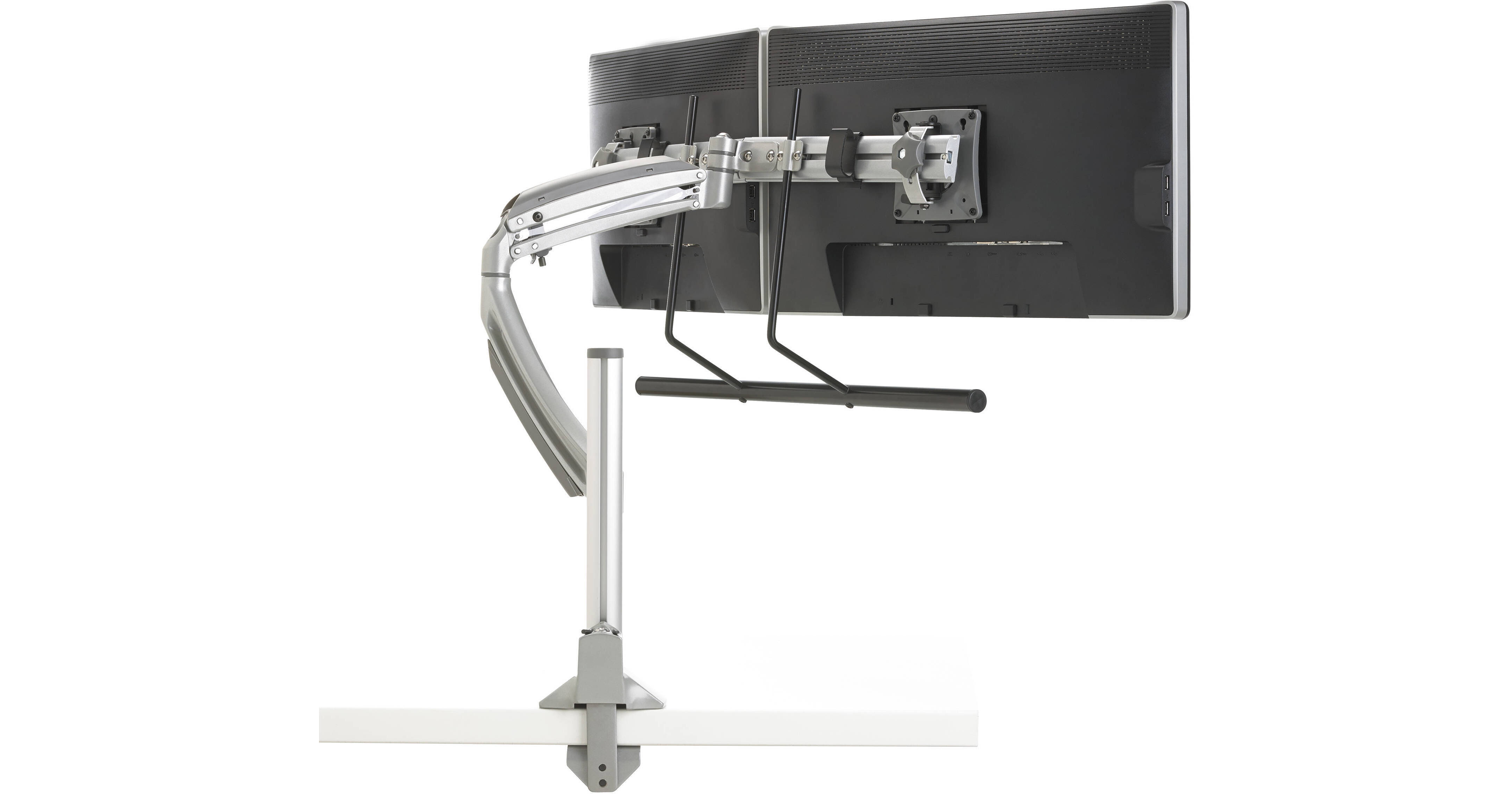
The silver K1C22HS Kontour K1C Dynamic Column Mount for 2 Monitors from Chief features height-adjustable column mounts that can be used in offices, healthcare facilities, and private homes. The mount provides dynamic and manual height adjustments as well as a ±10° tilt ability. Fingertip monitor positioning allows you to arrange the monitor for comfortable viewing.
Chief K1C22 Overview
Chief K1C22 Specs
| Mount Type | |
| Material of Construction | |
| Number of Monitors Supported | |
| Height Adjustment | |
| Depth From Mounting Source | |
| Desktop Thickness Range | |
| Mounting Pattern Compatibility | |
| Orientation | |
| Tilt | |
| Typical Screen Sizes | |
| TV Width Range | |
| Load Capacity | |
| Weight |
| Package Weight | |
| Box Dimensions (LxWxH) |
Chief K1C22 Reviews
Not What I Expected
Challenging to assemble. Mounted two 24 inch monitors to stand. Positioning of monitors not smooth and wobbly Ended up removing swing arms and connecting cross arm directly to post. Wished I could return not satisfied.
Love it!
This stand is great. It's modular and can be used several different ways and things added or subtracted with additional pieces from Kontour. This stand allows me to set my dual displays at the perfect height so that I'm no longer slouching at my desk. When someone comes in to the office I can lower my screens to see who I'm talking to. When I adjust the height of the screens they don't move from where they've been set. I love the handle below the screens that making adjusting really really easy. The set was fairly simple to put together but the instructions are a bit complex as they contain instructions for all possibilities of the set and not just what you ordered. Still, it didn't take me long to toss my monitors up and get back to my work. My only dislike is that the brackets that hold the monitors give some wiggle room so the monitors can shake around about 1/4. I was able to stop this by setting my monitors side by side and taping their front edge together. Things to note: The main picture shows a different mounting bracket than ships with the stand. The second picture with the silver base plate is what is used. I am not familiar with the FrameOne interface, but was able to adjust to use it. I drilled two holes in my desk and a third in the back for stabilization and it works great.
