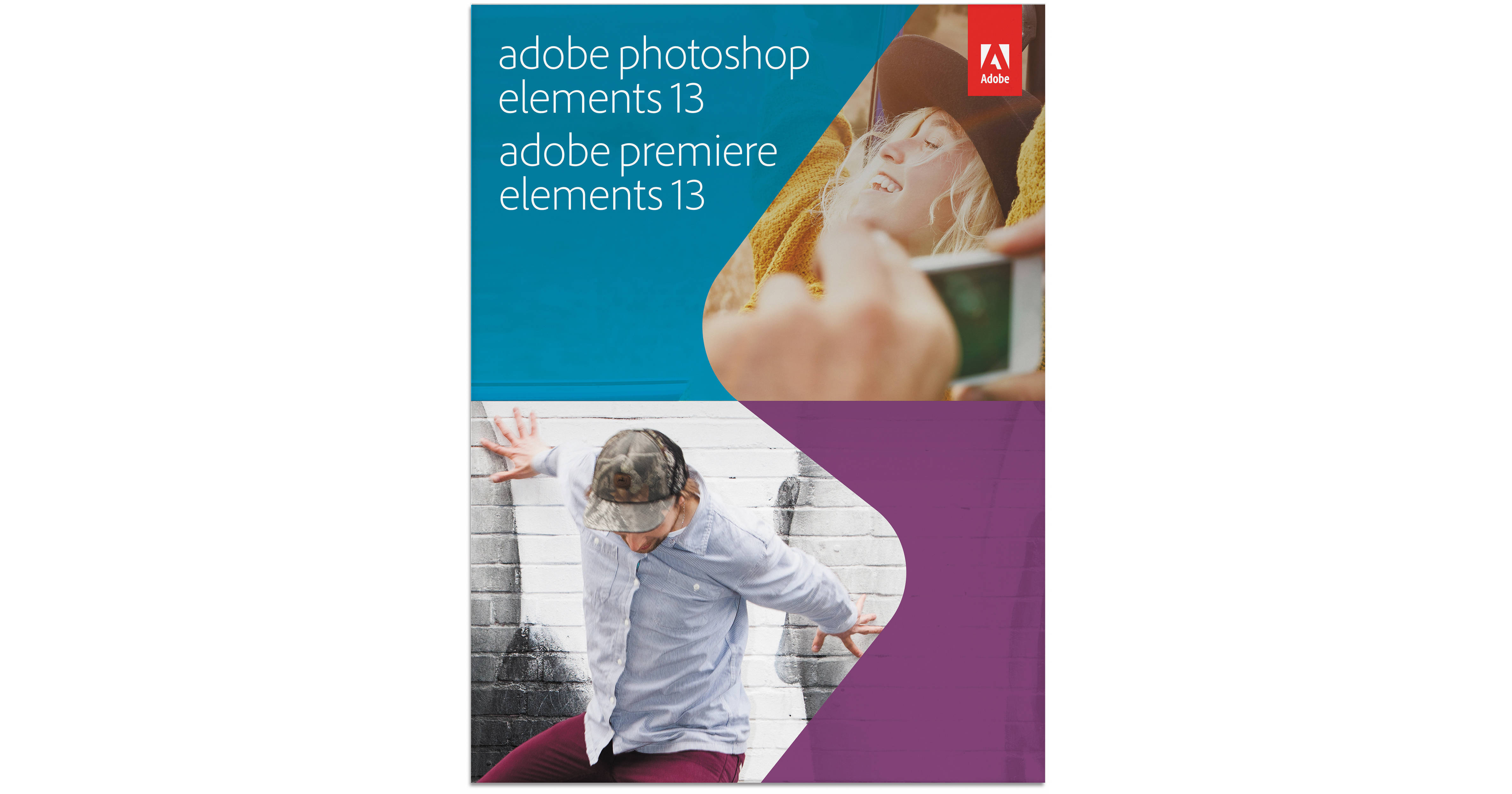
The download version of Adobe Photoshop Elements 13 & Premiere Elements 13 for Mac and Windows combines two versatile and intuitive editing and organization programs for managing a complete digital imaging and video workflow. Beginning with a wide range of editing and enhancement capabilities, Elements 13 presents a breadth of unique tools and effects for automatically optimizing the look and feel of both photos and movies.
The expansive set of editing capabilities from both Photoshop and Premiere Elements 13 is housed within a friendly environment, featuring easy-to-recognize icons and commands for a more seamless working method. Quick, Guided, and Expert modes can be selected depending on the amount of manipulation and control desired during editing and distinct Editor and Organizer interfaces allow for intuitive handling of photos and clips. Mobile device support helps to make files shot with a smartphone or tablet readily available within Elements and, conversely, files housed within Elements albums can be viewed and shared from linked mobile devices. A rich set of tagging controls, based on subject, location, or event, help to streamline navigating immense catalogs of imagery and support direct uploading of content to social media sites, including Facebook, YouTube, Vimeo, and Twitter.
Object Search helps to find specific tagged objects within imagery
Simplified importing of clips from compact camcorders and DSLR cameras
Full-screen video and photo previews in Organizer mode help to more easily identify imagery
Quickly and easily find the best video clip or photo from a series using the Auto-Analyzer
Organize photos and videos from one central location and improve searching by using dedicated visual tags
Image Enhancement:
Professional effects can be produced and learned simultaneously using a range of over 25 Guided Edits
Objects from within an image can be moved and the background automatically filled-in in a seamless manner
Images can be straightened and resulting missing background can be automatically filled in
One-touch Frames, Effects, and Textures can be applied to images to creatively enhance their final appearance
Create tilt-shift, vignette, high-key, and low-key effects
Produce the Orton effect as well as picture collage and creative depth of field effects
Automatically convert images into digital illustrations with Comic, Graphic Novel, and Pen & Ink filters
Easily select and refine edges of hair and other hard-to-extract content
Import and use effects, styles, and actions from a wide range of photo sites or blogs
100 different paint effects can be applied to any image using the Smart Brush
Intuitively and easily un-clutter, repair, and match the style of any photo
Recompose imagery to any size without distorting key subjects
Photomerge technology helps to create perfectly-lit shots
A range of adjustments can be previewed prior to selecting the best one
One-step solution for whitening teeth and making skies bluer
Support for a broad range of raw file types for high-quality results
Red-eye in people and discolored pets' eyes can be corrected for and skin tones can be enhanced with one click
Personalization and Exporting of Imagery:
Enhance the look of text in imagery by making it curve or flow in any direction
Photos can be saved in both JPEG and PSD file formats
Flexible templates and layouts can be used for printing calendars, cards, scrapbook pages, books, or disc labels from your home printer
Object Search helps to find specific tagged objects within imagery
Simplified importing of clips from compact camcorders and DSLR cameras
Full-screen video and photo previews in Organizer mode help to more easily identify imagery
Quickly and easily find the best video clip or photo from a series using the Auto-Analyzer
Organize photos and videos from one central location and improve searching by using dedicated visual tags
Movie Creation:
Support for 64-bit Mac and Windows 7/8 operating systems ensures speed and stability while editing
Pan and zoom motions allow you to turn still photos into movies
Optimized editing control when working with both standard- and high-definition video
Slide-shows and movies can be easily edited to the beat of a chosen song
Professional Effects:
Color balance can easily be adjusted using an intuitive slider system
Blend modes allow you to enhance one clip with textures and colors from a second clip
Image tone and vibrance can be adjusted without affecting skin tones
Shadow, mid-tone, and highlight values can all be adjusted independently for greater control
A cartoon look can be applied for a fun, creative appearance
Graphics, frames, and animations from a clip art library can be easily added to movies
Elements from different movies can be combined in order to produce unique results
A wide range of effects, transitions, movie themes, animated titles, motion menus, and credit styles can be used to provide a professional appearance
Movie Sharing:
Movies can be exported in the high-quality AVCHD format
HD-quality movie burning to both DVDs and Blu-ray discs is supported