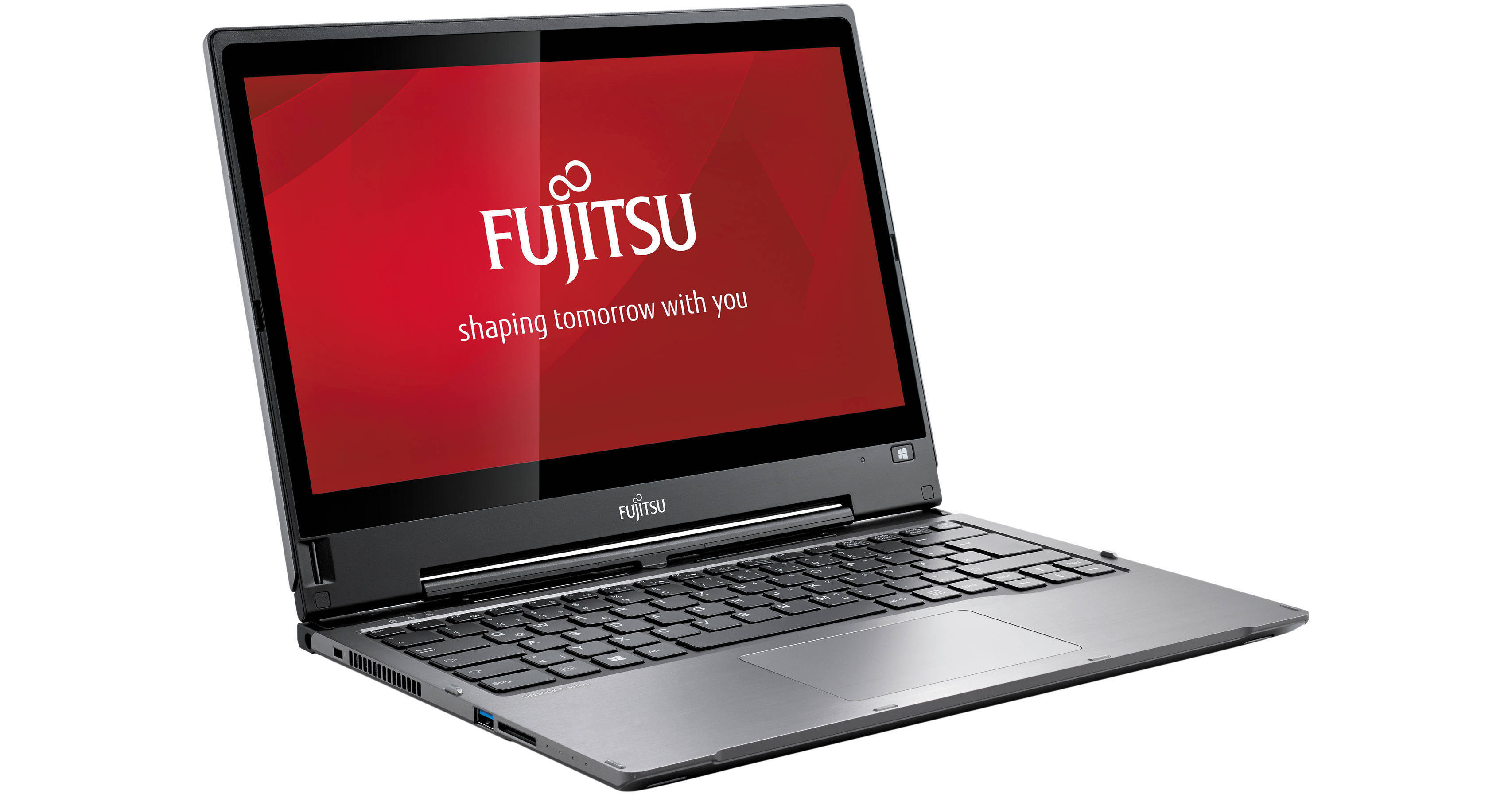
The LIFEBOOK XBUY-T904-001 13.3" Multi-Touch Tablet PC from Fujitsu is a system that can function as both a tablet and a notebook and is suitable for users who require their device to combine power with portability. This tablet is powered by a 1.6 GHz Intel Core i5-4200U Dual-Core processor and incorporates 6GB of 1600 MHz DDR3 RAM. If you are in need of more power, the processor can be overclocked to 2.6 GHz. For long-term data storage, this tablet has a 500GB 5400 rpm hard drive. There is also a 16GB cache that, while not user-accessible for data storage, is reserved by the system to store frequently-used files and important data. With built-in Bluetooth 4.0, you can wirelessly communicate with other Bluetooth-enabled devices like smartphones. This model also has a Gigabit Ethernet port for Internet access when connected to a router, modem, or network switch. You can also go wireless with 802.11a/b/g/n Wi-Fi for high-speed Internet connectivity.
The 13.3" widescreen Multi-Touch display has LED-backlighting and a native WQHD resolution of 2560 x 1440. The display also features IGZO technology. IGZO is a transparent compound semiconductor that offers crystal clear clarity, prolongs battery life, and provides more accurate touch sensitivity. The display also has a dual digitizer that recognizes active (stylus pen) and capacitive (finger) digitizer technologies. For graphics rendering, this tablet utilizes the integrated Intel HD 4400 chipset and includes an HDMI port for connecting an external display. There is also a Full HD 1920 x 1080 webcam for use with Skype or other video conferencing software.
This Tablet PC incorporates a bi-directional LCD hinge which allows it to be folded into a tablet to help with everyday usability. It also has an SD/SDHC/SDXC card reader for interfacing portable media cards and USB 3.0 is built into the tablet for high-speed mass storage connections. The tablet's 4-cell, 45Wh 3150mAh Li-ion battery delivers approximately 9.5 hours of battery life before recharging is required, which takes about 2 hours. The LIFEBOOK T904 comes with Windows 7 Professional (64-bit) but also includes a license for installing Windows 8.1 Professional (64-bit).
A dual digitizer combines the accuracy of the active digitizer and the convenience and utility of a capacitive digitizer while allowing the user to switch between the two
The Anytime USB Charge feature is disabled by default. To enable the feature, go to Start menu > All Programs > Anytime USB Charge Utility and choose whether to enable the function when an AC Adapter is used or when an AC Adapter or battery is used. Note that charging a device off of the battery will quickly deplete the battery power, so you are advised to use an AC Adapter when charging an external device