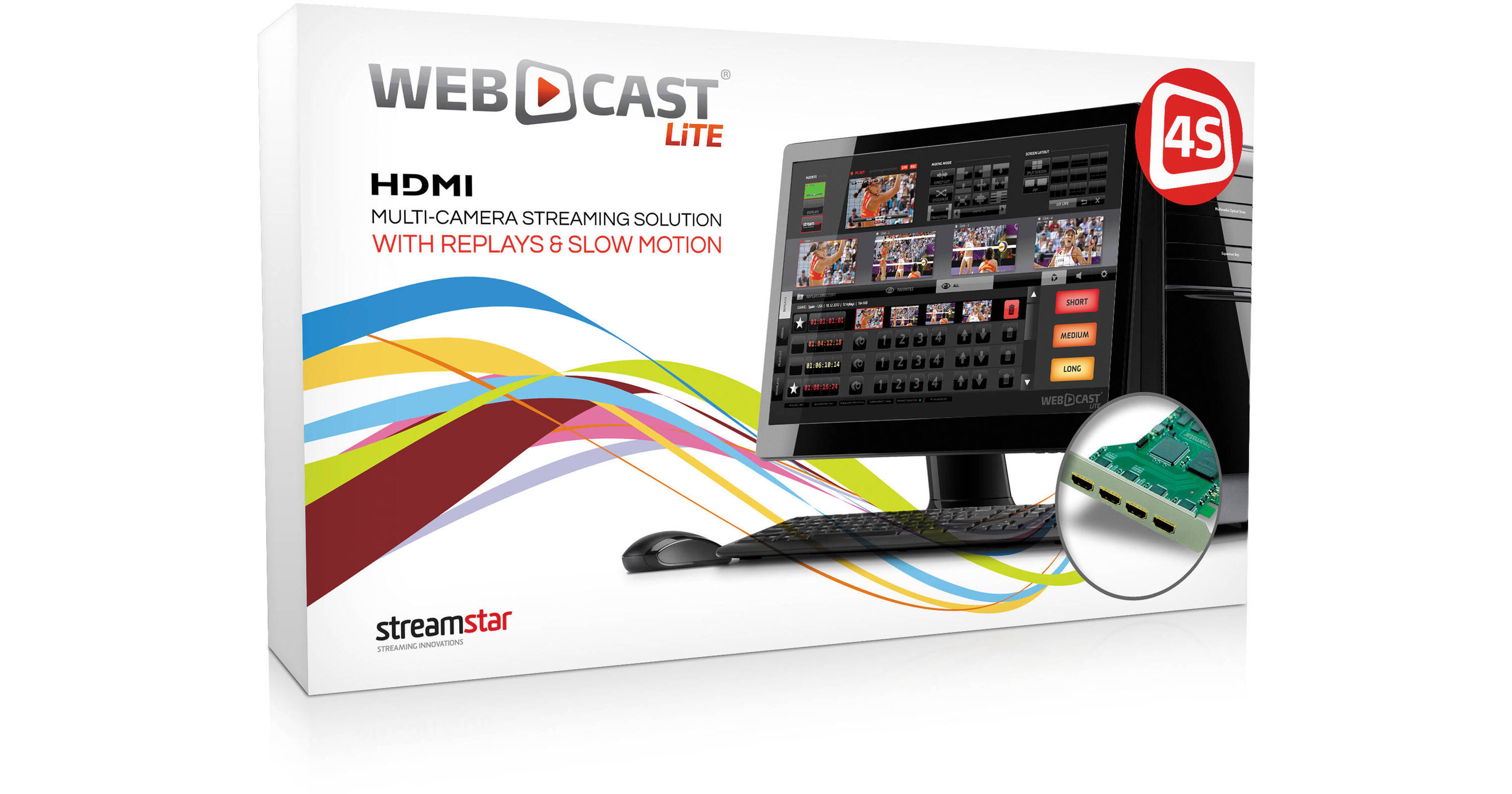
This bundle from STREAMSTAR features the WEBCAST LiTE 4S Sports Edition streaming and live switching software plus a four-input HDMI capture card. On top of all of the features of the regular version, the Sports edition adds ISO (isolated) recording of all four input channels for slow-motion replay or reuse later. This hardware and software combination allows you to switch between four local cameras - or any other non-HDCP source - plus it can receive up to four remote sources via IP. In addition to switching, the software can stream to the Web at up to 720p60, with settings to support a range of CDNs (content delivery networks). It can also record the program (PGM) feed at web streaming or archival quality for later upload or editing. The software is for Windows 7 64-bit and is intended to run on select HP and ASUS hardware configurations (please refer to the system requirements). The user interface has been laid out to put what you need at your fingertips all of the time, and is touchscreen-enabled for users with touchscreen displays - otherwise keyboard and mouse operation is possible, too.
With Internet video increasingly supplanting television broadcast, the demand for a comprehensive switching and streaming solution is ever growing. Given features such as a media player allowing you to build playlists, the ability to play back a range of codecs without transcoding, and an integrated audio mixer, it is possible to manage an entire production from just this application. Potential user groups include news programs, live event coverage, houses of worship, corporate event coverage, and really anyone managing multiple cameras - in studio or on location - while limited to a small production team.
- Capture and playback replays of every camera in three different durations - Short, Medium, or Long
- Simply press the Capture button for each duration to create a replay set of all cameras. A preview of all angles is immediately available and any camera angle can instantly be played back for preview or to use in the program feed
- The duration of a replay can be set individually to suit your production requirements
- All capture replays are stored in a list to be accessed when needed. The replay plays back in 50% slow-motion by default, but the speed can be adjusted on the fly ranging from ultra slow to fast
- Direct Cut: Select a new source - a camera or from the media player - simply by tapping on in tap on it in the user interface
- Crossfade: Like Direct Cut, except the cut is executed via an automated crossfade of user-defined duration. Duration adjustment bar (T-bar) is also provided
- Transition: When selected, the cut is executed via one of the predefined transitions. Select the transition type from the selector matrix and complete the cut by tapping any source preview player (camera, media, playlist, replay, etc.). The duration of the transitions is adjustable and transitions can be modified or customized to suit production needs
- Overlays: Layer for insertion of static or animated graphics like lower 3rds and bumpers titles
- Logo: Layer for the insertion of a production logos, station ID bugs, or any animation
- Load an unlimited number of clips for instant use in the production
- Set clips parameters and options
- Set loops
- Control audio
- Sort and reorder clips
- Assign clips to playlists
- Preview clips
- Create an unlimited number of playlists for instant use in the production
- Set playlist parameters and options
- Set each playlist to play on a loop
- Set clip loops within the playlist
- Control the audio of the whole playlist
- Control the audio of each individual clip within the playlist
- Sort and order playlists
- Sort and order clips within a playlist
- Preview all clips within a playlist
A high-quality version of the PGM feel can also be recorded to an internal or external hard drive in HD MPEG-2 at 18 Mbps or SD MPEG-2 at 10 Mbps