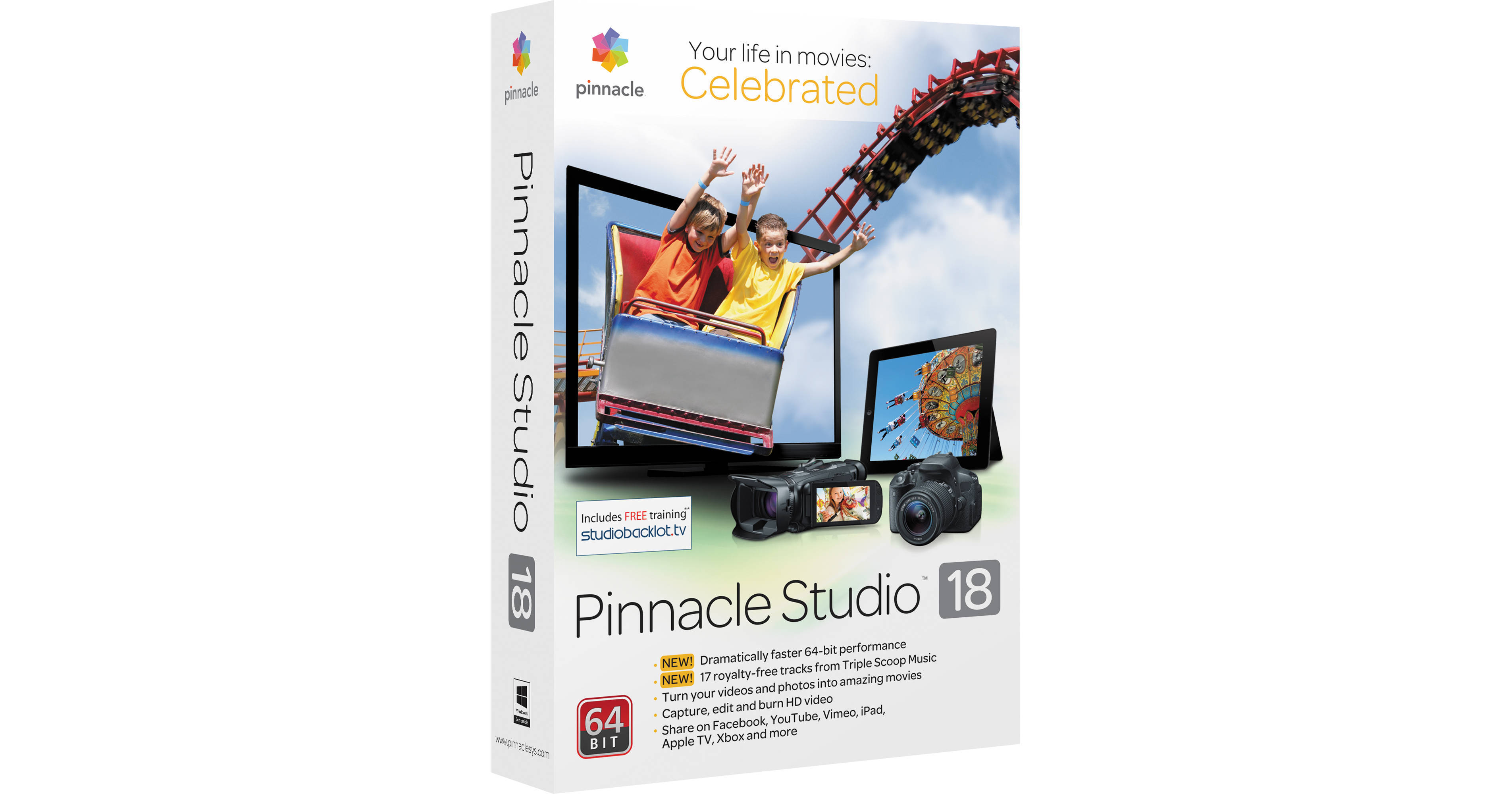
Among other enhancements, Pinnacle Studio 18 Standard Video Editing Software for Windows - boxed version - improves upon version 17 by adding native support for 64-bit processor architecture, enabling increased performance when used on 64-bit copies of Windows. With Pinnacle Studio, you can import from a range of cameras, camcorders, and devices, whether file-, disc-, or tape-based. Use drag-and-drop editing with SmartMovie to create movies automatically, or go to the timeline for precise editing of up to 6 tracks. So your video will sound as good as it looks, Pinnacle Studio includes 17 royalty-free audio tracks from Triple Scoop Music, a new addition that compliments the Scorefitter Sounds & Music library which was also available in version 17. Once done editing, you can share your creations on DVD or AVCHD disc, upload to social media websites, or export for playback on a range of devices.
Ask Our Experts800-606-6969
Hello, Log InAccount & Orders
Video Chat with a Pro Video Expert - Live
Key Features
- Drag-and-Drop HD Video Editing
- Imports, AVCHD, H.264, DVD, and More
- Support for FireWire and Analog Capture
- Includes 17 Royalty-Free Tracks
Among other enhancements, Pinnacle Studio 18 Standard Video Editing Software for Windows - boxed version - improves upon version 17 by adding native support for 64-bit processor architecture, enabling increased performance when used on 64-bit copies of Windows. With Pinnacle Studio, you can import from a range of cameras, camcorders, and devices, whether file-, disc-, or tape-based. Use drag-and-drop editing with SmartMovie to create movies automatically, or go to the timeline for precise editing of up to 6 tracks. So your video will sound as good as it looks, Pinnacle Studio includes 17 royalty-free audio tracks from Triple Scoop Music, a new addition that compliments the Scorefitter Sounds & Music library which was also available in version 17. Once done editing, you can share your creations on DVD or AVCHD disc, upload to social media websites, or export for playback on a range of devices.
More DetailsNo Longer Available
Pinnacle PNST18STENAM Overview
What's New for Version 18?
64-Bit Performance
64-bit support means Pinnacle can take advantage of more RAM and perform many computation more quickly than is possible with 32-bit. A 64-bit version of Windows is required to take advantage of this feature
17 Royalty-Free Tracks
Pinnacle Studio now includes 17 music tracks - in addition to the Scorefitter library - for you to incorporate into the soundtrack of your movies
Video Editing
Drag-and-Drop HD Video Editing
Choose the editing approach that's right for your project. For instant results, drag-and-drop your desired media elements from the library into SmartMovie to automatically make complete videos, including music. Use Storyboard mode to create first drafts and visualize your movie. At any point, switch to the timeline for more traditional and precise editing
Timeline Editing (6-Tracks)
Ready for more traditional editing? Set source clip trim in/out points, then send your trimmed clips to the timeline. Six tracks let you create sophisticated picture-in-picture and multi-layer effects in HD with frame accuracy
Edit Anywhere, Anytime
Work on projects anywhere with Pinnacle Studio for iPad (available separately), then transfer them to Pinnacle Studio for further polishing. Try Project Packages to bundle together all of the media files related to a given movie, taking the work out of organizing and assuring that you always have all the files you need
Audio Editing
Scorefitter Sounds & Music
Add music with the included Scorefitter library of royalty-free sounds and songs - they even automatically adjust to fit the length of your movies
Titles, Effects, and Image Correction
Titles and Overlays
Add titles to your photos and videos, or overlay a graphic on your project and set the length of duration
Energize with Over 1,500 Effects, Transitions and Templates
Add excitement and polish with over 1,500 2D/3D effects, animated titles, and transitions. The included Montage templates provide preset themes - weddings, sports, holidays, sci-fi, comics and more. You can even customize them for just the right look
Rotate and Flip Video
Whether from an action camera mounted upside-down or a smartphone in "portrait" mode, you can flip the image so it's the right way
Photo Slideshow
Create photo slideshows complete with transitions, titles, and effects, or combine photo and video for the perfect montage
Stop Motion and Green Screen
Create animations and fast-motion effects with stop-motion capture. Pinnacle Studio even lets you superimpose people you've shot in front of a green screen over different backgrounds
File Management
Import Your Digital Media
Import your videos and photos manually or automatically from a range of devices - camcorders, digital cameras, webcams, tablets, mobile phones, handheld audio recorders, and more . Pinnacle Studio also supports tape-based and analog devices (in some cases addition interface hardware may be required), and even imports audio files in 5.1 surround format (output is 2-channel only)
Organize and Polish Media
Organize and rate your video clips, photos, music, and other elements in the built-in media library, to easily find and reuse them. You can even correct and enhance your source media in the library without any additional apps. Crop, pan-and zoom, and eliminate red eye from photos. Equalize and clean up noisy audio. Color-correct video and stabilize shaky footage
Export and Sharing
Pinnacle PNST18STENAM Specs
System Requirements
| Operating System | |
| CPU | |
| RAM | |
| Graphics Hardware | |
| Display Resolution | |
| Audio | |
| Disk Space | |
| DVD-ROM Drive | |
| Internet Access | |
| Optional Hardware |
Video Capture
| Supported Capture Methods |
Supported File Types
| Import Formats | |
| Export Formats |
General
| Supported Languages |
Packaging Info
| Package Weight | |
| Box Dimensions (LxWxH) |
Pinnacle PNST18STENAM Reviews
See any errors on this page?