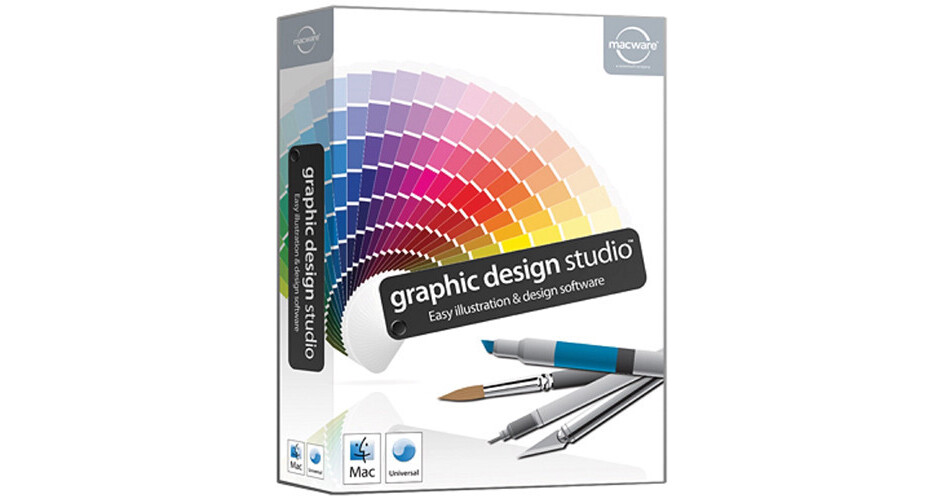
The download version of Graphic Design Studio for Mac from Summitsoft makes it easy to draw an unlimited number of new designs and graphics that can be used for any personal or business project. You don't need to be a graphic design professional to create artwork for any print or online project. Use the vector drawing tools to sketch out your design, or import a vector graphic in SVG (Scalable Vector Graphic) format to add your own creative touch. Beginners to graphic design can get started quickly by using any of the 300+ pre-designed, royalty free design ideas and graphics without the hassle of starting from scratch. Vector illustration tools in the software allow you to scale designs to any size without losing their sharpness and clarity, and import and export SVG files that remain fully editable by Graphic Design Studio or any other vector editor (Adobe Illustrator, for example). You can even make your design background transparent to easily blend in on any Web or print-based project.
Use Graphic Design Studio to design Web buttons, drawings, icons, logos, tattoos, banners, email and website graphics, cartoons, text art, posters, t-shirt designs, or anything else you can come up with. The software is designed to meet the needs of both new and experienced graphic designers, making it easier to quickly create graphics for any project at home or for business. Graphic Design Studio is suitable for seasoned graphic design professionals or beginners and supports SVG, PDF, PNG, JPEG, BMP, TIFF, GIFF, EPS, and more.Boolean operations to create new shapes
Create text art and add text to any path
Full support for SVG files, including import and export
Knife tool to slice graphics on the canvas
Eraser tool to remove parts of graphics
Blend tool to create 3D tunnel effects and unique shapes
Component Library to save and reuse new graphics you create
Full layer support
120+ creative filters and effects
15 commercial use fonts
Royalty free photos and images
Creative background and fill textures
Solid, text, and artistic strokes for added style
Automatically smoothes choppy freehand drawings
Artistic color palettes and gradients
Instant alignment tools
Detailed help guide