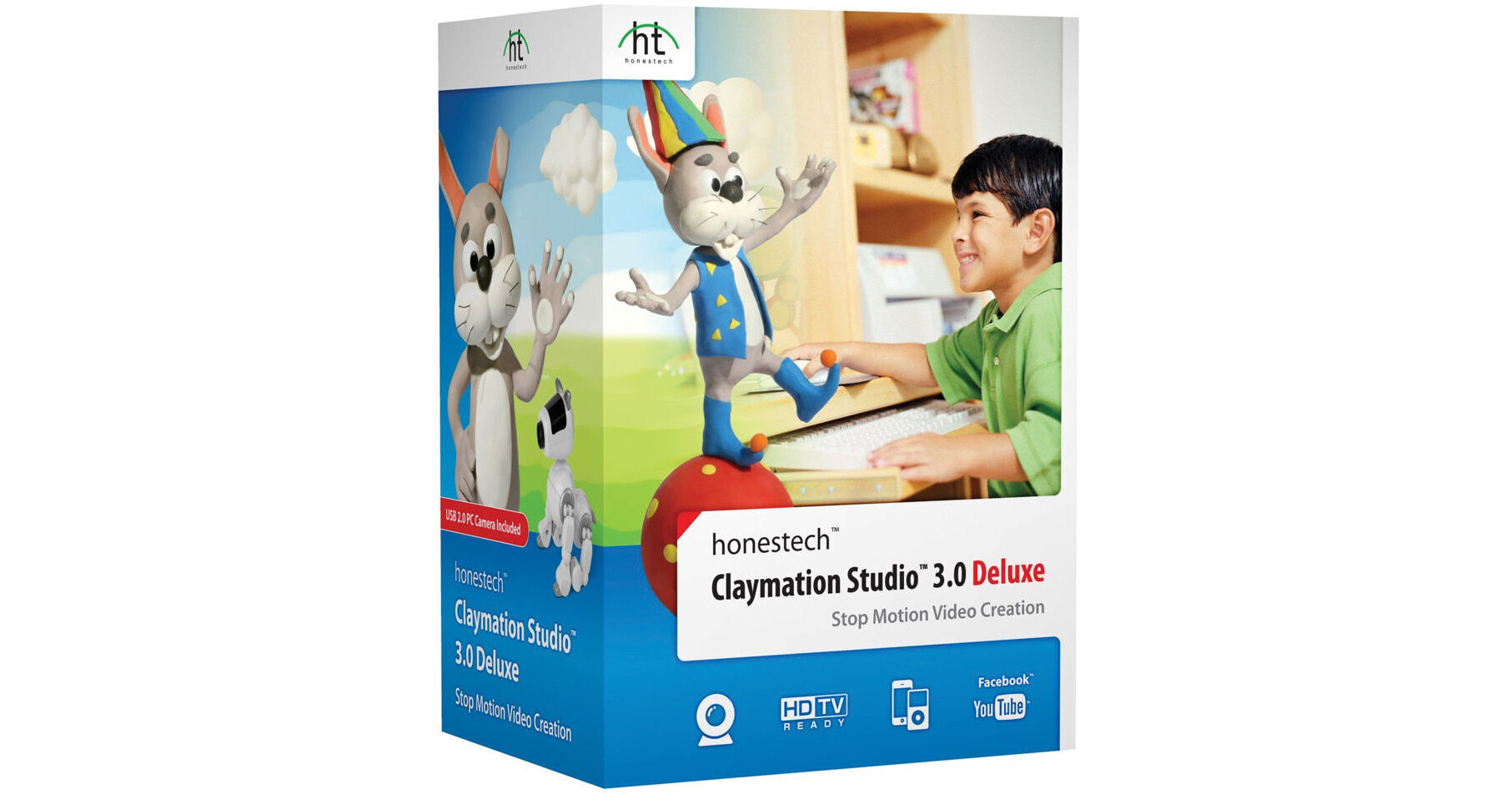
Honestech Claymation Studio 3.0 (Download)

BH #HOCMS3 • MFR #CLAYSTUDIO3
Print
Honestech Claymation Studio 3.0 (Download)
Key Features
  • Create Stop-Motion Videos
  • Capture Images Using a PC Camera
  • Onionskin
  • Chroma Key
The download version of Claymation Studio 3.0 from Honestech allows you to easily create stop-motion video. Capture images using a PC camera, add background images, audio, and music to create your own stop-motion movies. Claymation Studio 3.0 is an easy-to-use, stop-motion authoring studio which enables novice users to create stop-motion video, animation, and cell-based videos from imported images, photographs, music, audio, and recorded sound tracks.
More Details
Digital
No Longer Available
No Store Display
Ask an Expert
800-606-6969

Honestech CLAYSTUDIO3 Overview

The download version of Claymation Studio 3.0 from Honestech allows you to easily create stop-motion video. Capture images using a PC camera, add background images, audio, and music to create your own stop-motion movies. Claymation Studio 3.0 is an easy-to-use, stop-motion authoring studio which enables novice users to create stop-motion video, animation, and cell-based videos from imported images, photographs, music, audio, and recorded sound tracks.

Onionskin
View previous frames in transparent overlay to help you capture or create the next frame/image
Chroma Key
Using a blue/green screen, you can easily change the background to create a suitable setting for your subject
Audio Recording
Add your own sound effects, voice, and background music to your stop-motion video
YouTube/Facebook
Upload your movie directly from the software with one-click option
iPhone/iPad
Convert created video into MPEG4/AVC format to watch on your portable device

Honestech CLAYSTUDIO3 Specs

System Requirements
Windows 8/ 7/Vista operating system
USB 2.0 host controller/port
Pentium IV 1.8 GHz or equivalent processor
128 MB of RAM (256 MB or higher recommended)
50MB free hard disk space for program installation
Microsoft DirectX 9.0 or higher
Windows Media Format SDK 9 or higher
Windows Media Player 7 or higher
Compatible Camera Devices
USB/USB HD webcam
Camcorders with FireWire (IEEE 1394) connections
Canon/Nikon DSLR cameras with Live View support
Input/Output Format
Image Input: JPEG, BMP, PNG, GIF
Audio Input: MP3, WAV
Video Output: WMV, MPEG1, MPEG2, HD MPEG, iPad, iPhone, iPod, PSP, YouTube, Facebook
Supported Languages
English, French, German, Portuguese, Spanish

Honestech CLAYSTUDIO3 Reviews

See any errors on this page?
Whatever You Need, We've Got It