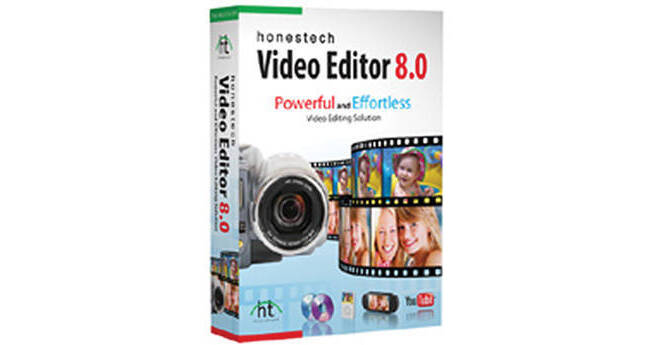
The download version of Video Editor 8.0 from Honestech is easy to use software for beginners and provides many creative options. It features two modes, one is Easy Mode and the other is Advanced Mode. The Easy Mode is made up of simple three-step process and is recommended for beginners. The Advanced Mode has powerful editing tools including timeline and various special effects to help you create professional quality video.
For Beginners
Easy Mode
It provides an intuitive video editing solution that is easy to learn for beginners
You will be able to easily edit video files
You will be able to easily edit video files
Import and Split
Import and split video clips
Rearrange a video sequence as needed
Rearrange a video sequence as needed
Add Effects
Add 82 special effects, 84 transition effects, and 79 title effects to video
Publish
Output your video onto DVD or a file format
One Cut Editing
Easily edit video clips like filmstrip cutting
Automated Title/Credits
Easily add introduction/ending credits and on-screen text to your video
Automated Transition Effects
Create exciting video with various transition effects
Blu-ray Disc Burning
Suitable for burning HD video that requires greater storage
Real-Time Preview
Preview special effects, transitions, and overlays without rendering
Custom DVD Menu
Easily create your unique video disc menu with theme options
For Creative Options
Advanced Mode
It provides powerful editing options including timeline and 245 visual effects to help you create professional quality video
File
Import personal videos, digital photos, and audio files
Overlay
Create picture-in-picture effects
Capture
Capture video and audio from a DV/HD camcorder, TV tuner, webcam, microphone, and more
Titles
Add various on-screen text effects
Effects
Add various special effects to enhance the quality of your video
Output
Supports MPEG, AVI, DV-AVI, and WMV formats
Transitions
Add transition effects between scenes
Disc Burning
Output your video on DVD, CD or Blu-ray disc (requires Blu-ray writer)
All-In-One
Audio Recording
Record audio and import background music to multiple audio tracks
PSP and iPod Formats
Convert edited video into MPEG-4 format so that you can watch it on your PSP and iPod
Upload to YouTube
Uploading video to YouTube is easier with One-Click option
Game Consoles
Watch your final movie on game consoles