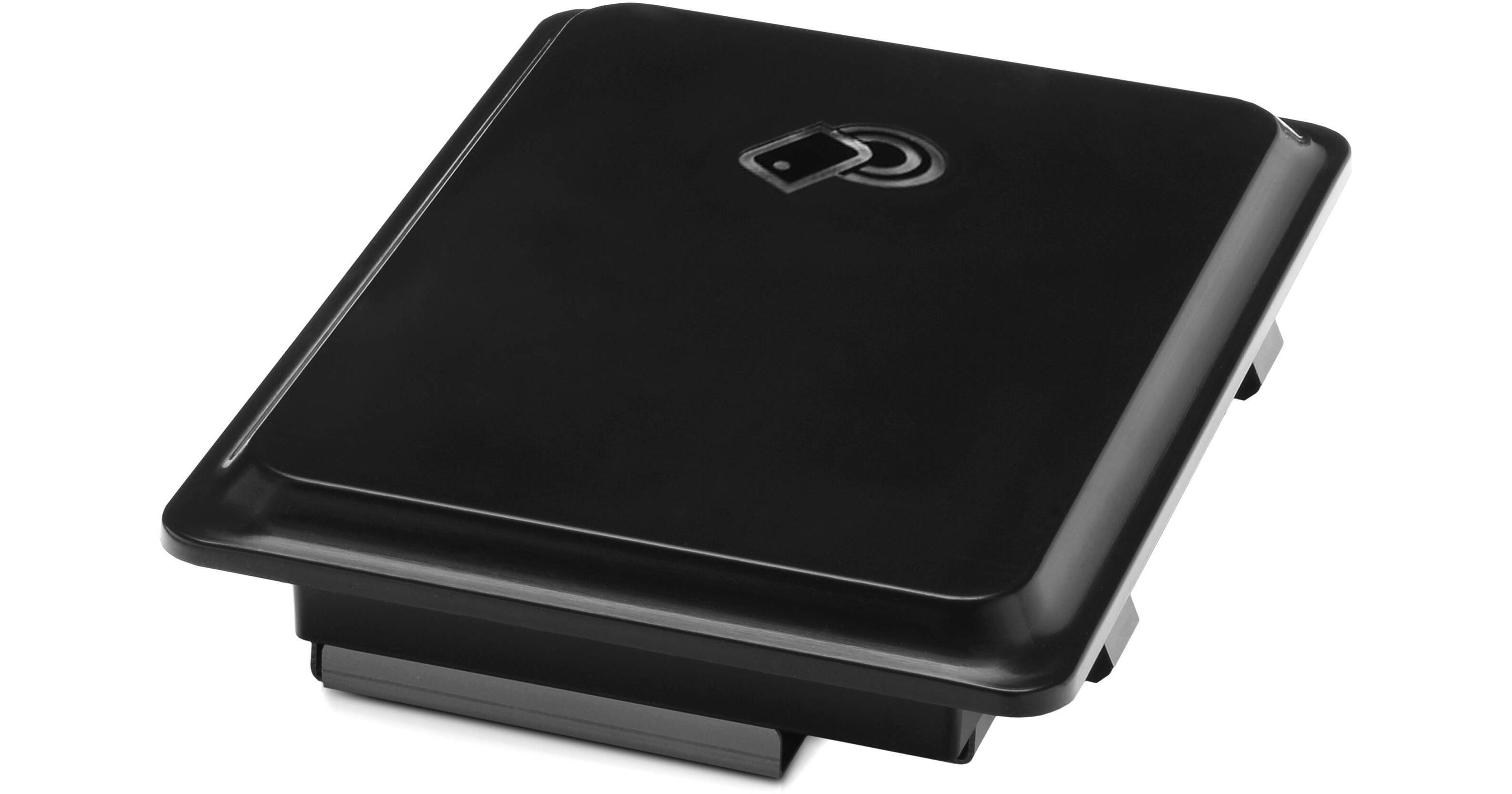
Install the Jetdirect 2800w Wireless Direct/NFC Accessory from HP into the Hardware Integration Pocket (HIP) of supported HP devices. Once installed, this direct/NFC accessory offers both wireless direct printing and touch-to-print functionality making it easy to print from mobile devices via the wireless direct signal or through NFC connectivity. When printing directly using the wireless signal, a dedicated peer-to-peer signal is established, eliminating the hassle of connecting to a Wi-Fi network. To utilize the NFC connection, simply place an NFC enabled iOS, Android, or Windows device directly on the NFC accessory to print.
Add Simple Wireless Printing to Your Fleet
- You can easily update your HP LaserJet printer or MFP with wireless direct printing and touch-to-print technology and print securely from smartphones, tablets, and notebook computers.
Just Go and Print
- It installs in the Hardware Integration Pocket (HIP) of supported HP devices, enabling both wireless direct printing and touch-to-print.
- With wireless direct printing, you can simply connect your mobile device to a printer or MFP in the same way you would discover and connect to a public wireless network.
- You can walk up and print from your NFC-enabled smartphone or tablet with just a touch. NFC (Near Field Communication) automatically discovers the printer for you thus creating a one-to-one connection using wireless technology.
- Both wireless direct and touch-to-print technologies use a peer-to-peer connection, allowing mobile users to print without accessing the company network.
- You can easily manage the HP Jetdirect 2800w across your fleet of HP devices through HP Web Jetadmin remote management software or the HP Embedded Web Server (EWS). Turn wireless printing capabilities on and off, and control printer use by enabling a pass phrase.
- Print files are sent using 128-bit encryption thus providing the highest levels of security.
Easily Print from Mobile Devices
- The embedded print functionality for Apple iOS, Samsung Android, and Windows 8 ensures that you can directly print from your phone without the need for an app. For mobile devices without built-in print support, you will need to download the HP ePrint app5 or HP ePrint software.