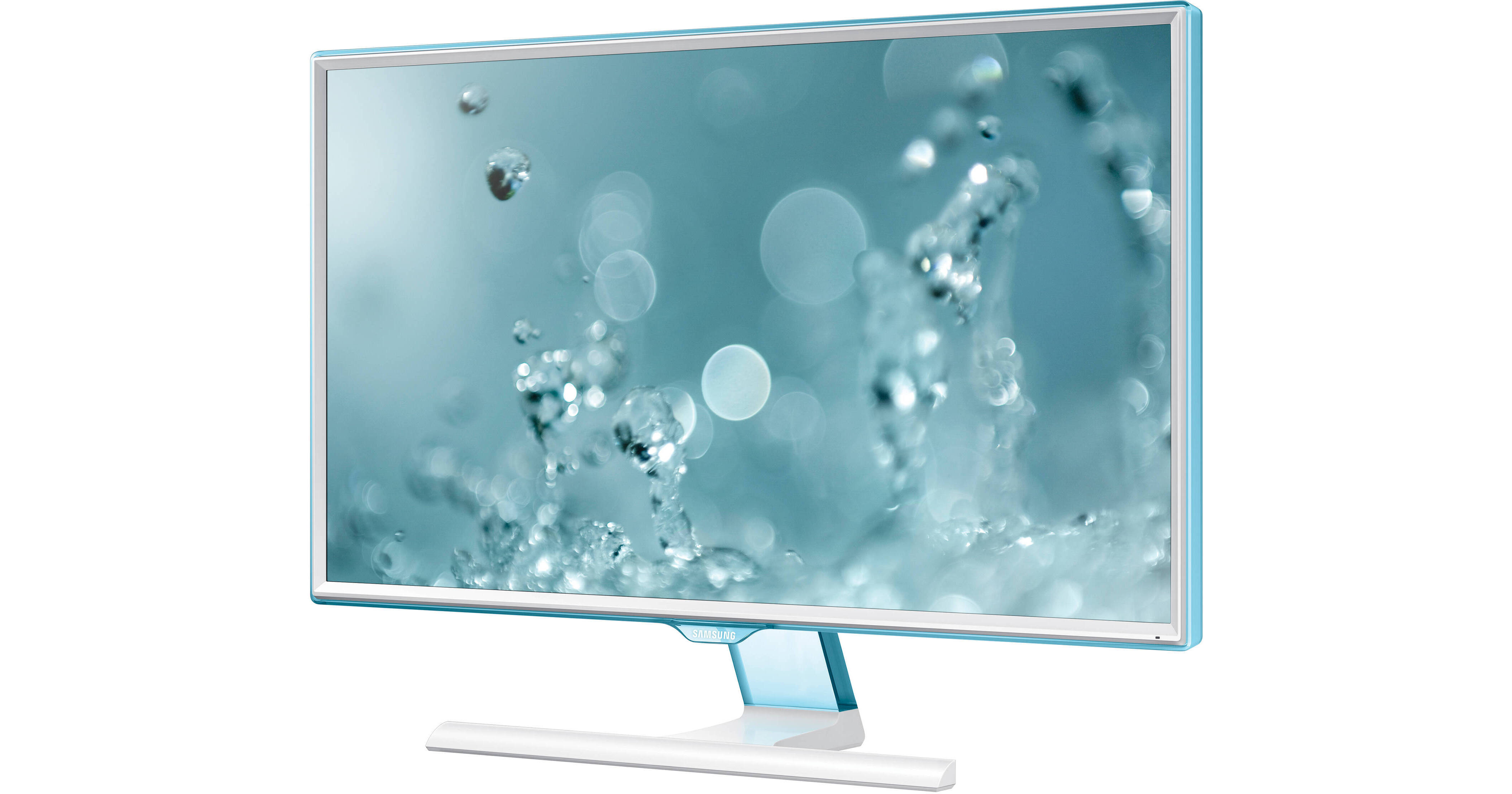
Reduced size bezels found on the S27E360H 27" Widescreen LED Backlit LCD Monitor from Samsung allow you to concentrate on what is being displayed on the monitor. Accompanying the reduced size bezels you will find a T-shaped stand that can be tilted to maximize viewing comfort. The Full HD 1920 x 1080 resolution display features Samsung's own Mega Dynamic Contrast ratio for deeper dark and brighter light colors along with 178° horizontal and vertical viewing angles. You also benefit from reduced blue light and flicker free technologies to reduce eye strain when viewing the display for extended periods of time. Setup and configuration is simple with D-Sub and HDMI connectors making this monitor compatible with a wide range of computer configurations.
Ask Our Experts800-952-1815
Hello, Log InAccount & Orders
Key Features
- PLS Panel Technology
- D-Sub & HDMI Inputs
- 1920 x 1080 Resolution
- 178°/178° Viewing Angles
Reduced size bezels found on the S27E360H 27" Widescreen LED Backlit LCD Monitor from Samsung allow you to concentrate on what is being displayed on the monitor. Accompanying the reduced size bezels you will find a T-shaped stand that can be tilted to maximize viewing comfort. The Full HD 1920 x 1080 resolution display features Samsung's own Mega Dynamic Contrast ratio for deeper dark and brighter light colors along with 178° horizontal and vertical viewing angles. You also benefit from reduced blue light and flicker free technologies to reduce eye strain when viewing the display for extended periods of time. Setup and configuration is simple with D-Sub and HDMI connectors making this monitor compatible with a wide range of computer configurations.
More DetailsNo Longer Available
Samsung S27E360H Overview
Reduced Bezel Size
The bezels on all four sides are super slim, especially the one running along the bottom to naturally draw your eyes to the screen.
Wide Viewing Angles
With 178° horizontal and vertical viewing angles you benefit from an optimal and comfortable viewing experience from nearly any angle.
Eye Saver Mode
Unlike other colors emitted from screens, blue light wavelengths have a more stimulating effect on the retina, causing eye fatigue. Eye Saver Mode optimizes your viewing comfort by smartly reducing blue light emissions at the touch of a button.
Flicker Free
Flicker Free technology reduces screen flickering for a more comfortable viewing experience.
Eco Saving Plus
Eco-saving technology reduces screen brightness for increased energy efficiency. In addition to the two standard manual settings (minimum at 25% and maximum at 50%), there is now an Auto Setting that reduces energy by up to 10%, based on the luminescence of the screen's black sections. The screen brightness transitions fluidly while simultaneously saving energy.
Ultra Fast Response Time
A truly fast 4 ms response time lets you see even the fastest on-screen motion clearly and smoothly with less motion blur, judder, and ghosting.
Magic Upscale
Magic Upscale improves resolution of lower quality images and video so you can enjoy enhanced quality regardless of the original source.
Samsung S27E360H Specs
| Screen Size | |
| Active Display Size (H × V) | |
| Aspect Ratio | |
| Panel Type | |
| Dynamic Contrast Ratio | |
| Resolution | |
| Pixel Pitch (H x V) | |
| Response Time | |
| Viewing Angles | |
| Color Support | |
| OS Compatibility | |
| Interface | |
| Operating Temperature | |
| Operating Humidity | |
| Tilt | |
| Environmental | |
| Power Supply | |
| Power Consumption | |
| Power Adapter | |
| Dimensions | |
| Weight |
Samsung S27E360H Reviews
See any errors on this page?