
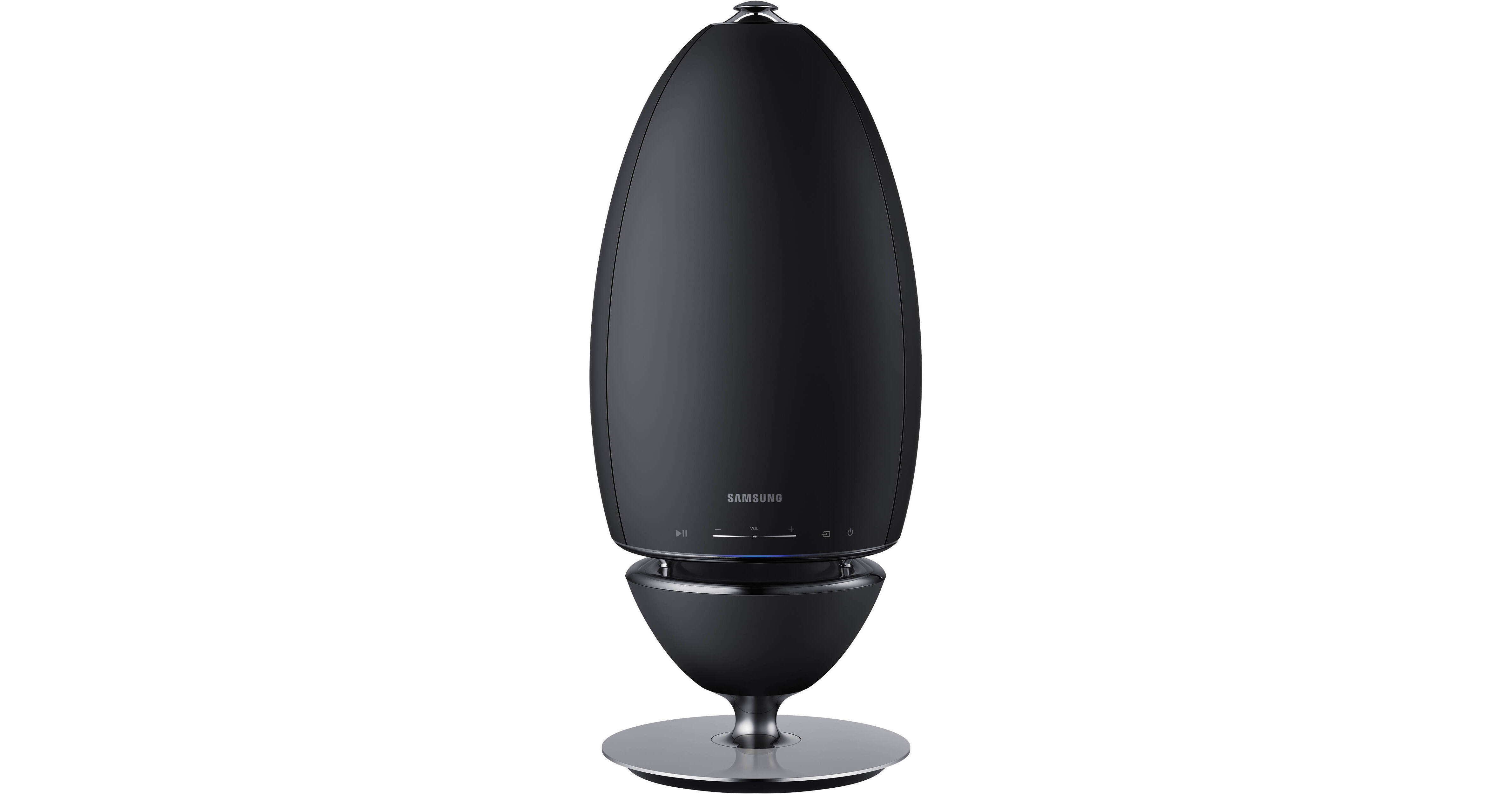
Samsung's WAM7500 Radiant 360 R7 Wireless Speaker offers a spacious, 360° soundfield. This omni-directional speaker is controllable via the free iOS and Android Samsung Multiroom app and features dual-band Wi-Fi and Bluetooth wireless connectivity. Once connected to your network you can use your smart device or computer as an audio source and even add additional compatible speakers along with the optional Samsung Hub. In addition to listening to locally stored content, the Multiroom app allows you to enjoy Internet radio sources.
Samsung Multiroom App
With the Samsung Multiroom app installed, you can play music stored in your smart device,
from connected devices and other content providers, and from Internet radio stations through
the speaker. Using the app you can control playback and select factory pre-sets or create your own settings by manually adjusting the loudness of six frequency ranges.
Grouping Multiple Speakers
When paired with the optional Samsung Hub, you can group multiple compatible speakers into one group that plays the same music. Grouping is available only when multiple speakers are connected to the same network. To add additional speaker(s) to a network that already has connected speakers, use the Add Speaker function in the multi-room app.
Multi-Room Desktop App
To play iTunes music files and other shared PC music files through your speaker, install the
free Wireless Audio Multiroom for Desktop program.
Additional Features
- Samsung TV SoundConnect connectivity with compatible TVs
- Front panel source, playback, standby, and volume controls