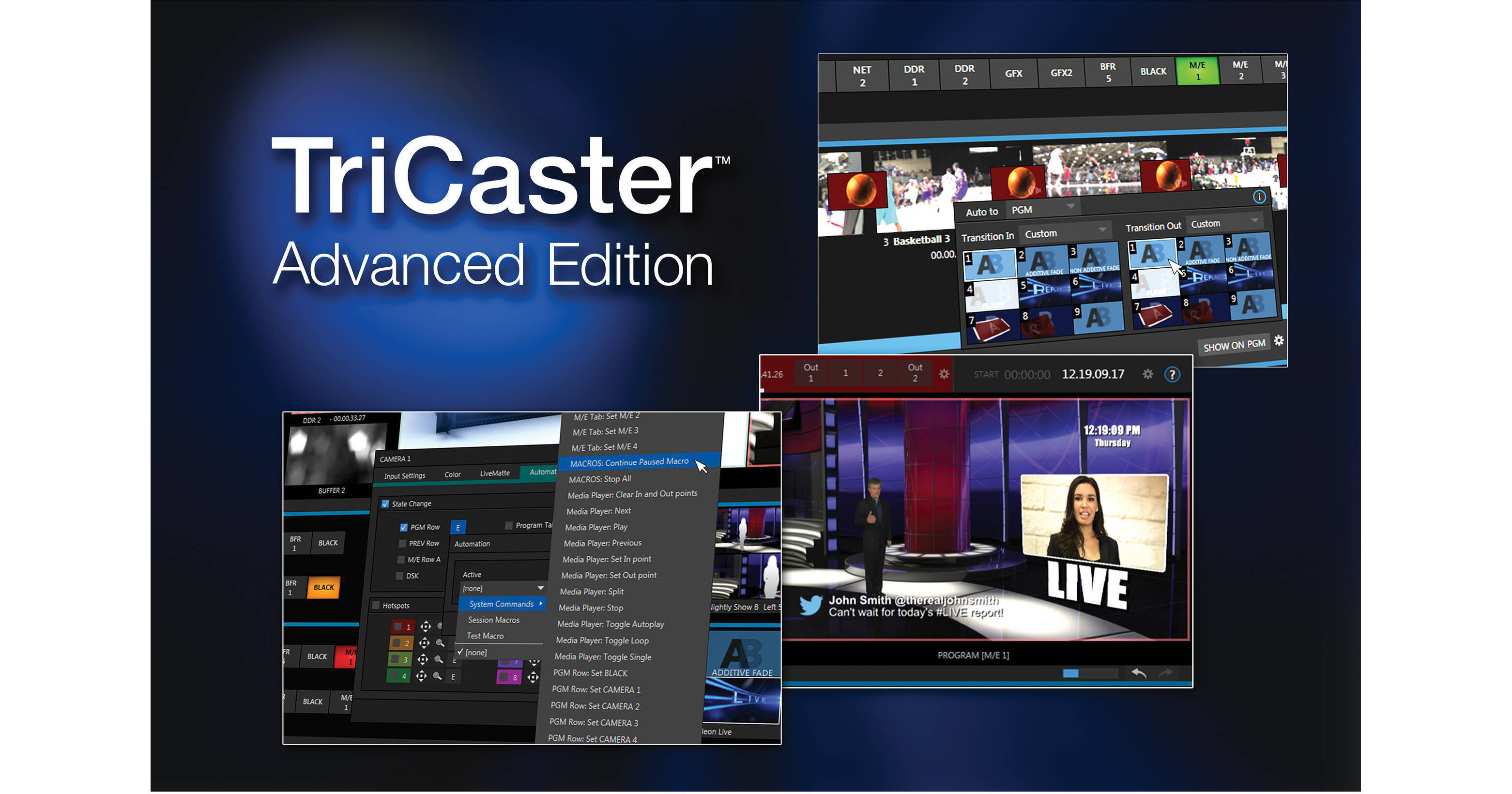
Expand the capabilities of your TriCaster 8000 switcher with NewTek's TriCaster Advanced Edition Software. Because the Advanced Edition is only a software update, the physical setup of your switcher does not change, however the capabilities of the very same hardware are expanded. With the updated software, NewTek also refreshed the user interface with a clean, understated appearance.
The Advanced Edition software enhances the graphics integration capabilities of TriCaster switchers. It enables data driven graphics with real-time updates, and advanced 3D implementation of layers of video, graphics, or text that behave like elements in the scene. Virtual inputs are also added for taking video sources over a network using the Dante protocol. Dante also provides network tally information for connected systems. You can also grab source material from the web, stream to multiple providers, and publish content to social media sites directly from your TriCaster 8000.
Audio Output Configuration: Dedicated output of Master and Aux audio mixes from TriCaster's built-in audio mixer directly to external audio gear. With this revised configuration, Master and Aux are supplied to the first two analog output groups, respectively.
Audio Recording Options: Capture your configurable sound source for ISO recordings with per-channel audio signal selection.
Default Media File Level: Reduce time spent on individually configuring audio levels for non-native clips and sound files, and instead assign a preset level to all files added to media players.
Noise Gate: Manage audio signals with greater precision using new noise gate settings in the audio mixer to exclude low-level sounds.
VU Meters: Determine audio clipping more easily and accurately with an updated VU meter interface.
DataLink File Watcher: Save time converting detailed information like sports statistics and sales data into graphics. With DataLink and a CSV, XML, or ASCII file, you can transform raw spreadsheet data into production-ready title pages that can be edited and updated in real time.
Macro Triggering: Gain additional flexibility for activating automated macro sequences with new triggers that include audio level changes, media playback, and specific switcher actions, and the ability to assign multiple triggers for the same macro.
Real-Time Clip Editing: Speed up turnaround of raw recordings and video files for DDR (Digital Disk Recorder) playback with easy, built-in clip splitting and trimming tools.
Blue Only Option: Calibrate video signals with greater flexibility and accuracy with a Blue Only viewport overlay compatible with any monitor.
Monitor Proc Amps: Compensate for environmental lighting conditions and external display settings with configurable color settings for the User Interface, Multiview, and display ports.
Multiview Scopes: Eliminate the squint factor and calibrate video signals with greater precision using large waveform and vectorscope displays on Multiview.
IP Network Tally: Reduce on-air mistakes with visual indication of on-air status supplied over the network to compatible systems that are sending output to TriCaster network inputs.
Metadata: Attach comments to sources, clips, and images to simplify your workflow. DataLink uses comments as internal data sources to feed titles, label published content, enter metadata, and more.
UI Enhancements: Work more efficiently and keep a closer eye on the show with new visual indicators, updated shortcuts and control tools, hover tool-tips, and other on-screen improvements.
Button Lock: Protect your live program from accidents or mistakes by locking control surface buttons to their current state.
Session Recordings: Locate and verify active and completed recordings more quickly with a dedicated Session Recordings browser folder.
Flex Media Publishing: Publish more files to more places in more formats using an upgraded publishing workflow that also supports file import, export, and transcoding right from the Publish queue.
Alpha Grabs: Grab stills of keyed visuals, complete with transparency, for publishing or post-production use.
Change Angle: Be ready for near-instant turnaround time between capture and playback of the best view of the action by changing the angle of ISO-recorded clips directly from the DDR.
Developer Library: Get even more out of TriCaster's deepest functionality and expand your entire production ecosystem using new tools and examples to develop your own workflow extensions.
Multi-Platform Live Streaming: Double your potential audience without adding a new encoder, reach more viewers and attract different audiences by live streaming to multiple platforms and services simultaneously.
Undo/Redo: Skip troubleshooting and backtracking by handling unwanted changes or unintended results instantly with undo and redo commands.
Effect View: Double-check every frame of your next sequence before it goes to air with Effect View. This enhanced preview mode-exclusive to TriCaster 8000-lets you screen everything your audience will see from start to finish in real time so that it appears exactly how you want it.
Auto Color: Reduce manual effort in correcting for variable lighting conditions and camera settings, especially at outdoor events that would often require a dedicated shading station, with automatic color matching between video inputs.
Border Effects: Create and customize on-screen elements and boost your production value with more detailed compositions, sophisticated visuals, and custom multi-box effects by adding borders and shadows to video layers.
Buffers: Upgrade your presentation without sacrificing the DDRs with access to and playback of stored animations, motion graphics, and looping clips with animation buffers.
Augmented Reality KEY Layers: Add another dimension to virtual set scenes with augmented KEY layers that track along with LiveSet zoom and pan movements-making them appear as an integral part of the set, instead of just overlays.
Creativity Extras: With support for formats like JPEG-XR, JPEG2000, and WebP, accept even more image files without conversion; compose shots and sequences using new additive and non-additive fade transitions, configure LiveMatte visuals using a new Lumakey setting, and easily incorporate explanations, descriptions, quotes, and more with title pages that support paragraph text.
Image Processing: Present more polished visuals with enhanced processing of still images and graphics, plus higher-quality LiveSet rendering and scaling.
TriCaster Home Page: Access IP management tools such as DataLink Web utilities, updates, downloads, documentation, tutorials, customer service, and more from a system-specific TriCaster Home Page accessible from your phone, tablet, or laptop - any supported device on the same network.