From Manufacturer
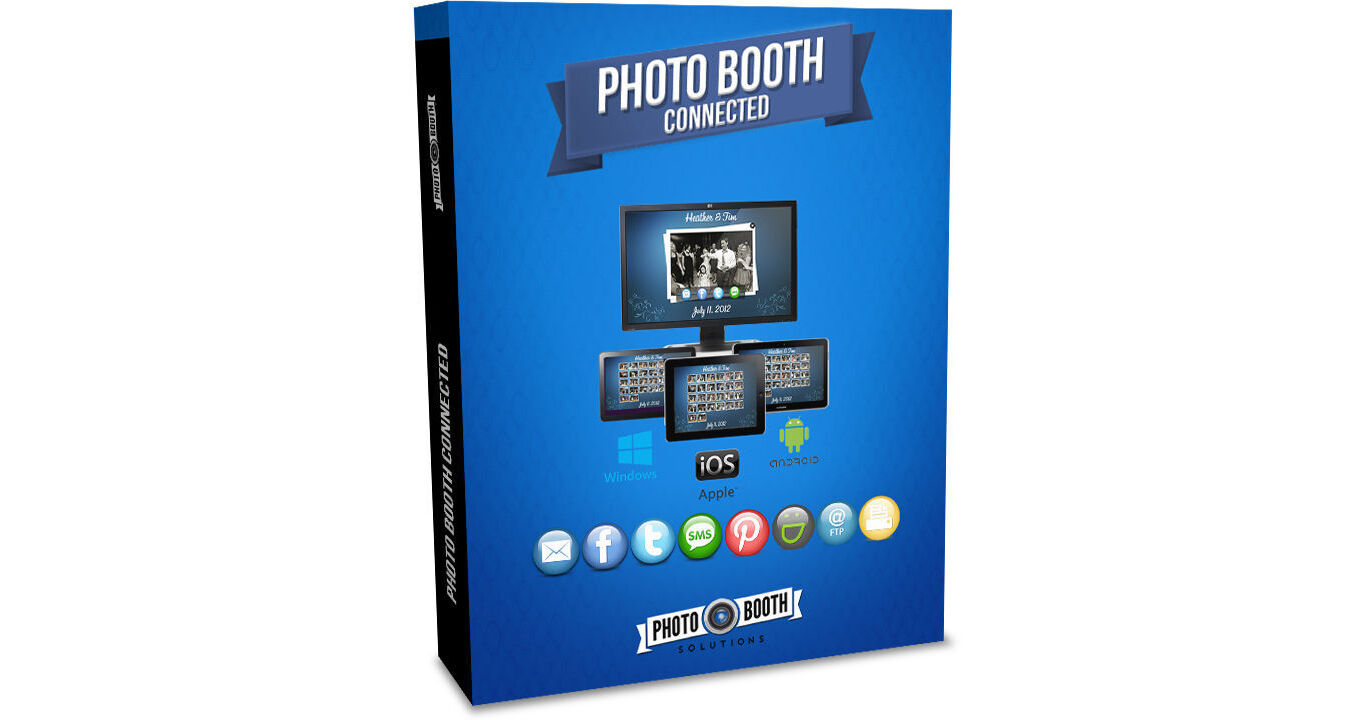
Photobooth operators and event photographers in need of PC, iPad, Android and Windows compatible software capable of uploading, sharing, and printing videos and GIFs will welcome the Photo Booth Connected Social Media Kiosk Software from Photo Booth Solutions. Fully-featured, this software can automatically add logos, overlays and filters for a more dynamic user experience. The built-in green screen removal is ideal for step and repeat photography with user selected backgrounds.
As with any event, collecting user metrics for later analysis is invaluable. To this end, the Photo Booth Connected software may be set to require users to answer questions as a prerequisite for sharing photos. This data is then stored along with email addresses, Facebook and Twitter user names and related information. Photo Solutions offer complimentary software, which may be used alone or together for greater synergy. As such, Photo Booth Connected easily integrates with BYO Booth for hashtag printing.
- PC's, Windows, Laptops, Win8 Tablets, iPads, and Android Tablets
- WinRT isn't supported
- Atom processors aren't recommended
- A PC is still required for the server component for iPad and Android clients
- Works with "Watch Folders" to import photos from other sources
- Designed as a companion to existing photo booth software
- Guests can login and share their photos from the booth or another kiosk
- Use with photo booth software as a social media plug-in
- Onsite printing and social media uploading capability for event photographers and others
- Works with an Eye-Fi card, a tethered camera, or copy and paste
- Automatically add logos and watermarks
- Create filters such as B&W, sepia, vintage, and green screen / chroma key removal
- Share and print photos from the kiosk via e-mail, Facebook, Twitter, SMS and Pinterest
- Also works with background loaders such as Client Facebook, Smugmug and FTP for storing photos at other locations automatically
- Users may also share videos
- Automatically add overlays to incoming photos
- Useful for social media client branding
- Guests may choose their own background from separate stations without direct photographer involvement
- Useful for increasing productivity at well attended events and step and repeat green screen photo shoots
- Require users to answer questions as a prerequisite for sharing photos
- Photo Booth Connected will then store data along with email address, Facebook and Twitter user names and assorted Facebook user info
- Measure and analyze user participation and dynamics
- Windows 7 (32 and 64bit)
- Windows 8 (32 and 64bit)
- i3 or i5 processor with at least 4GB of RAM
- PCs and tablets running Celeron or Atom processors are not recommended
- Monitor with 1920 x 1080 resolution
- Dye sublimation printer
- Canon DSLR or HD webcam