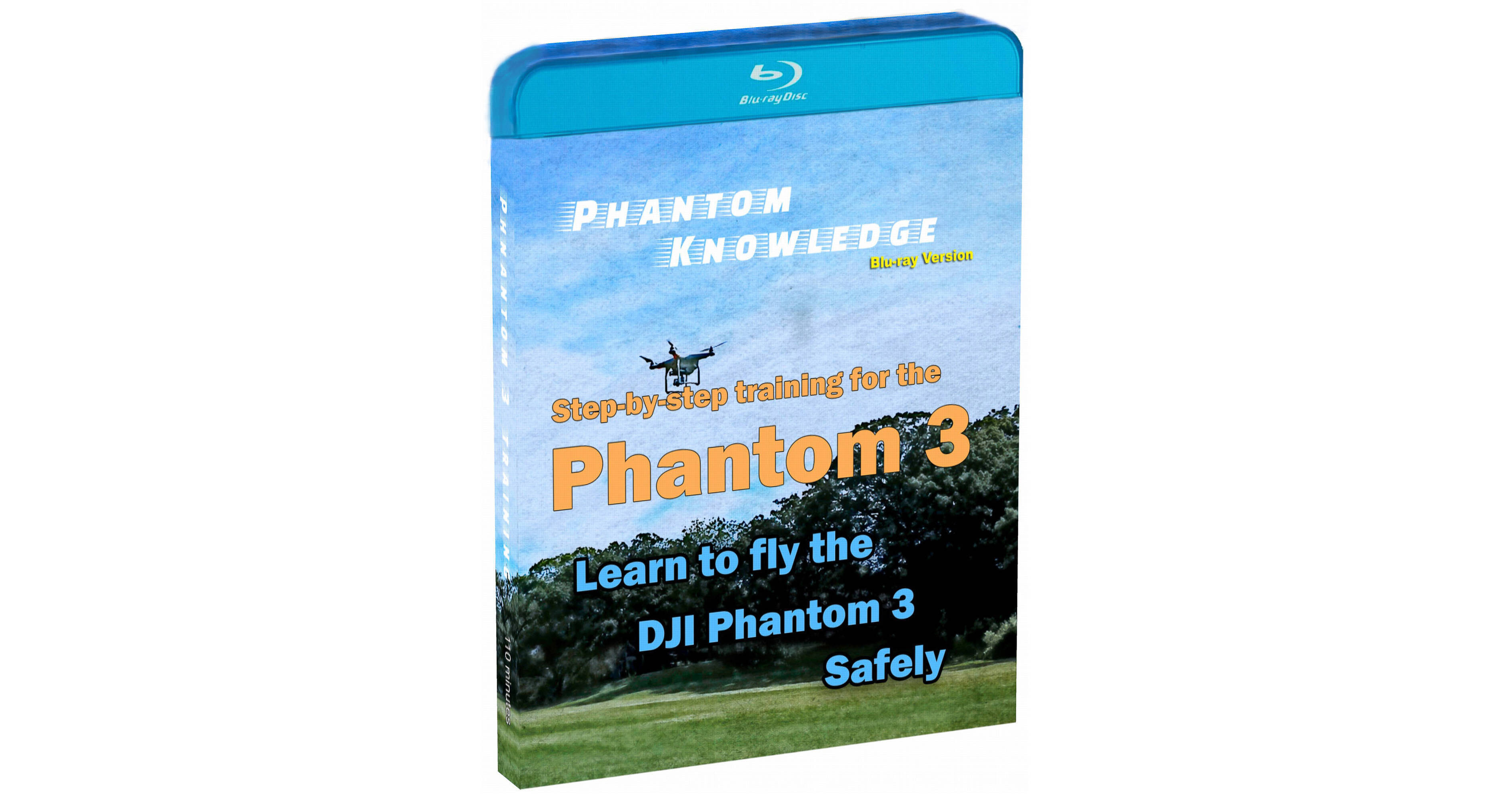
Learn to fly your Phantom 3 quadcopter with Jim Bendewald's Phantom Knowledge Phantom 3 Training on Blu-ray Disc. Starting from the most basic points, the course's three chapters cover what you need to do to start flying the Phantom 3 on your own with 110 minutes worth of video. Topics discussed include setting up your Phantom 3, including firmware updates, learning to use the pilot app, and taking your first flights using the flight simulator. Specifics on the course contents can be found below.
In this training Jim puts together the steps for getting started quickly and easily. The video creates a complete a story for getting the Phantom 3 out to fly. Phantom 3 Lesson One makes the pieces fit neatly together.
Lesson 1 Chapters
1. Overview 1:14
2. Charging Up 3:17
3. Remote Controller 4:15
4. Firmware Updates 10:10
In this Lesson viewers will get a quick overview of the Pilot App and then a more in depth view. Lesson Two provides plenty of tips along the way including understanding flight modes and the flight mode switch.
Lesson 2 Chapters
1. Activate the Phantom 1:10
2. Pilot Overview 2:00
3. Safe to Fly Menu 7:35
4. Mode Menu 12:16
5. Radio Controller Menu 19:33
6. Lightbridge Menu 25:50
7. Battery Menu 27:52
8. General Settings Menu 29:28
9. Camera Settings 35:10
10. Map View Settings 50:06
11. Live View Settings 56:00
12. Flying Modes 57:44
In this lesson you will learn how to use the flight simulator. The simulator is also used to help the viewer understand Course Lock and why it is so important. The lesson includes basics like the aircraft lights and how to put on the gimbal lock. Next, is the important section on the Preflight Check. After that, Jim demonstrates how to fly. Three flights are in a park and one flight is in a church atrium for demonstrating indoor flight.
Lesson 3 Chapters
1. Install Propellers 0:39
2. Flight Simulator 1:27
3. Simulator Course Lock 3:33
4. Some Basics 6:27
5. Preflight Check List 8:04
6. Transport the Phantom 12:35
7. First Flight - Preflight check 13:40
8. Second Flight - Course Lock 19:48
9. Third Flight - ATTI Mode 25:00
10. Fourth Flight - Indoors 28:46