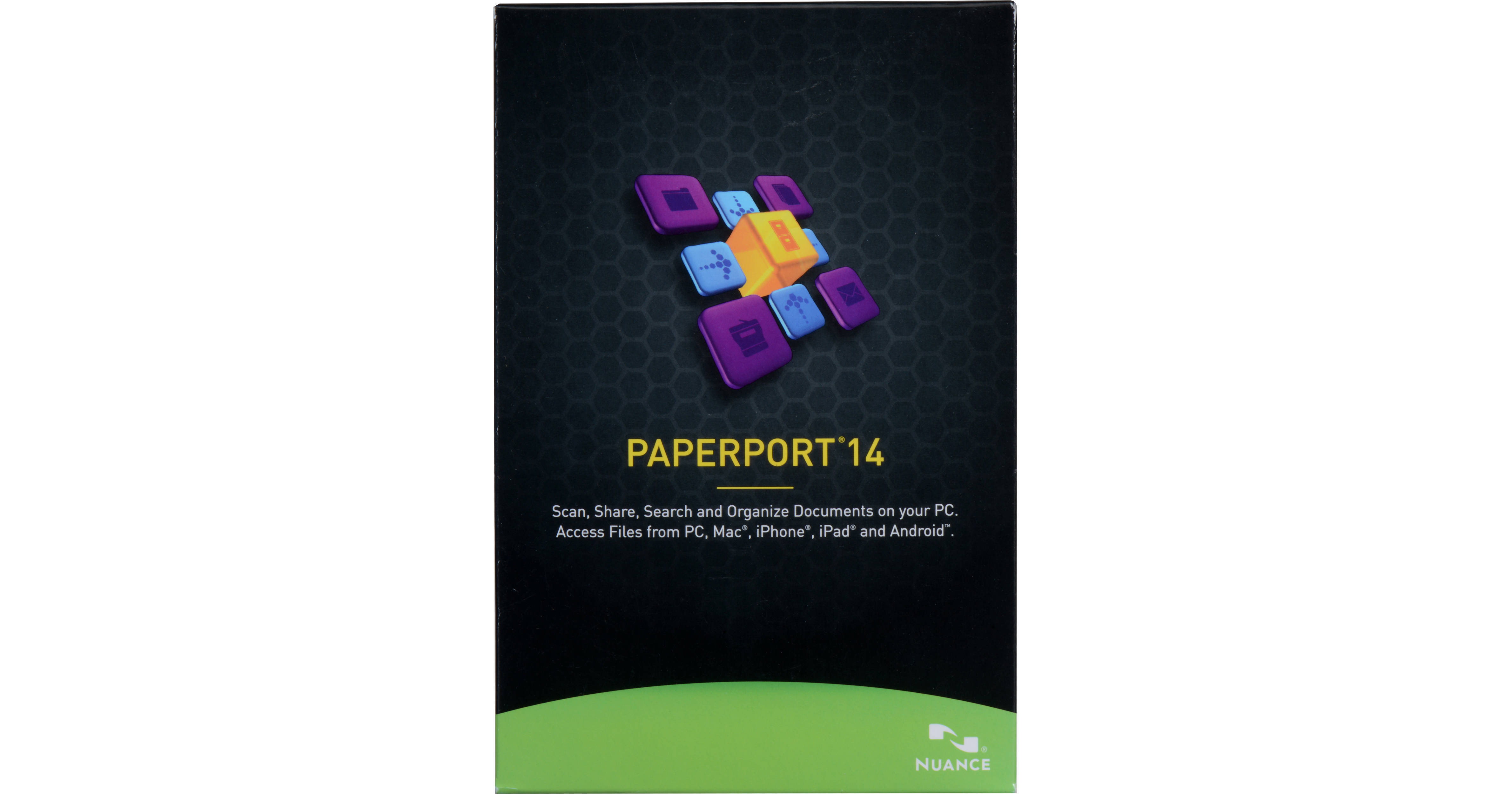
Nuance PaperPort 14 (Boxed)

BH #KO6809AG0014 • MFR #6809A-G00-14.0
Print
Nuance PaperPort 14 (Boxed)
Key Features
  • Turn Paper to Digital PDFs
  • Create PDF Files from Digital Files
  • Connect to the Cloud
  • Fillable Electronic Forms
PaperPort 14 from Nuance is a Windows software program that uses your scanner to convert paper documents into a searchable digital PDF format. You can also use it to create PDFs from digital files and save them into your computer. Moreover, this 14th version of PaperPort lets you save files online using your cloud service with the Nuance Cloud Connector feature. PaperPort 14 has also improved the scanner and image enhancement tools, which are used to enhance your digital photos.
More Details
No Longer Available
No Store Display
Ask an Expert
212-444-6615

Nuance 6809A-G00-14.0 Overview

PaperPort 14 from Nuance is a Windows software program that uses your scanner to convert paper documents into a searchable digital PDF format. You can also use it to create PDFs from digital files and save them into your computer. Moreover, this 14th version of PaperPort lets you save files online using your cloud service with the Nuance Cloud Connector feature. PaperPort 14 has also improved the scanner and image enhancement tools, which are used to enhance your digital photos.

By converting your paper files into searchable PDFs, you can quickly locate a specific file by simply entering keywords or phrases into a desktop search. To view, edit, and share PDF documents, PaperPort 14 includes PDF Viewer. FormTyper is another included feature that converts scanned paper forms into electronic forms, which you can fill out, save as PDF, and email. To prevent unauthorized access to your content, it can secure the PDF file with 256-bit AES encryption. Furthermore, PaperPort 14 lets you save up to five scanner profiles to help your digital PDFs look their best and Capture Assistant to guide you in your scans.

Convert Paper into Text
PaperPort 14 converts paper to text in one, easy step. Just drag and drop a scanned document onto any text application in the PaperPort "Send-to" bar to create editable text for instant use in word processing or spreadsheet software.
Find Information Instantly
Now you can create searchable digital PDFs from digital files and scanned paper documents. Then, to quickly locate a specific file, simply enter keywords or phrases into a desktop search.
Works with Virtually Any Scanner
PaperPort 14 is compatible with nearly all types of scanners such as an all-in-one printer, mobile scanner, or desktop scanner.
PDF Viewer
PaperPort 14 includes a PDF Viewer so you can view, edit, and share PDF documents.
Clean Up and Enhance Digital Photos
PaperPort helps make your digital photos look better with a feature-rich set of photo tools and an optimal resolution for screen and print.
Fill Out Forms Quickly, Neatly
FormTyper converts scanned paper forms into electronic forms you can fill out, save as PDF, and email.
Welcome to the Cloud
The Nuance Cloud connects your computer to the Cloud so you get automatic access to your most important folders, files, documents, and photos.
Security
With security features such as full encryption of documents in transit, state-of-the-art intrusion detection, and privacy certification, you can rest assured your documents, files, and personal information are protected.
Scanning Profiles
PaperPort 14 lets you create custom settings to get predictable results every single time you scan a document and save them into a profile.
Additional PaperPort 14 Features
  • Scan-To-Searchable PDF (WIA, TWAIN, ISIS)
  • Scan Direct Utility
  • PDF Viewer with FormTyper and ImageViewer
  • Print to Image PDF
  • Document thumbnails
  • Stack and unstack PDF documents
  • PDF Document Assembly, Annotation, & Highlighting
  • All-in-One Search
  • Folder management with custom colors
  • Folder notes with scan-to-PDF properties
  • "Send-To-Links" applications, devices, and storage
  • Nuance Cloud Connector
  • Web bookmarks
  • Scan and Open button
  • Scanner and image enhancement tools (SET)
  • Five Customizable Scanner Profiles

Nuance 6809A-G00-14.0 Specs

Hardware Requirements
Intel Pentium compatible or newer CPU
1 GB of RAM
700 MB free hard disk space for application files and installation
1024 x 768 resolution display with 16-bit (high color) or better
Windows compatible pointing device
DVD-ROM drive (required for installation)
Operating Systems Supported
Windows XP 32-bit SP3
Windows Vista 32-bit and 64-bit with SP2 or higher
Windows 7 32-bit and 64-bit
Windows 8 32-bit and 64-bit
Supported Web Browsers
Internet Explorer 7+
Firefox 3, 4, and 5.5
Chrome 4, 9 (version changed)
Additional Requirements
Internet connection and web access necessary for Nuance Cloud Connector, online activation, and live update
Packaging Info
Package Weight
0.1 lb
Box Dimensions (LxWxH)
7.6 x 5 x 1.6"

Nuance 6809A-G00-14.0 Reviews

See any errors on this page?
Whatever You Need, We've Got It