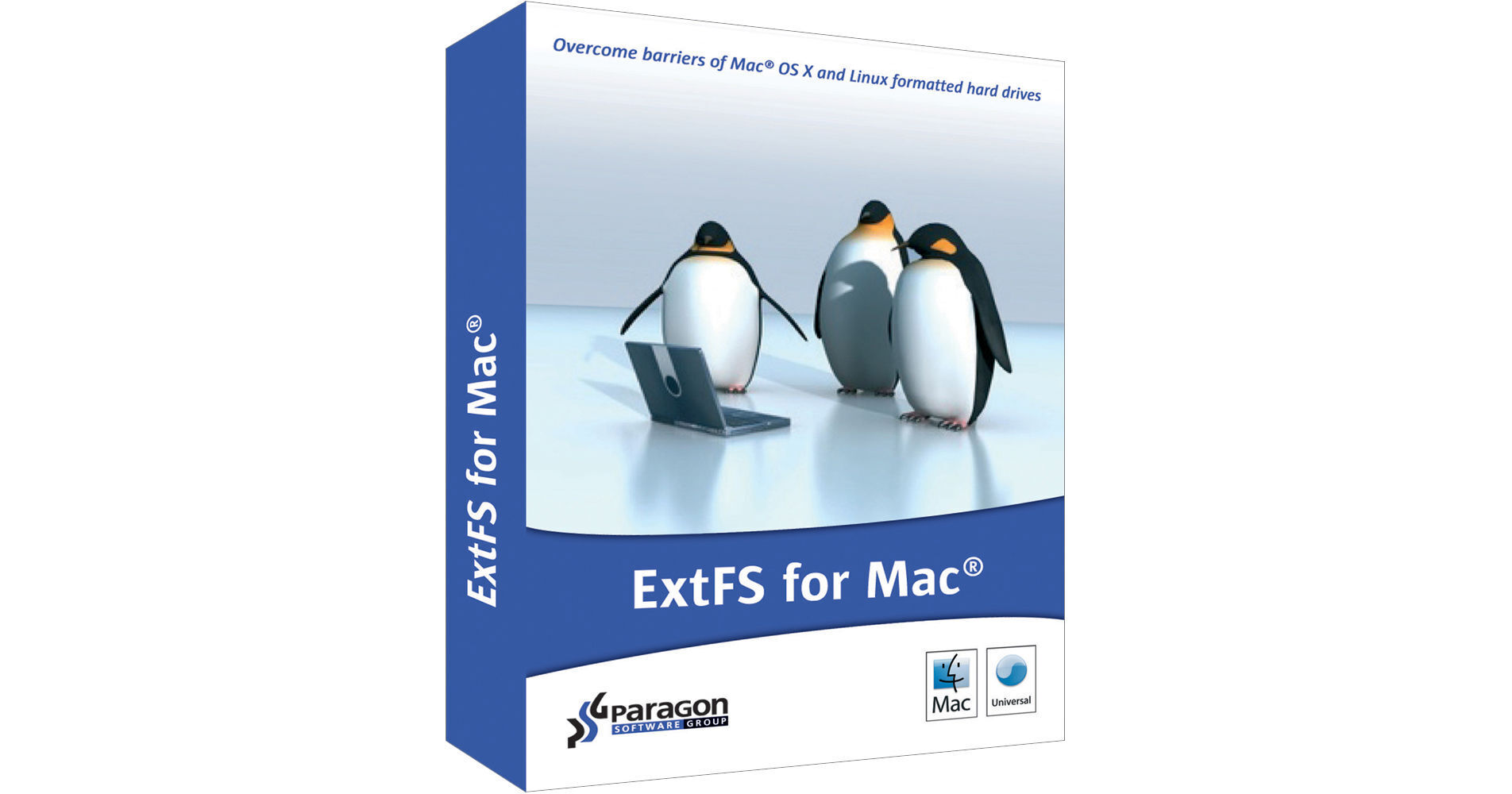
Paragon ExtFS for Windows (Download)

BH #PA292PREPLE • MFR #292PREPL-E
Print
Paragon ExtFS for Windows (Download)
Key Features
  • Read/Write Access to Linux Drive
  • Support of Ext2/ Ext3/ Ext4 Volumes
  • Disk Utility Integration
  • Auto-Mount Feature
Access the content on a Linux partition using the downloadable software utility ExtFS for Windows from Paragon. It runs once the Windows operating system is started and has an automount feature that gives you instant read and write capabilities on Ext2, Ext3, Ext4 partitions. You can use this utility program with hard drives, SSDs, external drives, and other storage devices.
More Details
Digital
No Longer Available
No Store Display
Ask an Expert
800-606-6969

Paragon EXTFS Overview

Access the content on a Linux partition using the downloadable software utility ExtFS for Windows from Paragon. It runs once the Windows operating system is started and has an automount feature that gives you instant read and write capabilities on Ext2, Ext3, Ext4 partitions. You can use this utility program with hard drives, SSDs, external drives, and other storage devices.

  • Runs at startup and automount feature
  • Useful tray application and support for safe eject
  • Provides fast and transparent access to Ext2 / Ext3 / Ext4 under Windows
  • Import and export files and folders from and to Ext partitions
  • Open documents and multimedia directly from Ext2 / Ext3 / Ext4 partitions

Paragon EXTFS Specs

Key Specs
Delivery Format
Download
Delivery Format
Download

Paragon EXTFS Reviews

See any errors on this page?
Whatever You Need, We've Got It