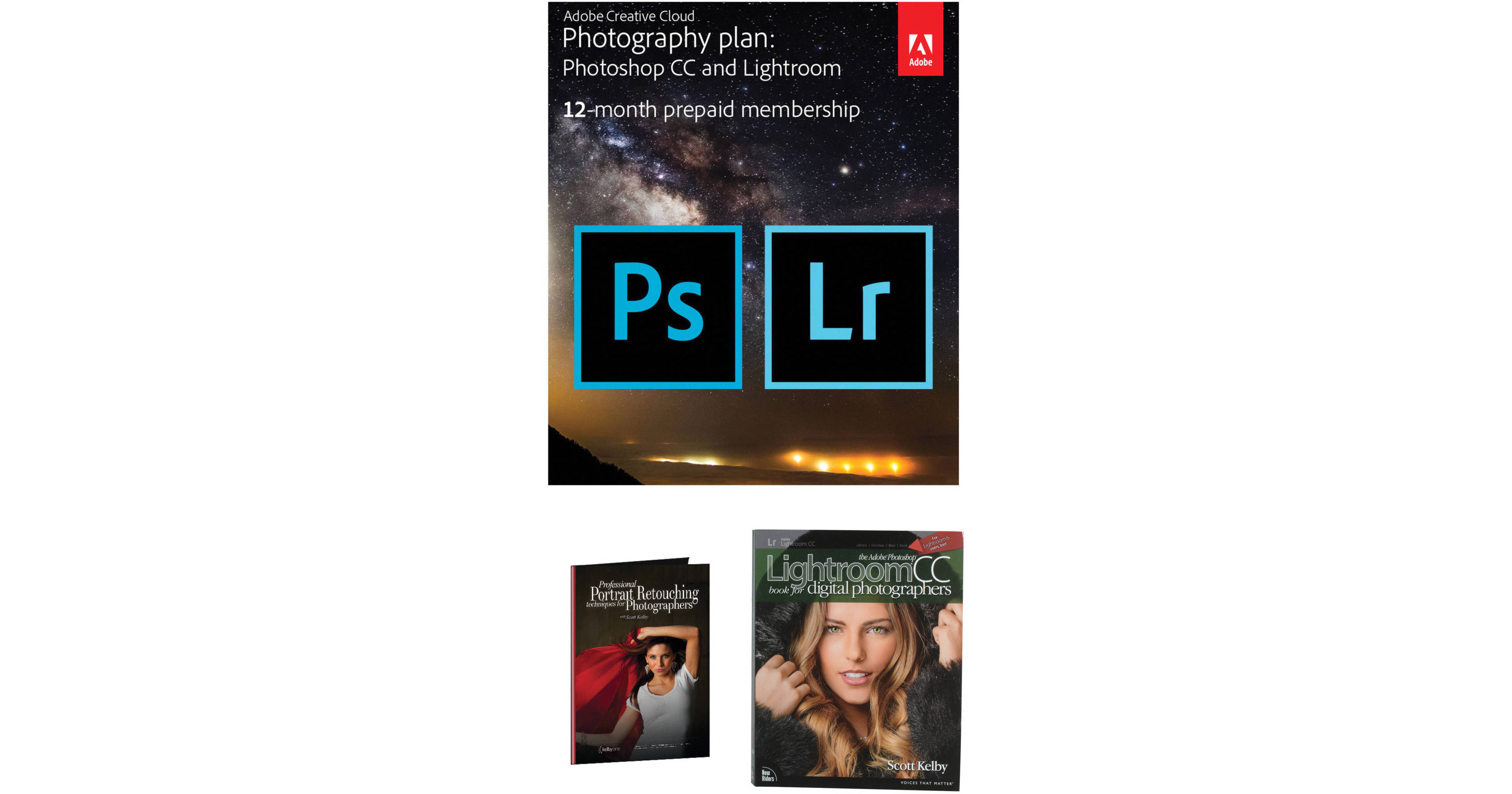
Comprising two essential photo editing applications, along with a series of educational tools, the Adobe Creative Cloud Photography Kit from B&H includes a one-year subscription to both Photoshop CC and Lightroom CC; access to a three-part course, led by Scott Kelby, on portraiture retouching; and a comprehensive guide book, also authored by Scott Kelby, on developing a well-rounded workflow in Lightroom CC.
The subscription to the Creative Cloud Photography Plan provides you with one year of unlimited use to both Photoshop and Lightroom CC, as well as the ability to work with Lightroom Mobile and Photoshop Mix for on-the-go photo editing from your mobile devices, with the ability to sync all of your work simultaneously within Lightroom catalogs across all devices. With both Photoshop and Lightroom functioning within the Creative Cloud, you are also afforded constant feature updates to ensure your programs are running with the most recent feature-set for enhanced editing capabilities. Additionally, the cloud structure also affords access to CC Learn's vast library of online content and video tutorials to help gain new skills, refine old ones, and gain a greater understanding of what both applications can do for you.
Benefitting working with the two editing programs, this kit also includes the three-part course Professional Portrait Retouching, which is led by renowned photographic educator, Scott Kelby. Split into dedicated sections, and with a run time of nearly 5 hours, these video classes cover a broad array of portraiture-specific retouching techniques, including working with eyes and facial features; retouching skin and removing blemishes; and fixing issues with hair, clothing, and general body retouching.
Completing this kit is Scott Kelby's publication, The Adobe Photoshop Lightroom CC Book for Digital Photographers. Following a realistic workflow, this guide book shows you how to effectively work with all of the tools and modules of Lightroom and how to develop your own post-production process. Additionally, this book also covers how Photoshop can be incorporated within your Lightroom workflow, and highlights the strengths and instances to work with one program over the other.