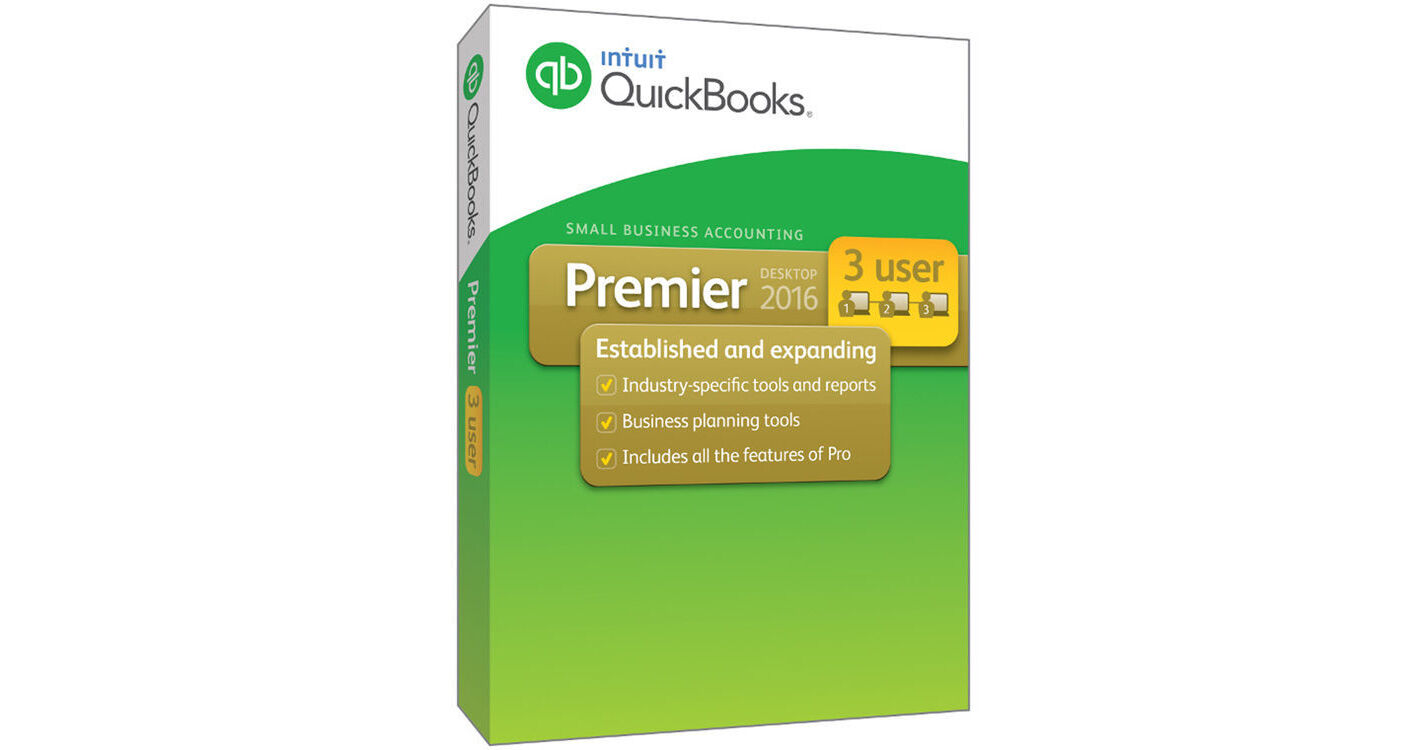
QuickBooks Premier 2016 from Intuit contains all the features from the Pro version with the addition of industry specific reports. this Windows software accounting program helps you keep track of your business, and delivers a full picture of your company's finances, contacts, inventory, and more. New in this 2016 version is the Bill Tracker feature, which gives you an instant view of payments made. Improvements and enhancements made to QuickBooks Premier 2016 include management of forms in a single step and a "this year to last month" filter has been added to the Advanced reporting feature. With the purchase of this downloadable program, you will receive perpetual licenses for three people.
This Premier version of QuickBooks includes various reports for specific industries such as general business, contractors, manufacturing, and more. These reports can provide you with unique tools to track how much time was spent to complete a job, so you can accurately bill a client. With these tools, you can also track donor contribution totals for non-profit organizations or show items that need reordering for a retail store.
QuickBooks Premier 2016 provides you with the means to see a full picture of your company's performance, and find all reminders and notifications in one single window. You can save valuable time by utilizing the Account Collaboration tool that creates a copy of your company's file on a shared folder for your accountant. To keep track of your banking transactions, QuickBooks Premier lets you pull data from different banks and accounts. Intuit offers additional optional features such as enhanced payroll services and the ability to accept credit card payments with QuickBooks Premier or on a mobile device.
- Manage forms in a single step and unclutter your "send forms" queue in a single click
- Advanced reporting features include a "this year to last month" filter
- Get the full picture of your business performance - see your profit and loss, income and expenses, and top customers instantly on the Homepage Insights
- Save time using improved Accountant Collaboration Tools, easily save a copy of your company file on a shared folder directly from QuickBooks Premier
- Find all reminders and notifications in a single window - overdue items, to-do tasks, system notifications, and notes from accountants
- View and pin important notes about customers, vendors, and employees
- Compare shipping rates, print labels and track packages through UPS, FedEx, or USPS
- Add multiple attachments, customize email templates to include customer or job info, and see prior email conversations with the email feature
- See all your income-producing transactions in one spot, including overdue invoices so you can remind customers to pay up with Income Tracker
- Pull in all your banking transactions from multiple banks and accounts so you can view and categorize them at tax time
- Track bounced checks and see key reports in just one click
- Do more with add-on applications and services available in QuickBooks
- Complete everyday tasks faster with simplified customer forms
- Keep Customer, Vendor and Employee contact information at your fingertips
- Easy access to data and transactions with simplified navigation
- Invoice multiple customers for time and expenses in one batch
- See your invoices, billing, and other important tasks in a Calendar View
- Track and follow up on sales leads in the Lead Center
- Access your inventory items all in one place with the Inventory Center
- Attach and store documents in the Document Center
- Access industry-specific report templates created by other QuickBooks Premier users
- See all your key customer information at a glance with the Customer Snapshot
- Set up Memorized Transactions for recurring billing, invoices, and estimates
- Save your worksheet formatting when you export QuickBooks reports to Excel
- Create professional looking invoices and forms
- Track sales, sales taxes, and customer payments
- Send invoices and estimates right from your online business email accounts
- Track inventory, set reorder points, and create purchase orders
- Create and print deposit slips
- Easily print checks, pay bills, and track expenses
- Get a real-time view of your business with Company Snapshot
- Get insights to make better business decisions with the Report Center
- Import your contacts from Excel or other email address books
- Allow up to 5 users to work in QuickBooks at the same time with the purchase of additional licenses
- Set individual user permissions to control access to sensitive information
- Create a copy of your company file for your accountant
- Import data from Excel, Quicken, and prior QuickBooks versions
- Download bank and credit card transactions directly into QuickBooks
- Track your balance sheet by class such as a location, department, or profit center
- View customized sales and profitability reports
- Run 'Cost to Complete Job' report
- Track time and expenses by employee, project, client, or service
- Bill clients progressively by job phase
- Document and track change orders
- Pay W-2 employees and file payroll taxes with Enhanced Payroll for an additional monthly fee
- Turn on Payments for an additional fee to accept credit card payments in QuickBooks or on a mobile device