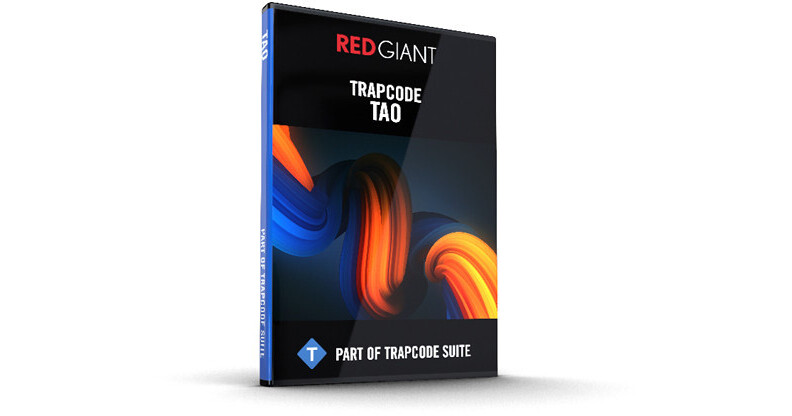
Generate 3D geometries along a path in After Effects. Red Giant Trapcode Tao allows you to create complex motion graphics with animated extrusions, spheres, and N-gons; create geometric shapes, ribbons, and more. Tao quickly generates procedural 3D geometries using built-in auto paths, mask shapes, and the motion from After Effects 3D lights. Tao uses After Effects 3D cameras and lights, so you can fully integrate your Tao geometries and paths with your motion graphics and VFX shots. Tao runs on the GPU, allowing for fast-rendering and preview.
Note:
Your download will provide you with the latest version of Trapcode Tao.
Key Features
- Animate
Powerful offset tools make it easy to animate your extruded paths and geometries.
Repeat
Create intricate, complex geometric designs using two sets of repeaters.
Looping
Loop animations for motion graphics and backgrounds with Trapcode Tao's offset and looping system.
Lighting
Illuminate your motion graphics with After Effects lights, specialized Tao Lumi lights, or Image Based Lighting for fast and realistic renders.
Materials & Textures
Create photoreal motion graphics with textures and included reflection/environment maps. Tao includes 14 HDRI maps for use in your work.
Taper
Taper your paths and geometries and then animate their growth, for organic looking motion designs.
Second-Pass Wireframe
Add a second-pass wireframe on top of your Tao geometries. Great for creating stylized or vector-style imagery.
Fractal Distortions
Choose from regular, Multi, SmoothRidge, Multi SmoothRidge for varying organic displacements of the Tao geometries.
GPU-Accelerated
Tao runs on the GPU, allowing for fast feedback and rendering.