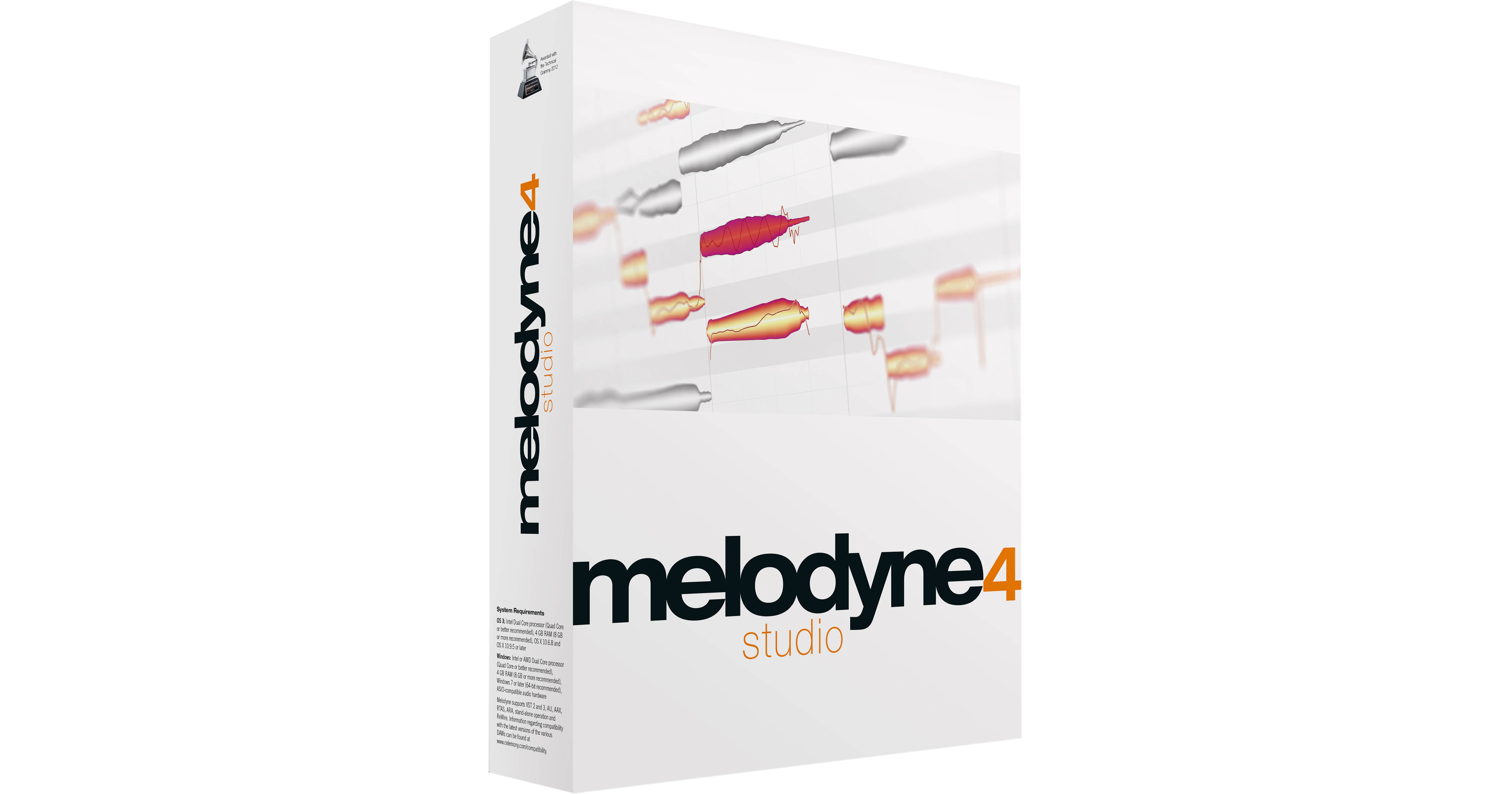
Melodyne 4 Studio (Upgrade from Editor) from Celemony is pitch/time shifting software that provides the ability to tune and rhythmically realign notes that don't quite make the cut, either in monophonic or polyphonic situations. It's also useful for time-stretching and tempo-shifting entire mixes, if need be. The software is available in 32- and 64-bit versions.
With an adaptable single-window user interface, editing is more immediate and is made even more flexible with the addition of ancillary browser and inspector windows. The audio is displayed in the form of blobs spaced out in time and representing the position and dynamics of individual notes. Simply move an audio note to a different pitch or a different position. Make notes longer or shorter, and louder or softer. Conform notes to certain scale shapes or add new notes to your source material, creating melodic, harmonic, and rhythmic variations.
- 64-bit
- Dynamic just intonation for transparent chord tuning
- Macro controls across multiple tracks
- Universal time-stretching algorithm
- DNA Direct Note Access on an unlimited number of tracks
- Two more polyphonic algorithms: sustain (for strings, organs, and the like) and decay (guitar, piano, and other staccato bursts of chordal information)
- Streamlined user-interface
- Enhanced key commands
- Sound editor: manipulate the underlying overtone series of any note
- Tempo Intelligence: map and edit tempo fluctuations within a recording
- Multitrack audio editing software with Melodyne technology
- Suitable for monophonic, polyphonic, and rhythmic/complex audio material
- DNA technology allows direct access to individual notes within chords
- Perfect for extensive sound design
- Transfer melodies from track to track
- Works as a plug-in or in stand-alone mode
- Connect via ReWire to compatible DAWs
- Supports ARA Audio Random Access in compatible DAWs
- Manual or automatic correction of intonation and timing errors
- Refashioning of melodies, harmonies, timing, and rhythm
- Transposition, including adjustment to scale
- Creation and editing of scales
- Extract scales from audio, edit, and apply them to other recordings
- Modifying various note parameters such as volume, vibrato, and formant spectrum
- Quantize audio to reference track
- Send audio in real time as MIDI notes to a plug-in (virtual instrument)
- In-depth editing of the timing of notes
- Pitch shifting and time stretching
- Re-quantization
- Audio-to-MIDI with MIDI file export
- Modifying the pitch
- Modifying the pitch drift
- Modifying the pitch modulation
- Modifying the position
- Modifying the length
- Modifying the attack speed
- Modifying the time course within notes
- Modifying the volume
- Shifting the formant spectrum
- Modifying the pitch of any transition between notes
- Modifying the volume of any transition between notes
- Shifting the formant spectrum of any transition between notes
- Timing re-quantization, manually, or via macro
- Pitch quantization, manually or via macro
- Cut, copy, and paste
- Modifying the pitch (relative)
- Modifying the position
- Modifying the length
- Modifying the volume
- Modifying the attack speed
- Modifying the time course within notes
- Shifting the formant spectrum
- Modifying the volume transition between blobs
- Shifting the formant spectrum of transitions between blobs
- Timing quantization, manually or via macro
- Cut, copy, and paste