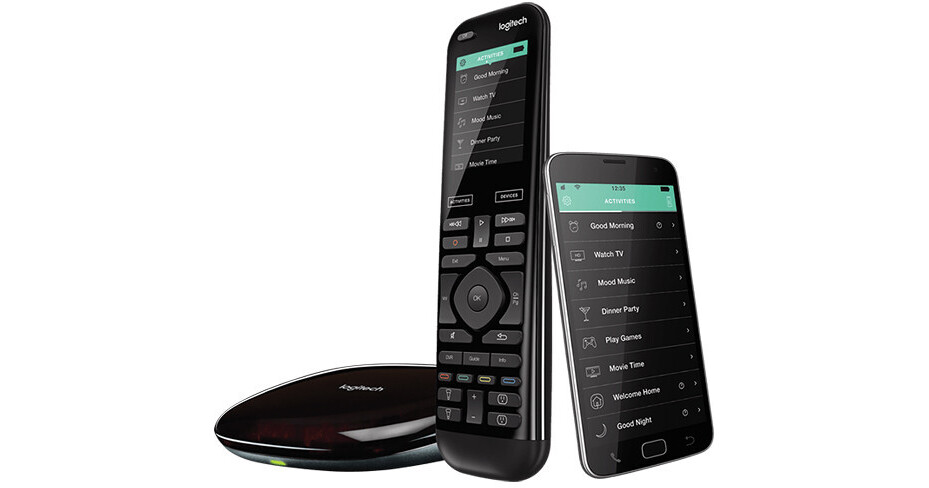
The Harmony Elite System from Harmony/Logitech allows you to wirelessly control your home entertainment and home control systems using either the included Harmony Elite Remote Control or your smartphone. Once the Elite System is set up, you'll have control over all your connected platforms, including media players, TVs, game consoles, smart locks, home automation devices, and more.
To begin, simply download the free Harmony Elite app to your compatible iPhone or Android smartphone. The app provides easy, step-by-step directions for setup. Once installed, you can use the app to enter your device model numbers and brands, eliminating trial-and-error data entry. The app also enables you to customize your home experience with various control features, including device grouping, creating one-touch activities, and more. In case you don't have access to a compatible mobile device, you can use a compatible Mac or Windows computer to set up the Harmony Elite system.
The included Harmony Hub facilitates your total home control. It turns Wi-Fi signals from your mobile phone into IR and Bluetooth commands your home theater and home control system can understand. The Hub is compatible with over 270,000 different devices and more than 6,000 brands.