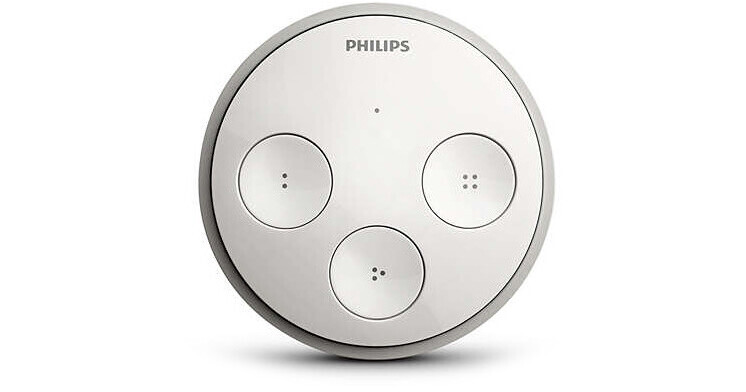
Turn any of your Philips Hue light bulbs on or off using the Hue Tap Remote from Philips. The tap switch can be mounted to a wall using screws or adhesive, allowing you to utilize the controller in the same manner as a conventional light switch. However, the tap switch can also be used as a remote control for comfort and convenience. There are four buttons on the face of the switch, and each of these buttons can be preset to a variety of settings. You can choose a scene you have created, a preset Philips scene, or you can program the switch to turn all of your lights off simultaneously.
The Philips Hue system uses the ZigBee protocol for wireless connection without necessitating an Internet connection or a network hub/router. When connected to the Philips Hue Bridge (available separately) the network can support up to 25 tap switches, enabling you to control your lights with multiple switches. Furthermore, the Philips Hue Bridge allows you to control your lights and create customized schedules with your mobile device. Once your system is set up you can add up to 50 Philips lights, luminaires, switches, and accessories to your network. The switch does not necessitate batteries or wired power, as it uses the kinetic energy from your touch for power.