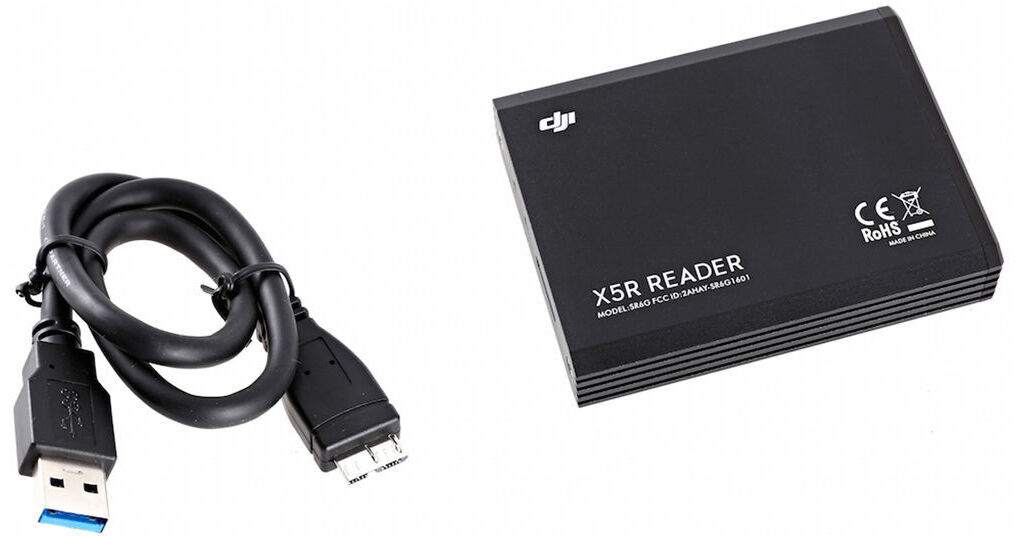
Export data from your Zenmuse X5R SSD card with this SSD Reader from DJI. To use, simply plug your X5R SSD into the reader, and then connect the reader to your computer using the included USB cable. Follow the on-screen prompts and you will be able to access and edit all your X5R footage.
Ask Our Experts800-606-6969
Hello, Log InAccount & Orders
Key Features
- Export X5R Data to Computer
- USB Cable Included
Export data from your Zenmuse X5R SSD card with this SSD Reader from DJI. To use, simply plug your X5R SSD into the reader, and then connect the reader to your computer using the included USB cable. Follow the on-screen prompts and you will be able to access and edit all your X5R footage.
More DetailsNo Longer Available
DJI SSD Reader for Zenmuse Overview
DJI SSD Reader for Zenmuse Specs
| Compatibility | |
| Ports | |
| Operating Temperature | |
| Dimensions | |
| Weight |
Packaging Info
| Package Weight | |
| Box Dimensions (LxWxH) |
DJI SSD Reader for Zenmuse Reviews
See any errors on this page?