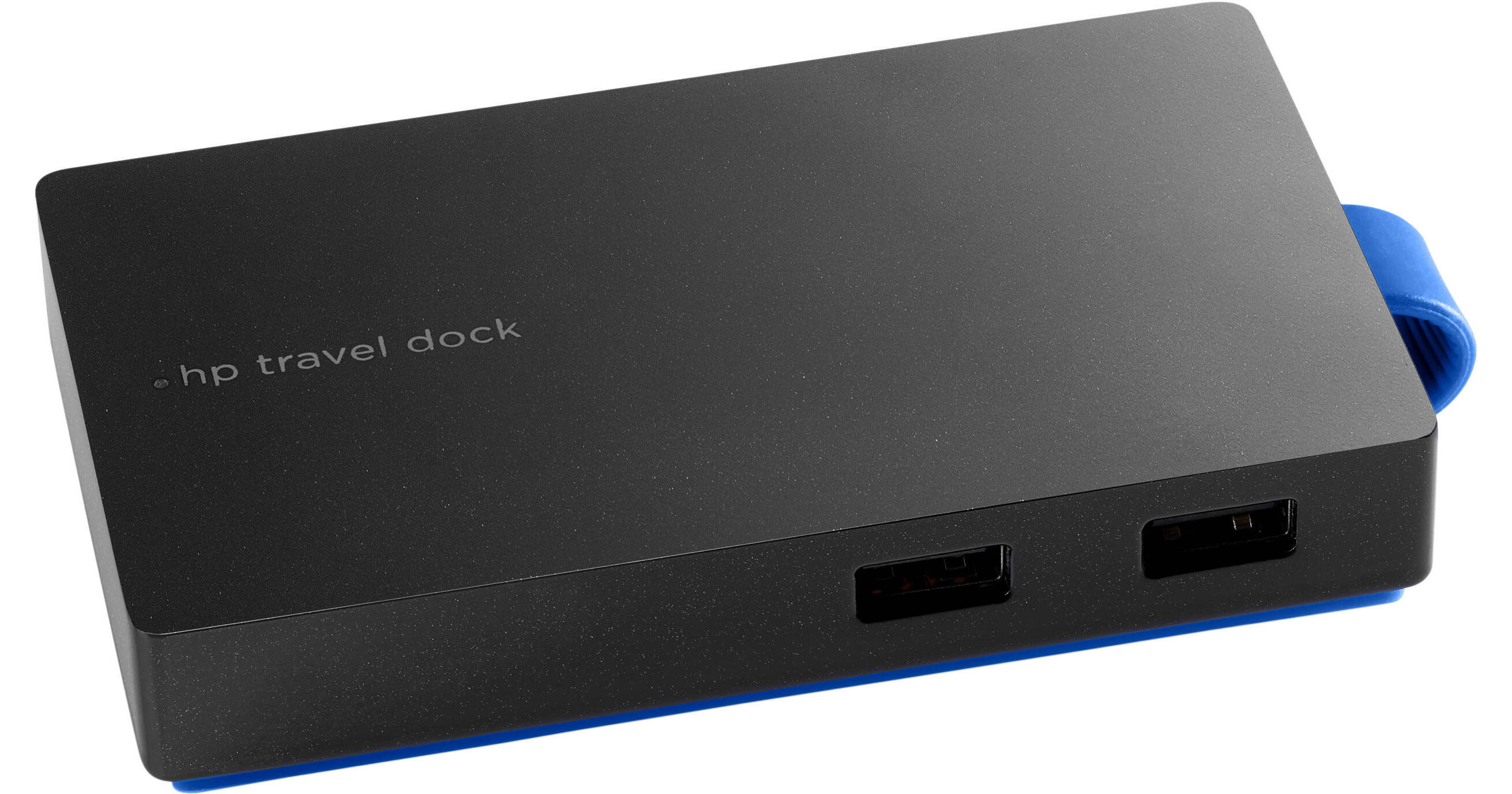
Built with a portable size that makes it easy to take on-the-go, the USB Type-A Travel Dock from HP connects to your system's USB Type-A port using an integrated USB Type-A cable that wraps around for convenient storage. Once connected, it provides display, device, and network connectivity in a dongle-free environment using its two USB Type-A ports, one RJ45 port, VGA port, and HDMI port. Please bear in mind that your system's USB Type-A port needs to provide 3A output for improved dock performance, and dual monitors are not supported. Additionally, HP's USB Type-A Travel Dock is compatible with Windows.
Ask Our Experts800-606-6969
Hello, Log InAccount & Orders
Key Features
- Connects via a USB Type-A Port
- Uses an Integrated USB Type-A Cable
- 2 x USB Type-A Ports
- 1 x HDMI Port
Built with a portable size that makes it easy to take on-the-go, the USB Type-A Travel Dock from HP connects to your system's USB Type-A port using an integrated USB Type-A cable that wraps around for convenient storage. Once connected, it provides display, device, and network connectivity in a dongle-free environment using its two USB Type-A ports, one RJ45 port, VGA port, and HDMI port. Please bear in mind that your system's USB Type-A port needs to provide 3A output for improved dock performance, and dual monitors are not supported. Additionally, HP's USB Type-A Travel Dock is compatible with Windows.
More DetailsNo Longer Available
HP T0K30AA#ABA Overview
Just One Cable
Connect the attached USB cable to your notebook's powered USB port and get monitor and
device connectivity from VGA or HDMI and two USB ports, and network connectivity from RJ45
Take It with You
Pack the compact dock in your bag alongside your notebook. The attached USB cable wraps
around for neat, easy storage
HP T0K30AA#ABA Specs
| USB I/O | |
| Video I/O | |
| Network I/O | |
| Memory Card Slots | |
| Weight |
Packaging Info
| Package Weight | |
| Box Dimensions (LxWxH) |
HP T0K30AA#ABA Reviews
See any errors on this page?
