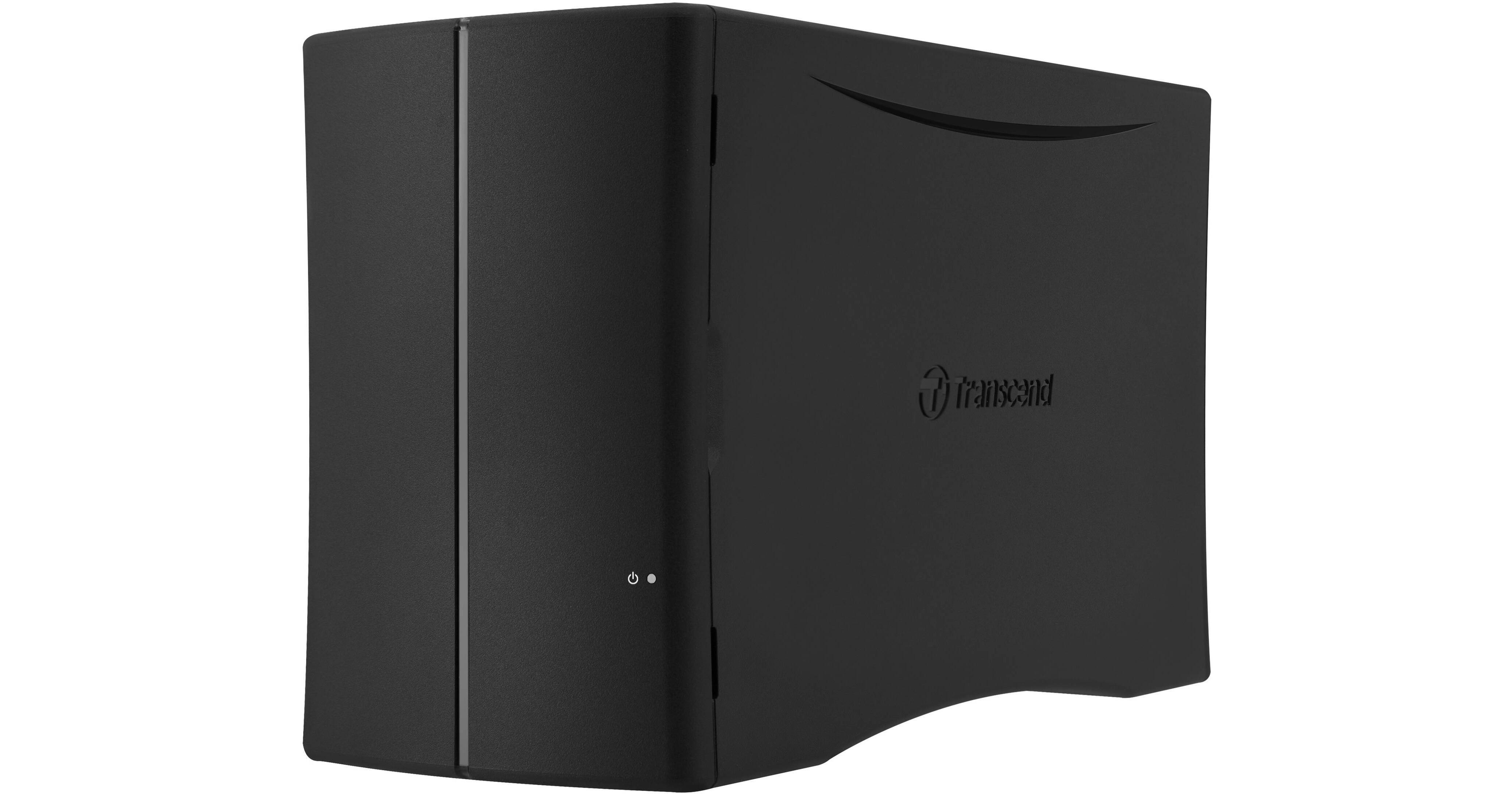
The Transcend StoreJet Cloud 210 8TB 2-Bay Personal Storage Solution provides 8TB of storage capacity that you can access using notebooks, desktops, and mobile devices while at home or on the go. This storage solution sports two 3.5" drive bays, which contain a 4TB SATA II hard drive in each bay. To help ensure data redundancy, RAID 1 is on board to copy the data on to both drives so that if one drive fails your files are protected. For performance, the StoreJet Cloud 210 is outfitted with a 1.1 GHz ARM Cortex-A7 dual-core processor along with 256MB of DDR3 memory to transfer data at a rate of up to 110 MB/s.
The StoreJet Cloud 210 comes with a single Gigabit Ethernet jack that connects to your router, enabling you to stream your media library to all connected devices. A user-friendly app is available for iOS and Android devices, so you can set up, upload, back up, and stream content with just a few taps. Moreover, you can automatically transfer data from a USB storage drive to the StoreJet Cloud 210 using the built-in USB 3.0 port and backup button.
- Step 1: Power on your StoreJet Cloud and connect to the Internet
- Step 2: Download and open the Transcend StoreJet Cloud app—available for both Android and iOS—to automatically connect to the same Wi-Fi network
- Step 3: Register an account and a password