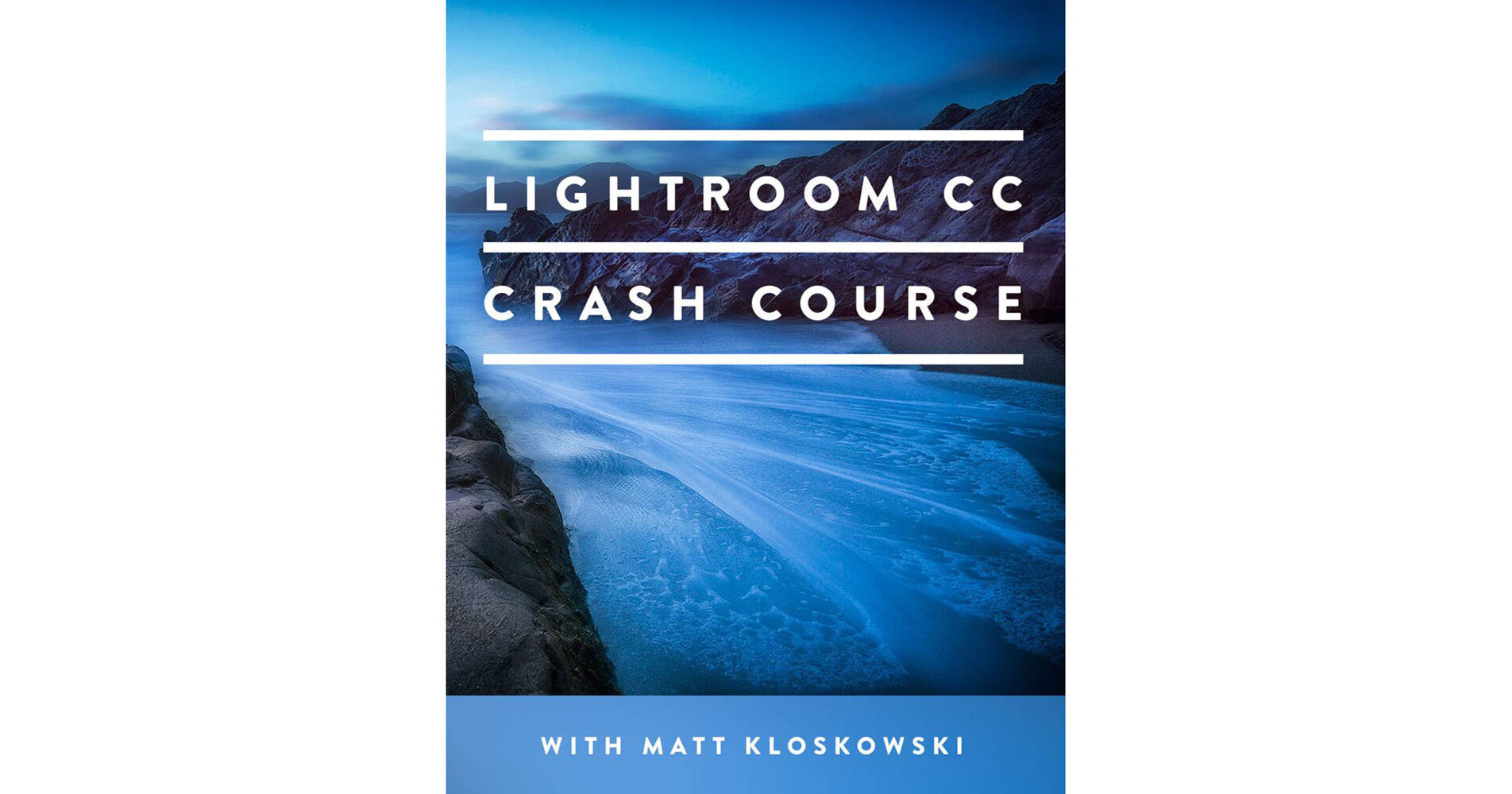
MATT KLOSKOWSKI PHOTOGRAPHY Video: The Lightroom CC Crash Course (Download)

BH #MABHLRMK1001 • MFR #BHLRMK1001
Print
MATT KLOSKOWSKI PHOTOGRAPHY Video: The Lightroom CC Crash Course (Download)
Key Features
  • Presenter: Matt Kloskowski
  • Runtime: 133 Minutes
  • Tutorial on Adobe Photoshop Lightroom CC
  • Covers Organization, Importing & Editing
Designed to help you get up and running with one of the most efficient photo editing and organizational applications, The Lightroom CC Crash Course from Matt Kloskowski takes the intimidation out of learning both basic and advanced features within the software. By cutting out unnecessary technical jargon, Kloskowski presents a series of videos that are easy to understand, and get right to the critical points of importing, organizing, editing, and exporting photos within Lightroom, as well as learning specific functions such as sharpening, noise reduction, and printing. With a total runtime of more than two hours, this comprehensive video tutorial is broken into shorter lessons on specific topics, allowing you to quickly get to the subjects you want to learn.
More Details
Digital
No Longer Available
No Store Display
Ask an Expert
800-606-6969

MATT KLOSKOWSKI PHOTOGRAPHY BHLRMK1001 Overview

Designed to help you get up and running with one of the most efficient photo editing and organizational applications, The Lightroom CC Crash Course from Matt Kloskowski takes the intimidation out of learning both basic and advanced features within the software. By cutting out unnecessary technical jargon, Kloskowski presents a series of videos that are easy to understand, and get right to the critical points of importing, organizing, editing, and exporting photos within Lightroom, as well as learning specific functions such as sharpening, noise reduction, and printing. With a total runtime of more than two hours, this comprehensive video tutorial is broken into shorter lessons on specific topics, allowing you to quickly get to the subjects you want to learn.

Course Outline
    1. How Lightroom Works (5 min)
    2. Where to store your photos (6 min)
    3. Importing in to Lightroom (10 min)
    4. Where are your photos? (5 min)
    5. A Quick Tour of Lightroom's Interface (6 min)
    6. Finding Your Favorites with Flags, Ratings, and Labels (7 min)
    7. Creating Collections (8 min)
    8. Searching Photos - Using Metadata and Keywords (8 min)
    9. Develop Module Basics Part 1 (8 min)
    10. Develop Module Basics Part 2 (6 min)
    11. Sharpening and Noise Reduction (7 min)
    12. Selective Editing with Brushes and Graduated Filters (9 min)
    13. Synchronizing Changes to Multiple Photos (5 min)
    14. Using Presets (3 min)
    15. History, Snapshots and Virtual Copies (5 min)
    16. Jumping Over to Photoshop and Back (5 min)
    17. Exporting JPEGs and Sharing Photos (6 min)
    18. The Web and Slideshows (7 min)
    19. Making Photo Books (9 min)
    20. Printing (8 min)

MATT KLOSKOWSKI PHOTOGRAPHY BHLRMK1001 Specs

Presenter
Matt Kloskowski
File Size
500 MB
Runtime
2 Hours, 13 Minutes

MATT KLOSKOWSKI PHOTOGRAPHY BHLRMK1001 Reviews

See any errors on this page?
Whatever You Need, We've Got It