Video Chat with a Pro Video Expert - Live

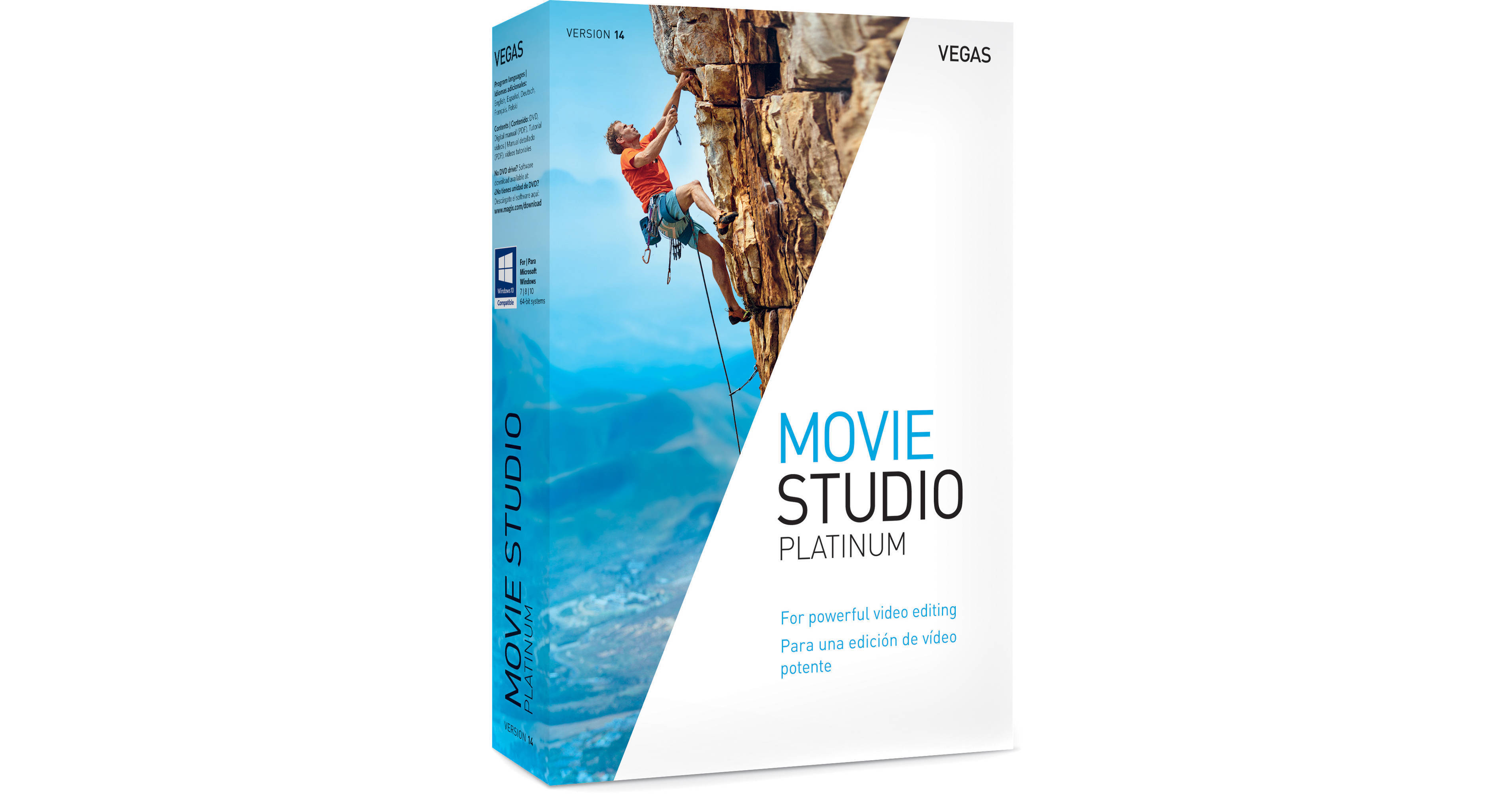
MAGIX VEGAS Movie Studio 14 Platinum (Academic, Download)

BH #MAVMS14PA • MFR #ANR007551EDU
Print
MAGIX VEGAS Movie Studio 14 Platinum (Academic, Download)
Key Features
  • Includes 4 Production Applications
  • VEGAS Movie Studio 14
  • VEGAS DVD Architect
  • NewBlueFX Transitions
MAGIX VEGAS Movie Studio 14 Platinum consists of four applications that allow you to create pro-level videos complete with music and DVD menus. Movie Studio 14 is packed with built-in effects and titles, and additionally includes NewBlueFX transitions, Music Maker, and VEGAS DVD Architect. VEGAS Movie Studio 14 Platinum supports up to 200 video tracks on the timeline in standard definition, HD, and 4K resolutions.
More Details
Digital
No Longer Available
No Store Display
Ask an Expert
800-606-6969

MAGIX ANR007551EDU Overview

MAGIX VEGAS Movie Studio 14 Platinum consists of four applications that allow you to create pro-level videos complete with music and DVD menus. Movie Studio 14 is packed with built-in effects and titles, and additionally includes NewBlueFX transitions, Music Maker, and VEGAS DVD Architect. VEGAS Movie Studio 14 Platinum supports up to 200 video tracks on the timeline in standard definition, HD, and 4K resolutions.

VEGAS Movie Studio 14 Platinum has a revised and improved user interface, new tools for multicam editing and primary and secondary color correction, improved RAM preview, and support for High ppi monitors. It also has a new hover-scrub technology that lets you quickly scrub through footage in the Trimmer window and add In and Out points on the fly. This enables you to quickly identify just the important portion of your video clip and then add it to your timeline.

True to its VEGAS history, Movie Studio 14 Platinum offers a drag-and-drop workflow, the ability to handle various file types on the same timeline, and advanced audio tools.

Movie Studio 14 Platinum is Windows compatible and requires relatively minimal hardware.

Note:
This Academic version requires valid proof of student/teacher status at activation.
Movie Studio 14 Platinum Includes
  • VEGAS Movie Studio 14
  • NewBlueFX transitions
  • Music Maker
  • VEGAS DVD Architect
NewBlueFX Transitions
Move from one scene to the next with a bounce, a shake, or a shift in color. These are just a few examples of the included NewBlueFX Transitions. Get creative results fast with the built-in presets or tweak any or all of the parameters to create your own new twist on these award-winning video transitions.
Music Maker
Music Maker works just like a puzzle: By combining instruments, like guitars, with pre-produced melodies and thrilling drum rhythms, you can produce your own soundtracks easily using just your mouse and keyboard.
Author a DVD or Blu-ray Disc
Create DVDs and high-definition Blu-ray discs with play buttons, menu navigation controls, surround sound audio, and Hollywood-style titles. Select from over 100 high-resolution wide-screen templates. Add chapter markers to locate specific scenes. Add captions and parental controls. Preview and test all your movies and controls before you burn your disc.
All Features
  • Built-in Show Me How tutorials
  • Blu-ray and DVD disc authoring (VEGAS DVD Architect)
  • Blu-ray and DVD disc burning from the timeline
  • Comprehensive window docking options, recallable window layouts
  • (New) Includes NewBlueFX transitions
  • (New) Includes Music Maker
  • (New) 200 video tracks
  • Unlimited video events per track
  • Stereoscopic 3D editing
  • Masking
  • Parent / child compositing tracks
  • Simultaneous video monitoring (local and external monitor)
  • Built-in video effects
  • (New) Vignette video effect
  • (New) Color match plug-in
  • Built-in 2D and 3D video transitions
  • Credit rolls and text animation
  • Image stabilization
  • Automatic slideshow creator
  • Chroma key / green screen effect
  • White Balance tool
  • Primary and secondary color correction
  • Support for 50p and 60p projects
  • Built-in Open FX plug-ins
  • Support for third-party Open FX plug-ins
  • Gradient Wipe transition
  • Built-in audio effects
  • Master bus effects
  • Support for VST audio plug-ins
  • 16-bit / 48 kHz audio
  • Dolby 5.1 surround and stereo AC-3 encoding
  • Volume automation envelopes
  • Panning automation envelopes
  • ACID loop properties support
  • ASIO driver support
  • zplane élastique timestretching
  • Multiple record takes
  • Track output meters
  • Red Book audio CD mastering and burning
  • Audio and video timestretching
  • Slow-motion and fast-motion video
  • (New) Multicamera workflow
  • (New) Trimmer Window hover scrub
  • Project setup wizard
  • Make Movie wizard
  • Real-time nondestructive editing
  • Cursor object snapping across events and timeline
  • Looped playback
  • Ripple-edit mode
  • Media Explorer window
  • Trimmer window
  • Track-level video and audio effects
  • Clip event-level video and audio effects
  • Keyboard editing mode
  • Envelope brush painting
  • Event grouping
  • Tape-style audio scrubbing
  • A / V synchronization detection and repair
  • Real-time event reverse
  • Picture-in-picture tools
  • (New) Support for High ppi monitors
  • (New) Improved RAM preview
  • Render to Apple iPhone, iPad, iPod compatible formats
  • Print-to-tape tools
  • Smart Render
  • Customizable render templates
  • Capture to compressed Sony MXF from SD / HD-SDI
  • Upload to Vimeo (New), YouTube, and Facebook
Native Format Support
  • DSLR (.mov) files
  • DV / HDV / AVCHD / NXCAM
  • H.264 AVC / AAC MP4
  • MPEG-1, -2, and -4 import and encoding
  • MVC and MPO 3D
  • Windows Media 11
  • 4K XAVC S
  • XDCAM EX
  • BMP, JPG, PNG, TIFF, and WDP image sequences
  • FLAC
  • MP3

MAGIX ANR007551EDU Specs

System Requirements
Operating System
64-bit version of Microsoft Windows 10, 8.1, 8, or 7
Processor
2 GHz (multicore or multiprocessor CPU recommended for HD or stereoscopic 3D)
Hard Disk Space
1.25 GB for program installation
RAM
2 GB (4 GB recommended)
GPU Memory
512 MB
GPU
Supported NVIDIA, AMD, or Intel model (see "Supported GPUs" below)
Sound Card
Windows-compatible sound card
.NET Framework
Microsoft .NET Framework 4.0 SP1 (included)
Supported GPUs
NVIDIA
Requires a CUDA-enabled GPU and driver 270.xx or later.

GeForce GPUs: GeForce GTX 4xx Series or higher (or GeForce GT 2xx Series or higher with driver 285.62 or later)

Quadro GPUs: Quadro 600 or higher (or Quadro FX 1700 or higher with driver 285.62 or later)

NVIDIA recommends NVIDIA Quadro for professional applications and recommends use of the latest boards based on the Fermi architecture.
AMD/ATI
Requires an OpenCL-enabled GPU and Catalyst driver 11.7 or later with a Radeon HD 57xx or higher GPU. If using a FirePro GPU, FirePro unified driver 8.85 or later is required.
Intel
Requires an OpenCL-enabled GPU, such as HD Graphics 4000.
Supported Formats
Import
AAC, AA3, AVI, BMP, MPEG-1, MPEG-2, MPEG-4, WMV, AIFF, FLAC, MP3, OGG, PCA, SND, W64, WAV, WMA, GIF, JPEG, PNG, WDP, CDA, SFA
Export
AVC/AAC, AVI, MPEG-2, MPEG-4, WMV, MOV, AVCHD, RM, MVC, XAVC S, AAC, AIFF, FLAC, LPEC, MP3, OGG, PCA, W64, WAV, WMA, BMP, JPEG, PNG, TIFF, WDP, WMPhoto, DDS, DPX, EXR

MAGIX ANR007551EDU Reviews

See any errors on this page?
Whatever You Need, We've Got It