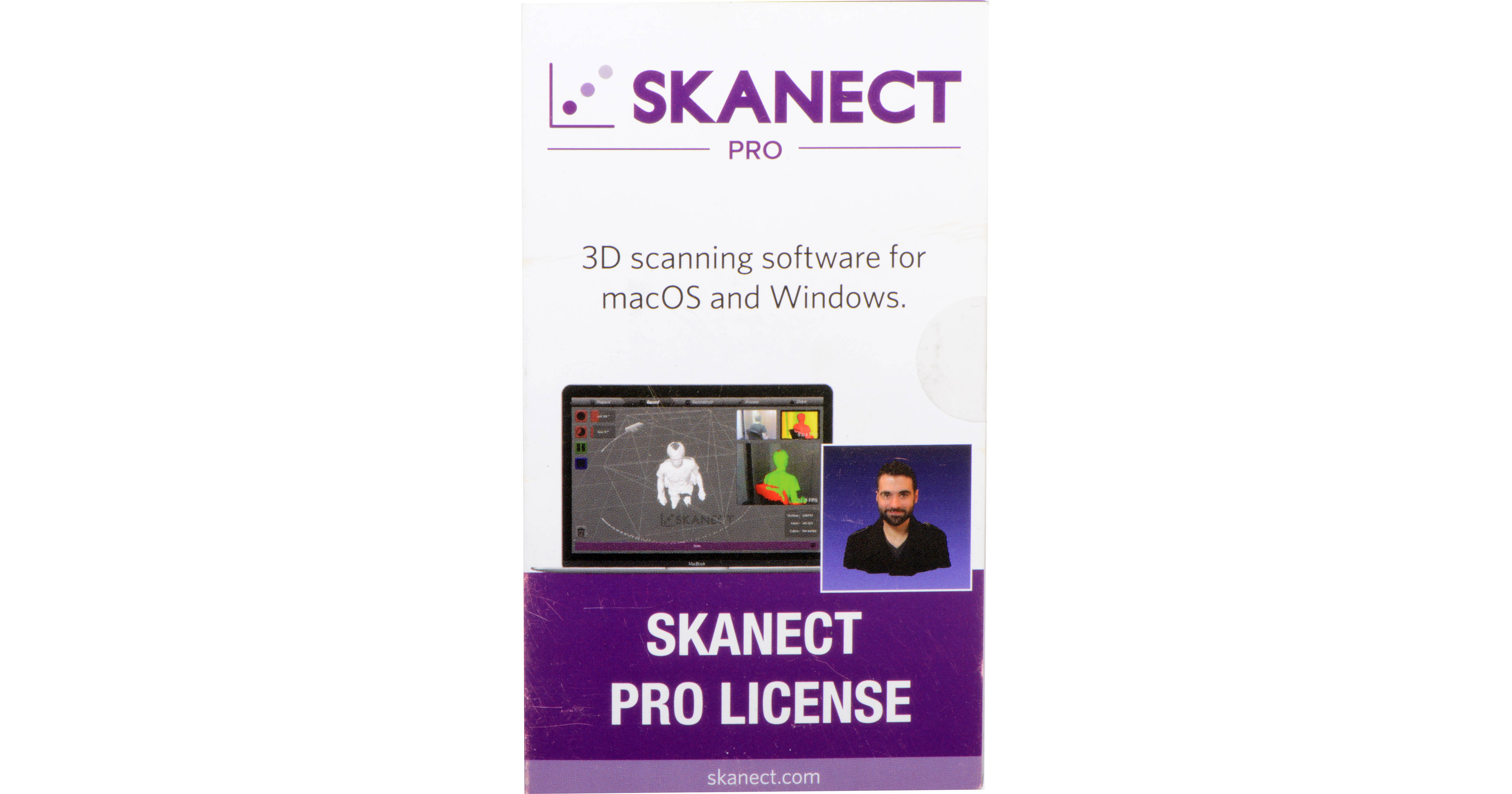
Capture a full color 3D model of an object, a person, a room, create 3D meshes out of real scenes, and more using Skanect Pro from Occipital. This software allows users to turn their Occipital Structure Sensor, Microsoft Kinect, or ASUS Xtion Pro Live into a 3D scanner that can operate at up to 30 fps.
With this software, users will be able to export .obj, .ply, .stl, and .vrml files, automate watertight repairs, simplify complex geometries, perform precise edits, export to online sharing platforms and printing services, and more. Occipital's Skanect Pro is compatible with Windows 7 or later and Mac OS 10.10 and later.
General Features
Scan at up to 30 fps
Skanect can acquire dense 3D information about a scene at up to 30 fps. Just move around your Structure Sensor, Kinect, or Xtion to capture a full set of viewpoints, and you will get a 3D mesh in real time.
User-Friendly
Skanect makes it easy to 3D scan different kind of scenes by providing a set of pre-defined scenarios, suitable for most use cases. You can then share your models online in a few clicks.
Low Cost
Skanect leverages consumer-grade 3D cameras like the Structure Sensor, Microsoft Kinect, and ASUS Xtion, limiting the hardware cost to a fraction of previous 3D scanning solutions. For a personal and hobbyist use, you can even download a free version of Skanect.
End-to-End 3D Scanning
3D Capture
Recording presets for body, object, and room scanning.
Live feedback in low-, medium-, or high-quality.
CPU- or GPU-accelerated reconstruction.
Record timer & countdown.
Full-scan or keyframe-only recording.
3D Processing
Model simplification.
Hole filling & watertight mesh generation.
Scaling & rotation.
Plane cropping for optimal 3D prints.
Colorization (with optional inpainting of unseen areas).
Small parts removal.
3D Sharing
Save full-resolution models (free version limited to 5000 faces).
Export to 3D software and 3D printers that use .stl, .obj, .ply, and .vrml.
Direct upload to Sketchfab and Shapeways.
Advanced Features
Color texture maps (.stl & .obj).
External editing in 3rd party software (such as Meshlab or Meshmixer).
Offline, non-real time reconstruction, allowing for increased quality on lower-end machines.
Compatible 3D Sensors
3D Scan Wrielessly from an iPad to Skanect
The Structure Sensor can be used for wireless 3D scanning, indoor mapping, augmented reality gaming, and more. It is also available for a USB Hacker Cable for wired connections to Windows, Mac, Android, and Linux. Wireless scanning is compatible with the 9.7" iPad Pro, 12.9" iPad Pro, iPad (5th Generation), iPad Air 2, iPad Air, iPad (4th Generation), iPad mini 2, iPad mini 3, and iPad mini 4.
Sensor Setup
Structure Sensor | ASUS Xtion | Primesense Carmine
Windows
Download and install OpenNI 2 32- or 64-bit.
Mac
No extra setup necessary.
Download and install OpenNI 2 32- or 64-bit.
Mac
No extra setup necessary.
Kinect (Windows & Xbox)
Windows
Download and install the Kinect for Windows SDK.
Mac OS X
No extra setup necessary.
Download and install the Kinect for Windows SDK.
Mac OS X
No extra setup necessary.
Kinect Compatibility
The Kinect for Windows sensor is not supported in Skanect for Mac. The Kinect for Xbox 360 sensor cannot be used commercially. The Kinect for Xbox One and Kinect for Windows V2 sensors are NOT supported.
Additional Setup
Mac OS X
Only for NVIDIA GT 650 M or better: Download and install Mac CUDA Drivers to enable GPU reconstruction.
Windows
No additional setup is necessary, but make sure your NVIDIA drivers are current if you want to benefit from GPU reconstruction.