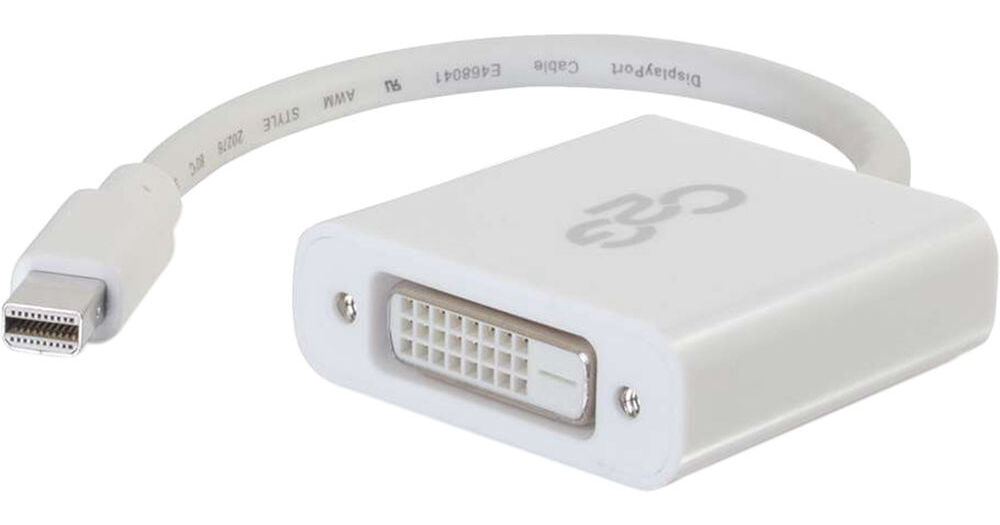
This adapter allows the Mini DisplayPort or Thunderbolt 2 video output of a laptop to connect to the DVI-D[R] input of a display and is perfect for applications including displaying video on an HDTV, projector, or monitor in a classroom, on a desktop, or in a meeting room. This Mini DisplayPort to DVI-D active adapter can be used in either DisplayPort single-mode or dual-mode outputs, providing the conversion for a Mini DisplayPort source even when that source does not support DP++. Active Mini DisplayPort conversion is excellent for applications where multiple Mini DisplayPort adapters are required to connect to a single graphics card. This allows every active adapter to interface with a corresponding display.
Be prepared for any meeting, presentation, or event with the full confidence that you have the right connection in an ultra-compact design. The Mini DisplayPort to DVI-D adapter can connect a Mini DisplayPort equipped laptop or tablet to a projector, monitor, or HDTV with a DVI-D input port. The compact design of this adapter converter makes it a perfect fit for BYOD (Bring Your Own Device) applications in education or corporate environments.
This simple plug and play adapter converter does not require drivers for install and the device is powered through Mini DisplayPort bus power, so no additional power adapters are needed. The dongle-style adapter converter reduces strain on the video port. The cable between the Mini DisplayPort connection and the adapter converter provides strain relief that protects the port from strain damage as cords are moved.
Note: When this device is connected to a Mini DisplayPort source device that supports audio and an DVI-D to HDMI Cable with the HDMI connector plugged into a HDMI display device that supports audio both audio and video signal will be transmitted from the source device to the display device. However connecting to a DVI-D display will not allow audio to pass to the display.
- Active Conversion of Mini DisplayPort to DVI-D
- Support resolutions up to: 4096x2160 at 24Hz or 3840x2160 at 30Hz
- Dongle style adapter reduces strain on ports