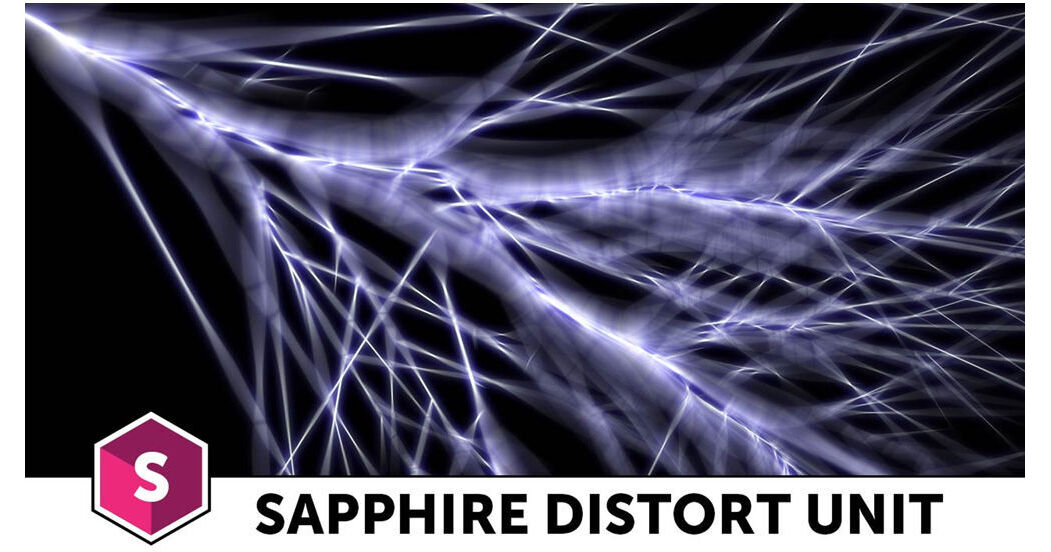
Boris Sapphire 11 Distort Unit allows you to create powerful lens distortion effects, in-camera shake effects, and chromatic aberrations. It also offers a variety of warping tools. The Distort Unit is a multi-host plug-in compatible with After Effects, Premiere, Media Composer, and several OFX applications. It can be used in up to all host applications at the same time as long as on the same computer.
Version 11 adds an integrated Mocha planar tracking and masking feature, which can be launched right from most of the included effects to create and track a mask. This tool offers multiple ways of applying masks, including with simple isolation and full rotoscoping.
Note:
This upgrade is valid for existing owners of Sapphire 10 Distort Unit, the previous version.
Effects
Distort
Warp the source clip to generate optical glass-like effects.
Shake
Shake your video on the x, y, and z axis in three different styles: twitchy, jumpy, and standard.
WarpCornerPin
Performs a 3D perspective warp of the source image to align the corners with the four indicated points.
WarpPerspective
Transforms the source clip onto a 3D plane with perspective.
WarpChroma
Separate your footage into multi-colored bands and warp them by different amounts.
InfiniteZoom
Zoom into a repeating copy of an image to create looks such as endless hallways or downward spirals.
DistortChroma
Generate optical glass-like effects as if an image were viewed through a textured prism.
DistortRGB
Separate and warp the red, green, and blue color channels of an image.
ZBlur
Adjust the depth of field of 3D modeled objects and scenes without having to re-render from a 3D application.
ZDefocus
Adjust the depth of field of 3D modeled objects with defocused lens properties.
WarpMagnify
Magnifies an elliptical region of the source to create a glass lens refraction effect.
WarpVortex
Twists the source clip into a vortex around a given center location.
WarpWaves
Warps the source clip by a wave pattern.
WarpWaves 2
Warps the source clip using two sets of overlapping wave patterns.
WarpFishEye
Expands the center of the source clip as if viewed through a fish-eye lens.
WarpPolar
Warps the source clip into a rounded disk shape.
DistortBlur
Blurs the source input clip in the direction of the gradient of the Lens input clip.
WarpRepeat
Transforms the source input multiple times and averages the results.
WarpPuff
Warps the source clip based on its gradient.
WarpBubble
Warps the source clip by a smooth noise function. This can be used to create heat diffusion or under water types of effects.