Video Chat with a Pro Video Expert - Live

Moza Timelapse Camera Shutter Control Cable Set N1 for Moza Air & AirCross Gimbals (Nikon)

BH #MOGA27 • MFR #GA27
Print
Moza Timelapse Camera Shutter Control Cable Set N1 for Moza Air & AirCross Gimbals (Nikon)
Key Features
  • For Nikon Cameras Using 10-Pin Connection Release Cable
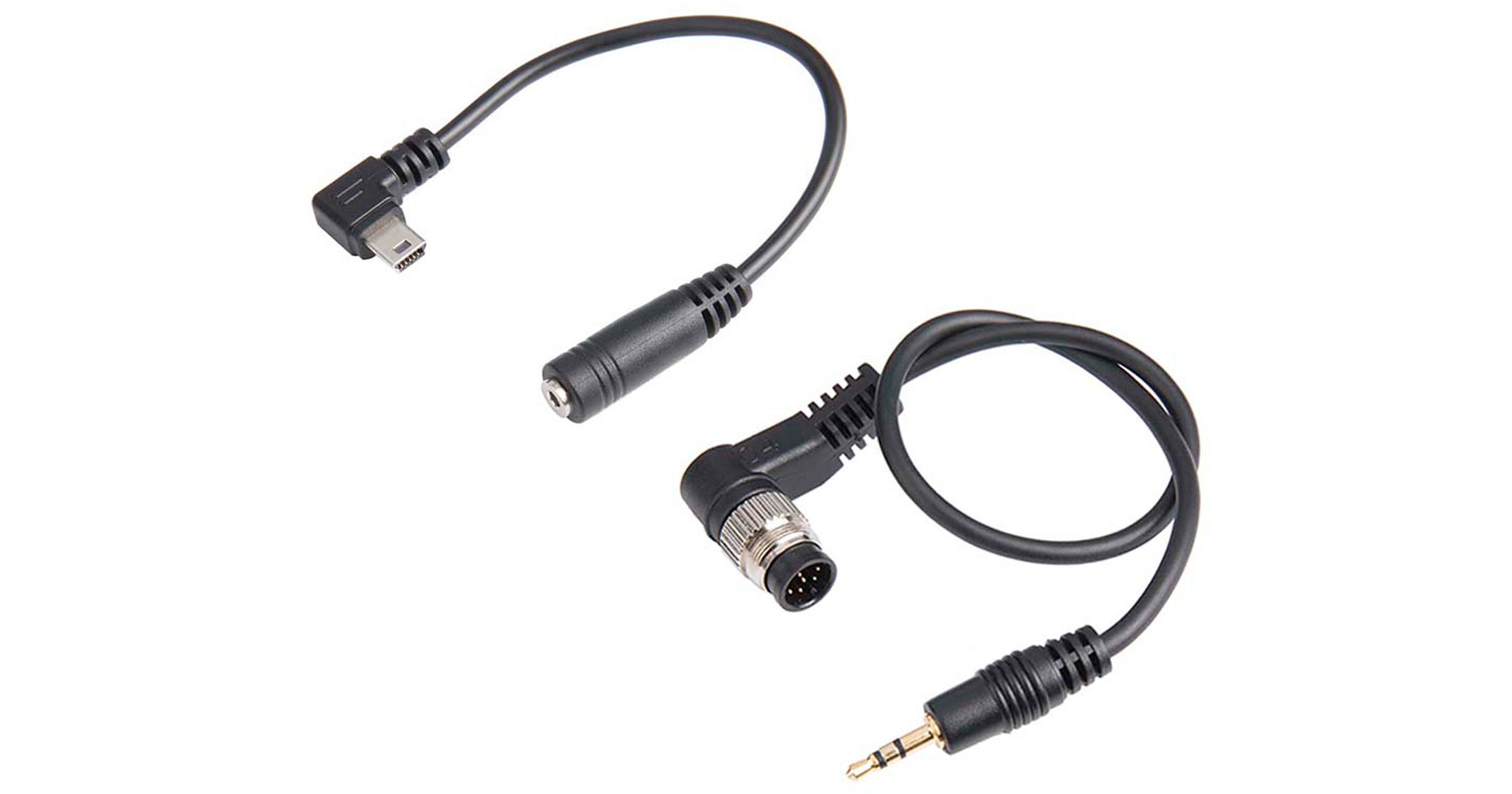
The Moza Timelapse Camera Shutter Control Cable Set N1 allows you to trigger the shutter of select Nikon cameras from the Moza Air and AirCross gimbals. Included are two cables that connect to each other and to the camera and gimbal. The set is compatible with Nikon cameras using a 10-pin connection release cable.
More Details
In Stock
No Store Display
$14.30
$20.00
Save $5.70
Limited supply at this price
Free Shipping for this Item
Protect Your Gear
Add a protection plan from $5.99
Ask an Expert
800-606-6969

Moza GA27 Overview

The Moza Timelapse Camera Shutter Control Cable Set N1 allows you to trigger the shutter of select Nikon cameras from the Moza Air and AirCross gimbals. Included are two cables that connect to each other and to the camera and gimbal. The set is compatible with Nikon cameras using a 10-pin connection release cable.

Camera Compatibility
Nikon
D800, D700, D300, D300S, D200, D100, N90S, D1 Series, D2 Series, D3, D3S, D3X, D4, D200, D1H, D1X, D2, D2H, D2X, D2XS, D2HS, F5, F6, F90, F90X, F100
UPC: 987792944135

Moza GA27 Specs

Cable 1
Connector 1
USB Mini
Connector 2
2.5 mm jack
Length
5.9" (15 cm)
Cable 2
Connector 1
2.5 mm plug
Connector 2
N1 male
Length
9.8" (25 cm)
Packaging Info
Package Weight
0.045 lb
Box Dimensions (LxWxH)
3 x 2.75 x 0.45"

Moza GA27 Reviews

Works with Nikon D500

By Mark
Rated 5 out of 5
Date: 2020-02-26

I purchased the Moza Air 2 knowing the D500 was not in the compatability list of Nikons but I knew it would at least work for all stabilizer, pan, tilt and so on functions. I purchased this cable hoping it would work for video and to my surprise it does! With the D500 (and probably other models, check your manual it will be in the custom settings under Movie) you can reassign the shutter button to start and stop video recording, the gimbal camera setting needs to be on shutter cable [not] a camera model. Turn on the display live view to video, double tap the power button to start recording and again to stop. I was also surprised to see that I could take photos putting the gimbal camera setting to nikon and using the recommended M3C-micro USB cable as instructed and that I could adjust shutter speed, aperture, and ISO depending on what mode the camera was in.

Unable to use

By Craig
Rated 1 out of 5
Date: 2018-04-17

The USB connection is a mini connection and the gimbal requires a micro connection. Mini connector will not even work with a converter to micro (physically will not fit) so the cable is useless.

See any errors on this page?

Can it be used to record video?

Can it be used to record video?
Asked by: Thuan
That would depend on the camera and specifically what you are wanting to accomplish. So that we may best assist you, please write with further detail to e-mail [email protected].
Answered by: Dennis L
Date published: 2018-11-09
  • y_2026, m_7, d_7, h_13CST
  • bvseo_bulk, prod_bvqa, vn_bulk_3.0.46
  • cp_1, bvpage1
  • co_hasquestionsanswers, tq_1
  • loc_en_US, sid_1384823, prod, sort_[SortEntry(order=HAS_STAFF_ANSWERS, direction=DESCENDING)]
  • clientName_bhphotovideo
Whatever You Need, We've Got It