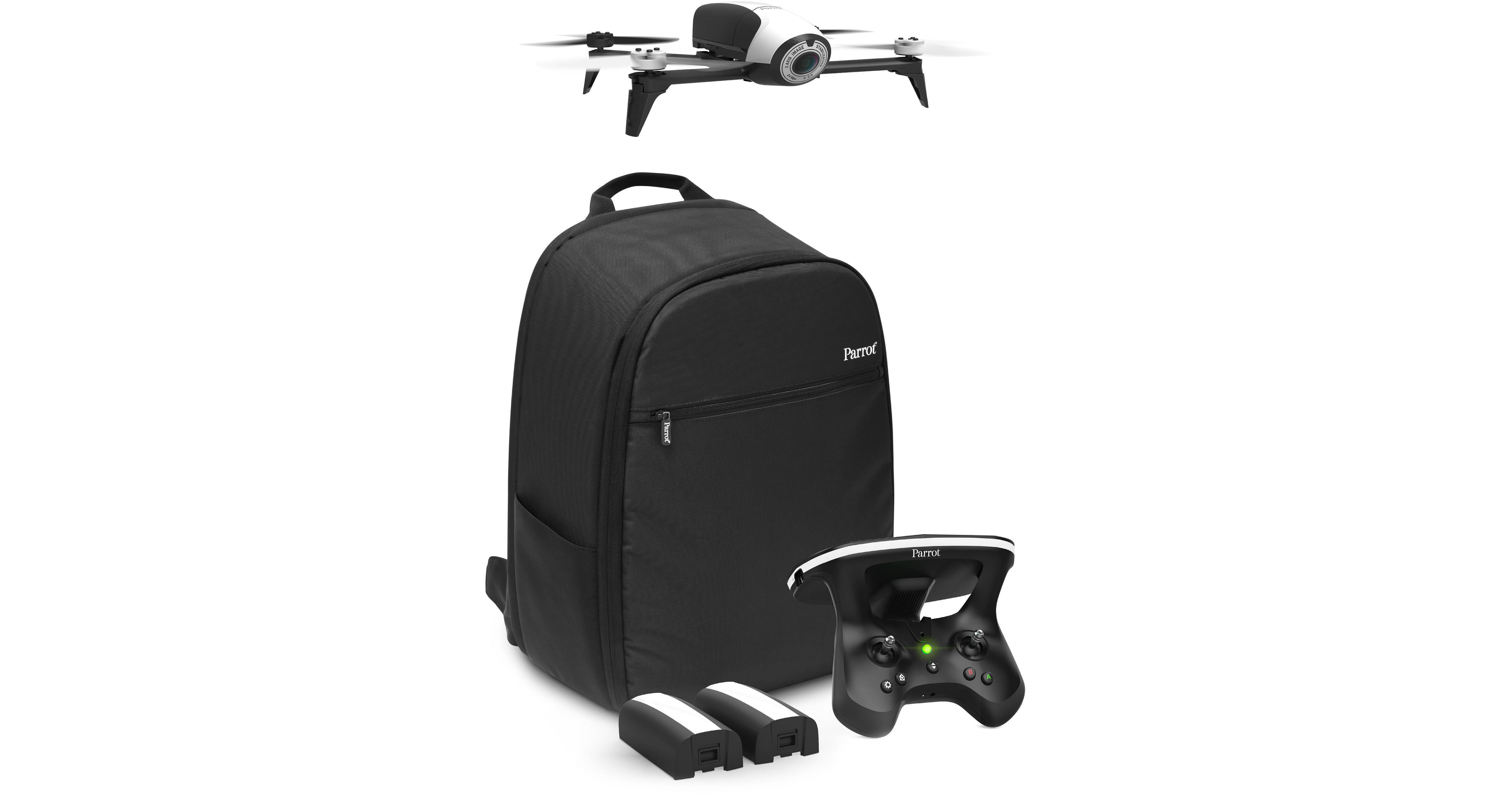
The Bebop Pro 3D Modeling Drone with 14 Megapixel Flight Camera from Parrot is a Wi-Fi-based, mobile device-operated RC quadcopter capable of capturing 1080p aerial video and taking 4096 x 3072 resolution still photos. Avoiding the added weight and power consumption of a motorized gimbal, the camera features an electronic image stabilization system that relies on a 3-axis motion sensor and a 180° fisheye lens from which it crops a Full HD image. Updates from the original BeBop include a lower camera angle for direct shots at the ground and a larger battery for up to 25 minutes flying time.
This Bebop drone package includes a free 1-year subscription to Pix4Dmodel, a professional desktop and cloud 3D modeling application that can take Bebop drone images of buildings and structures, and construct 3D models of them. Pix4Dmodel works in conjunction with the free Pix4Dcapture app for iOS and Android mobile devices. With the Bebop drone and Pix4D software, architects, craftsmen, and real estate agents can create 3D models for promoting and selling a property, or analyzing a structure's specifications for project planning and generating quotes. You can even use the Bebop for live video streaming to inspect a property and assess damage.
Rather than requiring a special transmitter, the BeBop Drone 2 is controlled from an Android or iOS mobile device running the FreeFlight 3 App (see Parrot website for latest list of supported devices). In addition to letting you control the quadcopter, the app provides a real-time preview from the flight camera, and you can even record a low resolution feed directly on your device. For high-res recording you can use the 8GB of built-in memory.
It starts by flying above the structure or area and dragging a box around it on your mobile device's screen. Once the area is set, the Parrot Bebop 2 will automatically fly the selected mission around the area, taking photos along the flight path.
The photos are taken at precise locations, and when finished, the Bebop returns to its starting point. You can then upload the images onto Pix4Dcloud in preparation of creating the final model in Pix4Dmodel.
Measure aspects of the property, such as the length of a building or surface area of a facade
Download projects onto your desktop for more advanced editing
Edit processing settings for different resolutions
Export 3D files for architecture and animation software (sold separately)
Share and promote models with a simple URL
Create 3D video animations
Create 3D printed mock-ups
Embed 3D models onto websites