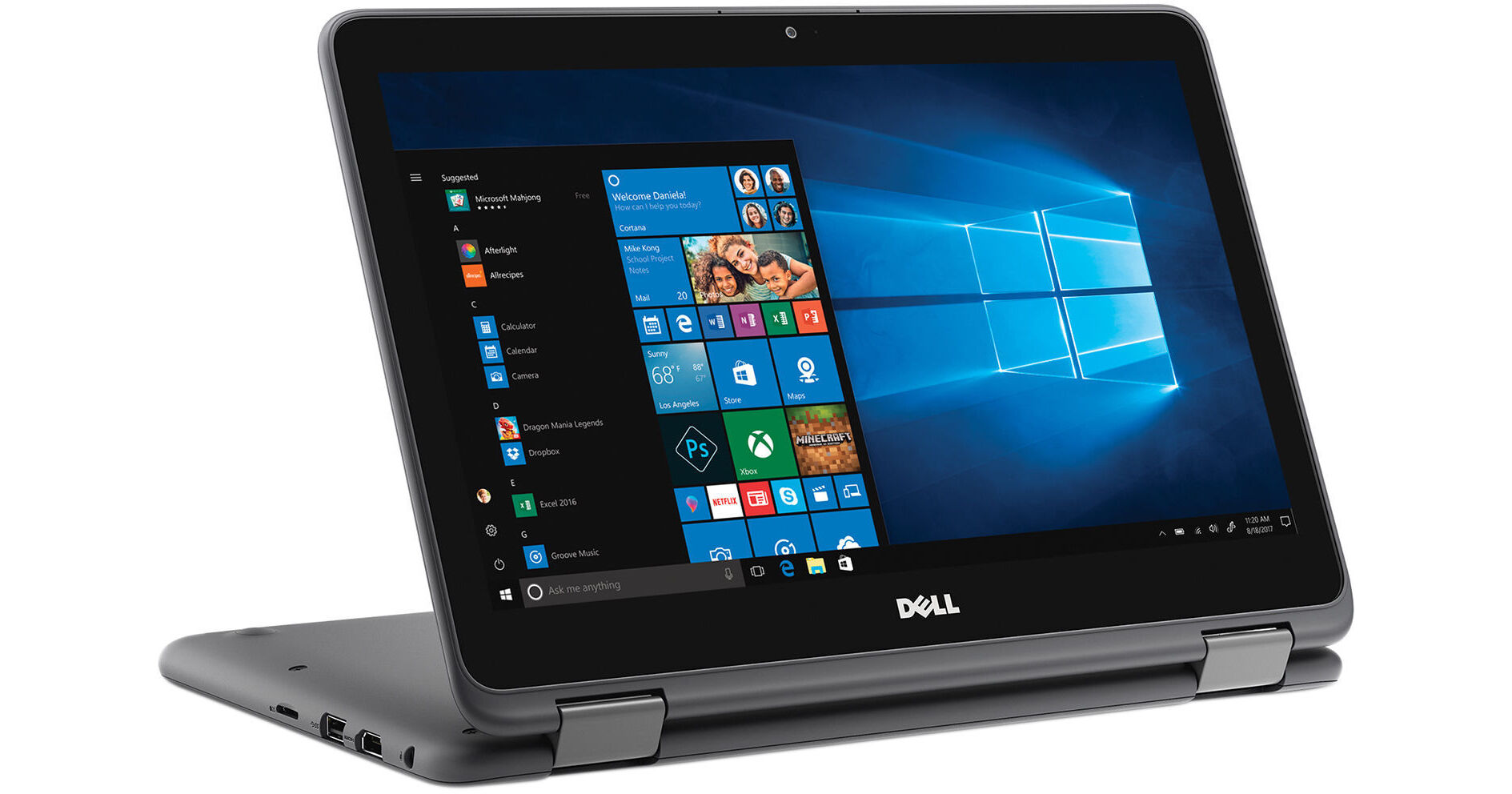
The gray Dell 11.6" Inspiron 11 3000 Series Multi-Touch 2-in-1 Notebook features a 360° hinge so you can use this device in a variety of modes.
The 11.6" display features a HD 1366 x 768 screen resolution and a 16:9 aspect ratio. The screen also supports multi-touch support. Visuals are handled by integrated AMD Radeon R5 graphics. You can also output to an external display via the HDMI 1.4a port.
The system is powered by a 1.8 GHz AMD A9-9420e dual-core processor. It also has 4GB of 2400 MHz DDR4 RAM, a 500GB 5400 rpm hard drive, a SD/SDHC/SDXC media card reader, 802.11b/g/n Wi-Fi, Bluetooth 4.0, USB 3.1 Gen 1, and USB 2.0. Windows 10 Home (64-bit) is installed operating system.
Dell Inspiron 11 3000 Series
11.6" HD Multi-Touch Display
The 11.6" display features a HD 1366 x 768 screen resolution and a 16:9 aspect ratio. The screen also has multi-touch support.
360° Hinge
The 360° hinge supports four different modes. Keep tabs on social media in tablet mode, pop it upright for games in stand mode, stream shows or movies in tent mode, or dial up productivity in laptop mode.
CinemaSound
With Waves MaxxAudio Pro, the Dell Inspiron 11 boosts volume and clarity for studio-quality sound.
CinemaStream
SmartByte channels maximum bandwidth to your videos or music for a seamless, stutter-free experience.
Windows 10
Start Menu
After its hiatus in Windows 8, the Start Menu has returned. Utilizing a combination of the traditional menu system and Windows 8's Live Tiles, the improved Start Menu gives you more information at a glance, showing notification information alongside your applications and other pinned items.
Cortana
Microsoft's digital personal assistant, Cortana can answer your questions with information gleaned from both your device and the internet at large. You can type or even talk with her, if your system has a microphone. Using her Notebook, Cortana keeps track of your needs and wants, and she learns over time to improve her information gathering skills.
Microsoft Edge
After nearly 20 years, Microsoft has finally replaced its Internet Explorer web browser. With Microsoft Edge, users can write directly on web pages and share notes with friends and colleagues. It also improves the online reading experience by adding a distraction-free mode and read-it-later functionality. Edge also has built-in Cortana integration; you can have her help you find a restaurant, make a reservation, and pull up directions without leaving your browser.
Windows Store
For Windows 10, Microsoft has unified the Windows Store. Now, apps for PCs, tablets, and phones will all be accessible from one place. And with support for Universal Apps, one version of an app can work across all your compatible devices automatically.
Windows Continuum
Windows 10 was designed for a variety of screen sizes and input styles, and with its Continuum feature, it automatically adapts to fit your needs. A Windows 10 tablet on its own requires a touch-centric approach, but attaching a mouse and keyboard will shift everything to a more traditional interface. You can even attach an external monitor to your Windows 10 phone for a near-desktop experience. But it's not just the operating system; Windows Universal Apps take advantage of Continuum as well.
Xbox on Windows 10
Gaming is a big focus of Windows 10. Xbox integration allows for PC players to match up against Xbox One players on supported games, and if you have an Xbox One, you can even stream compatible titles to your PC. Native support for recording with the new Game DVR feature makes it easy to capture and share your gameplay. The new DirectX12 takes better advantage of multi-core processors, giving games a performance boost, even on older hardware. Windows 10 also features native support for virtual reality headsets, such as the Oculus Rift.