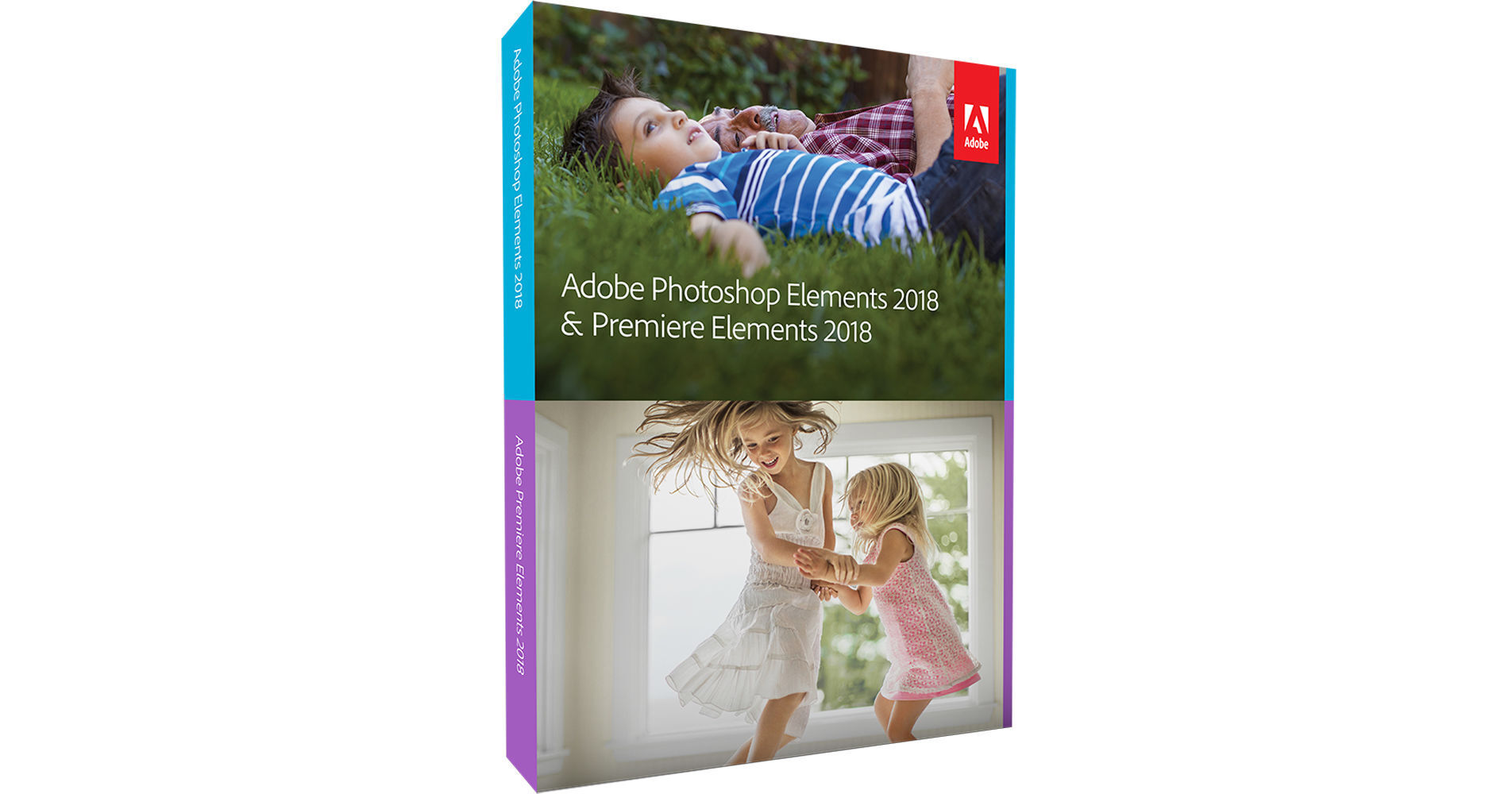
Adobe Photoshop Elements & Premiere Elements 2018 includes two easy-to-use, consumer-oriented applications that provide nearly everything one could want for editing photos and videos. There's pretty much nothing you can't do with them. In addition to the common effects and corrections, and to the unique tools such as Open Closed Eyes, these Elements softwares are designed with highly-automated workflows, step-by-step Guided Edits, and many one-click tools that allow you to bypass a lot of the technical stuff and jump to the creative part. After a small learning curve, you can choose to edit totally manually or use manual and automated tools. Although these are separate programs, they share the same Organizer, which is an independent browser that displays all your content sorted visually by people, places, subject, date, and the like, and it allows you to search by these aspects as well as make batch corrections and create automatic slideshows by just clicking the content you want to include.
With Photoshop Elements 2018, your photos can be turned into true works of art after you go through the numerous effects, corrections, and other filters offered. In addition to this there are special features for creating calendars, greeting cards, photo collages, and similar print media with your photos. Using the automated features, with a simple click here and there, you can change colors, lighting, and textures, turn photos into illustrations, paint over photos, move objects, open closed eyes, turn frowns into smiles, whiten teeth, replace backgrounds, and so much more. You can also send your edited photos to friends and family on social media directly from the program.
Premiere Elements 2018 supports up to Ultra HD 4K resolution and offers a simple, drag-and-drop interface with many functions requiring no more than a drag or a click or two. Premiere Elements lets you add graphics, animated titles, transitions, motion menus, cartoon looks, effects that move with the subject, dozens of musical scores, hundreds of sound effects, and more. It also allows you to make corrections such as auto-fix shaky footage, remove haze to make scenes clearer, and fix audio problems. You can also select from instant themed templates and choose to use touch-enabled quick edits.
The Guided Edits in the two applications allow you to apply a lot of creative tools by simply following the step-by-step guidance indicated on the screen. These edits include Replace Background, Artistic Overlay Effects, Watercolors, Double Exposures, Freeze Frames with Motion Titles, and Bounce-Back Effects, and you mainly only need to focus on the creative part as the software takes care of the rest.
The applications are delivered to you on DVDs. The applications can be installed on up to two computers and used on one at a time, and you can easily move them from computer to computer.
Go from hundreds of mystery folders to a visual view of your photos and videos — automatic sorting and visual tagging make them easy to find.
Auto Curate
Your photos are automatically curated based on quality, faces, subjects, Smart Tags, and more, so you don't have to search for the standouts.
Reimagined Slideshows
With one click, your best photos and short video clips are automatically brought together to create a stylish, animated slideshow that you can easily customize with different photos and clips as well as great-looking themes.
Did someone blink? Photoshop Elements 2018 automatically copies the open eyes from one photo and blends them into another to correct the shot.
Auto Selection
Make precise selections by simple dragging.
Guided Edit: Replace Background
Four new Guided Edits have been added, bringing the total to 49. Guided Edits provide step-by-step photo editing help. The new Replace Background Guided Edit allows you to select the subject of a photo and place it on a background that's more interesting, all within seconds.
Guided Edit: Artistic Overlay Effects
Embellish any photo with a shape overlay and one-click effects that add more of a creative touch. This Guided Edit is great for scrapbook pages and photo crafts.
Guided Edit: Watercolors
Get help turning any photo into a beautiful, textured watercolor, and you can even finish it off with text.
Guided Edit: Double Exposures
Bring one photo to life within another to create a surreal effect. Photoshop Elements 2018 walks you through the steps.
Wish you'd been able to capture the moment with photos? Now you can automatically extract great photos from your raw video footage.
Smart Trim
Automatically trim the bad and keep the good. Smart Trim finds and brings together the best scenes based on the style of your video.
Guided Edit: Freeze Frames with Motion Titles
Four new Guided Edits have been added, bringing the total to 18. Guided Edits provide step-by-step editing help. The new Freeze Frames with Motion Titles Guided Edit walks you through the steps to create a freeze frame of the action and then add an eye-catching motion title.
Guided Edit: Bounce-Back Effects
Get step-by-step help making a segment of your video run forward and backward repetitively. Export your bounce-back effect as an animated GIF (Windows only) or short video clip.
Guided Edit: Fix Action Cam Footage
Get step-by-step guidance to expertly trim, correct color, and fix lens distortions in your action cam footage, so it looks its best.
Guided Edit: Animated Social Posts
Create a short visual story to share on social media by embellishing a video clip with either static or animated text.
- Search based on a combination of criteria, such as people, places, events, and more
- Smart Tags are applied automatically based on subjects like sunsets, birthdays, cats, and dogs
- Find photos according to the people in them, the place you took them, what you were doing, visual similarity
- Tag faces in photos using your Facebook Friends list
- Touch-enabled Quick Edit
- Help right within the interface via eLive
- Turn frowns into smiles
- Remove camera shake in selfies and other handheld shots
- Remove haze in landscape photos
- Edit a batch of photos at one time
- Choose your favorite composition from four crop options
- Easily remove "pet eye" discolorations
- Instantly unclutter and repair photos
- Whiten teeth
- Fix red eye
- Simplified Filter Gallery for trying new looks
- Elements analyzes your photo and gives you five effects that fit perfectly
- See five variations of each effect to get the look you want
- Zoom burst, tilt-shift, vignette, high-key, and low-key effects
- Turn photos into illustrations
- Paint on up to 100 effects
- Add one-touch frames, effects, and textures
- Photo text, Effects Collage, Painterly, and Speed Pan
- Color Pop, Recompose, and Black & White
- Guided Edits offer step-by-step help with creative techniques and effects
- Easily select detailed edges like hair or fur
- Create photo remixes for all-new scenes
- Easily move objects and have the background fill in
- Edit raw images
- Recompose to any size without distortion
- Create group shots
- Make panoramas
- Blend your Facebook profile and cover photos
- Create cards, photo collages, and other keepsakes to print at home
- Share photos to Facebook and Twitter
- Search based on a combination of criteria, such as places, events, albums, and favorites
- Find videos according to the place you took them (Windows only) or what you were doing
- Visual tags for organizing clips
- Touch-enabled Quick Edit
- Help right within the interface via eLive
- Video collage shows photo and video memories at once
- Haze removal makes scenes clear
- Easily remix music to match the length of your movie
- Automatic Face Detection in pan and zoom and auto-trim
- Drag-and-drop editing
- Auto-fix shaky footage
- Instant themed movies
- Adjustment layer
- Pop color, slow-motion, and fast-motion
- Guided Edits offer step-by-step help with creative techniques and effects
- Add graphics, text, and effects that move with the subject
- Add cartoon looks, graphics, transitions, animated titles, motion menus, and polished credits
- Edit and view high-res 4K movies
- Get High DPI and Retina Display support
- Over 50 musical scores and 250 sound effects
- Auto-balance audio elements, easily fix audio problems, adjust color with sliders, and combine elements from different videos
- Multi-format export, including 4K
- Automatic export recommendations
- Animated GIFs (Windows only)
- Share to Facebook, Vimeo, and YouTube
- Burn movies to DVD