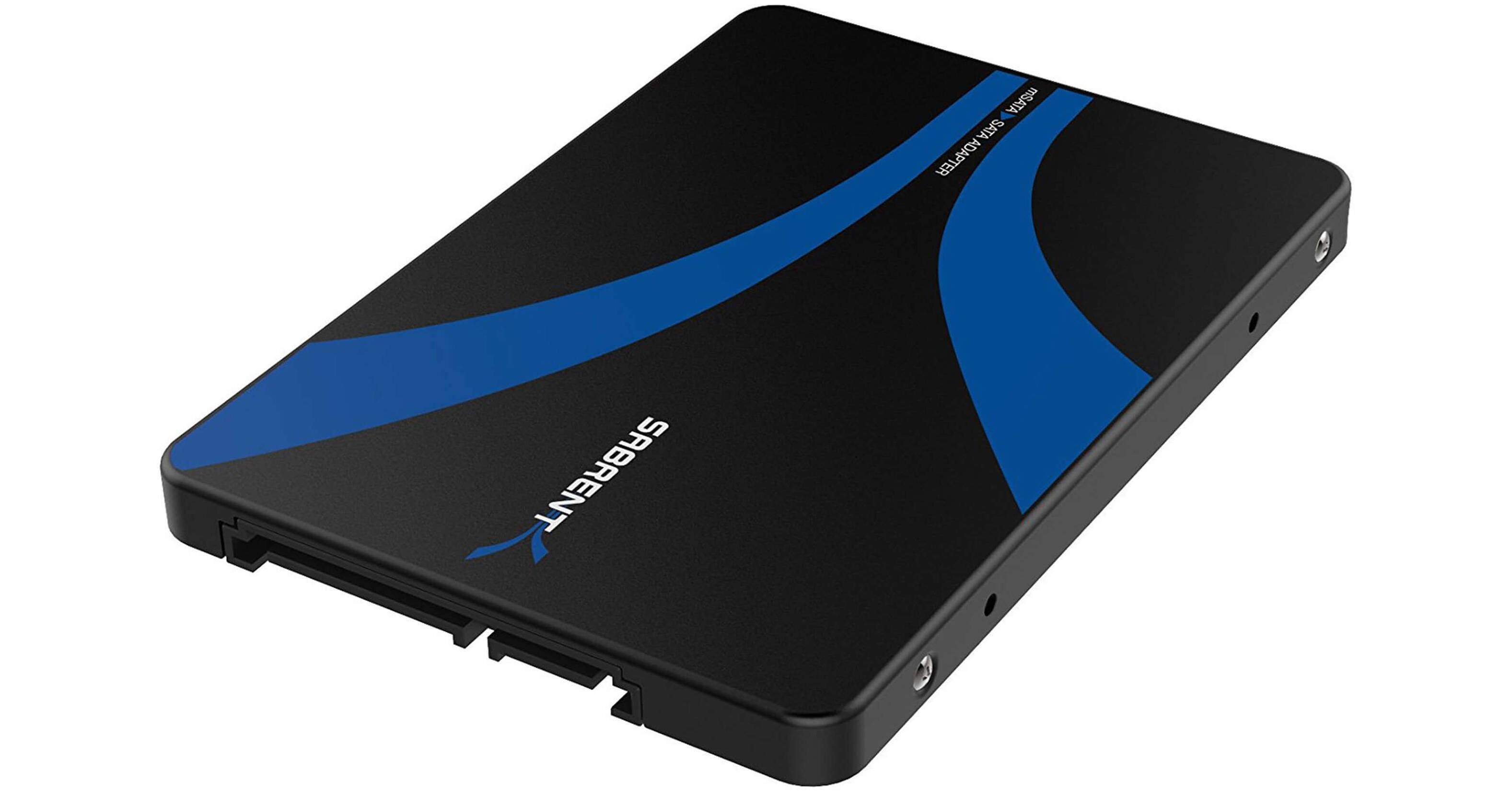
The M.2 to 2.5" SATA III Adapter from Sabrent allows M.2 SSDs to be used in 2.5" SATA drive bays. The adapter fits one M.2 NGFF SSD and connects to your host system using its SATA III 6 Gb/s interface. A pass-through design also allows this adapter to be used externally, via a separately sold USB to SATA cable. Built using aluminum, this adapter helps protect against drops, shock, and dust. To help get you up and running and make installation into a 2.5" drive bay more user-friendly, screws are included.
Ask Our Experts800-606-6969
Hello, Log InAccount & Orders
Key Features
- Use M.2 SSDs in 2.5" SATA Drive Bays
- Supports Pass-Through for External Use
- Aluminum Enclosure Provides Protection
The M.2 to 2.5" SATA III Adapter from Sabrent allows M.2 SSDs to be used in 2.5" SATA drive bays. The adapter fits one M.2 NGFF SSD and connects to your host system using its SATA III 6 Gb/s interface. A pass-through design also allows this adapter to be used externally, via a separately sold USB to SATA cable. Built using aluminum, this adapter helps protect against drops, shock, and dust. To help get you up and running and make installation into a 2.5" drive bay more user-friendly, screws are included.
More DetailsSabrent EC-M2SA Overview
General Features
Converts most M.2 SSDs into a 2.5" SATA drive with no drivers needed
Supports M.2 NGFF drives
Added protection for your SSD with the enclosed aluminum housing, which helps protect against drops, shock, and dust
Its pass-through design allows for the M.2 drive to operate with fast transfer speeds
Note: M.2 PCI-E is not supported
UPC: 819921013415
Sabrent EC-M2SA Specs
| Dimensions | |
| Weight |
Packaging Info
| Package Weight | |
| Box Dimensions (LxWxH) |
Sabrent EC-M2SA Reviews
Does not specify this is for B-key ONLY
By Christopher
Rated 1 out of 5
Date: 2026-01-18
Does not specify this is for B-key ONLY. It doesn't work with M-key M.2 drives
Enclosure does not fit M.2 Drive
By Chris
Rated 1 out of 5
Date: 2023-07-12
I Bought this enclosure to make use of my spare M.2 Drive in an older system. When I tried to insert my M.2 Drive in the enclosure it would not fit, I looked closely and it appears to keying for the slot is slightly off resulting in it not being able to fit. I saw it was very close to I pushed with more force than I was comfortable with and after getting the drive in (most of the way) I tried it in a SATA interface and it did not function. I removed the M.2 drive and put that in a compatible system and the M.2 works perfectly. This enclosure was a real let down.
See any errors on this page?
