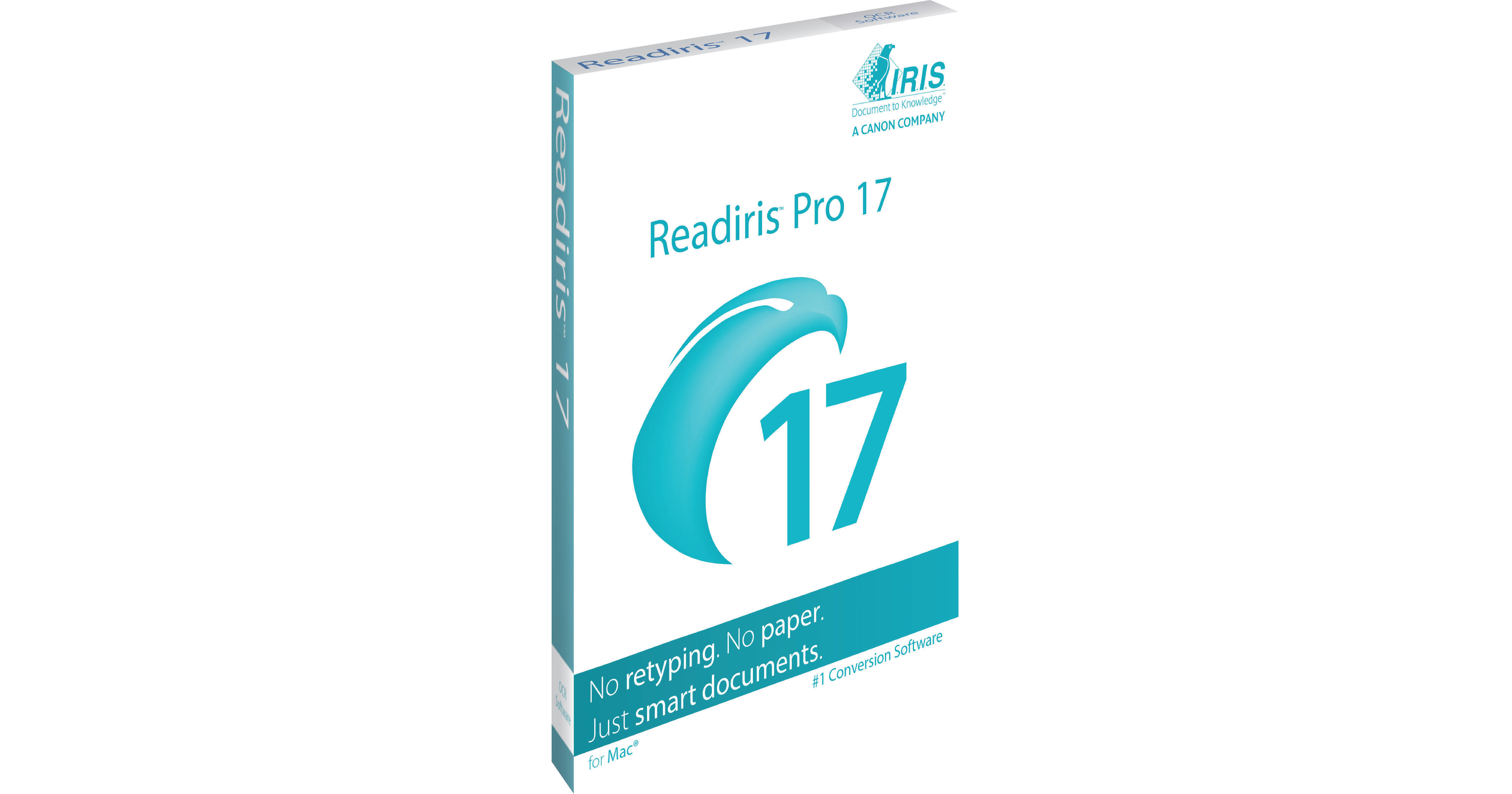
IRIS Readiris Pro 17 Mac Download

BH #IR459404 • MFR #459404
Print
IRIS Readiris Pro 17 Mac Download
Key Features
  • Turn Paper Documents into Digital Text
  • Convert Image and PDF Files
  • Create Editable and Searchable Files
  • Convert to Word, Excel, Text, and HTML
Readiris Pro 17 from IRIS is a software program designed for Mac systems, which converts a paper document, image, or PDF into an editable and searchable digital file while using Optical Character Recognition technology. This software is compatible with scanners and offers a scanning function for paper documents. It can also import images and PDFs from your computer system. The Readiris Pro 17's OCR software converts a source into Word, Excel, text, HTML, and other file types. These files are then compatible with word processing, spreadsheet, email, PDF, or other programs. Furthermore, Readiris Pro 17 maintains the original layout using advanced retention technology. This helps ensure your converted file will look the same as the original source. In addition, you can recreate an original spreadsheet with table recognition.
More Details
No Longer Available
No Store Display
Ask an Expert
866-842-7675

IRIS Readiris Pro 17 Overview

Readiris Pro 17 from IRIS is a software program designed for Mac systems, which converts a paper document, image, or PDF into an editable and searchable digital file while using Optical Character Recognition technology. This software is compatible with scanners and offers a scanning function for paper documents. It can also import images and PDFs from your computer system. The Readiris Pro 17's OCR software converts a source into Word, Excel, text, HTML, and other file types. These files are then compatible with word processing, spreadsheet, email, PDF, or other programs. Furthermore, Readiris Pro 17 maintains the original layout using advanced retention technology. This helps ensure your converted file will look the same as the original source. In addition, you can recreate an original spreadsheet with table recognition.

Readiris Pro 17 uses high compression technology that's capable of reducing the size of your images and PDF files at varied levels. The downsized file will be in a PDF format and is compatible with PDF viewers. The produced PDF has a text layer ready to be searched and indexed while looking the same as the original source. This software can process up to 150 pages and recognizes 138 languages. Once all your produced files are finished, upload them to the Cloud to share or archive. When you need to enhance your document organization, use the Readiris Pro 17's annotation and verbal comment tools to get accurately recorded feedback that you can listen to later.

Easy-to-Use Text Recognition & Document Archiving Solution
No need to retype text. Save a maximum of time to scan, recognize, convert, and archive all your documents in just a single click.
High-Quality Compression Technology
Create colored PDF files at smaller sizes than the original document, a method that's useful for document archiving.
Support of Portable File Formats
Turn your paper documents into searchable PDF files. This software can convert PDF into editable text.
Output Connectors to the Cloud
This software allows easy integration with your favorite online Cloud services. Upload to Storage Systems Evernote, Dropbox, Google Drive, Microsoft OneDrive, Box, and Microsoft SharePoint in a single click.
Table Recognition
Readiris Pro 17 supports Microsoft's spreadsheet ML format to create table reproductions.
Scan to email
Using Readiris Pro 17 provides a simple way to scan paper documents and automatically send them by email.
Enhanced Features for Mac
Annotate Your PDF
Readiris Pro 17 provides annotation tools, note panels, and comment areas make it easy to collaboratively modify and publish your PDF files.
Edit Your PDF
Utilize publishing tools such as crossing out, underlining, highlighting, and more. These text modifications provide detailed control over your PDF while attaching comments.
Add Subtitles
Precisely vary and manage your watermarks from one page to the next for a better communicated PDF that everyone understands.
Integrated Voice Recognition
Use the annotation and verbal comment tools to get more accurate feedback. When you need to make sure you get every word right, you can record and listen to the audio.

IRIS Readiris Pro 17 Specs

Delivery Format
Download

IRIS Readiris Pro 17 Reviews

See any errors on this page?
Whatever You Need, We've Got It