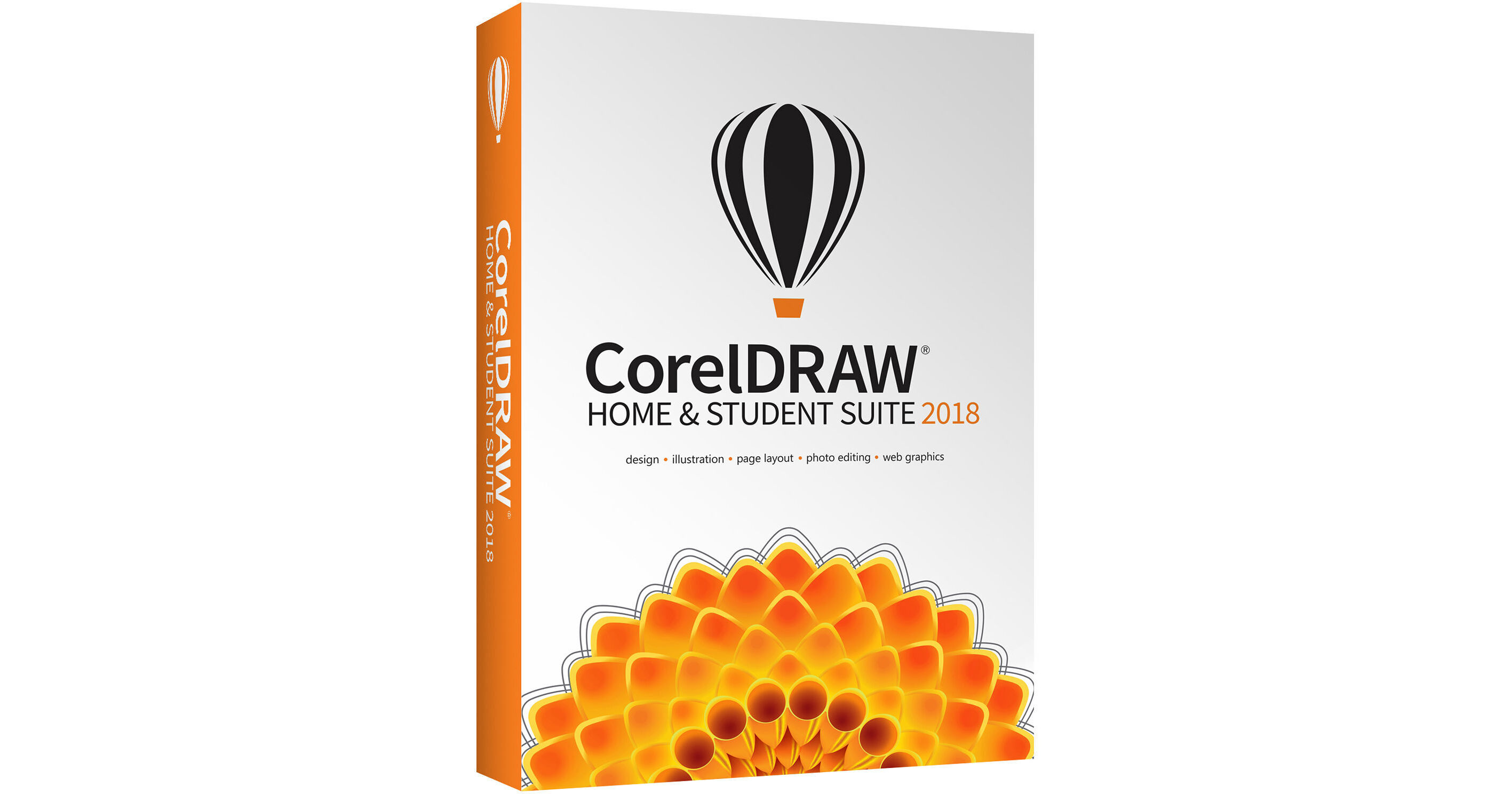
Enjoy a seamless design experience at home or at school using CorelDRAW Home & Student Suite 2018 to create logos, layouts, newsletters, photo projects, social media content, and more. Get started quickly with versatile in-product learning resources, a user-friendly Quick Start Guide, and extensive design assets including high-quality clipart and photos, fonts, fills, and templates.
Apply Envelopes to Bitmaps
Shape a bitmap interactively by placing it in an envelope and dragging its nodes. Quickly and seamlessly blend a bitmap into an illustration by using envelope presets or crafting a custom envelope from scratch.
Adjust Photo Perspective Interactively
Use the interactive Perspective Correction tool to adjust the perspective of buildings, landmarks, or objects in photos. Simply line up the four corner points with a shape that should be rectangular to adjust the entire shot.
Publish to WordPress
Send your work directly to a WordPress media library from within the application. This new functionality lets you convert selected objects or an entire project to a JPEG, GIF, or PNG file and then upload to a WordPress account.
Touch Friendly UI Workspace
Create quick adjustments using touch or a stylus. The Touch workspace maximizes the size of your drawing window by displaying only the tools and commands used most often, plus you can pan and zoom with a single gesture.
Straighten Photos Interactively
Rotate crooked images by interactively aligning a straightening bar to an element in the photo or specifying an angle of rotation. All controls are easily accessible on screen or on the property bar for perfect results in minutes.
Align and Distribute Nodes
Align and distribute nodes using the bounding box of a selection, the page edge or center, the closest grid line, or a specified point. Distributing nodes is just as easy, adding equal spacing between them horizontally or vertically.
Add Perspective Effect
Quickly create the illusion of distance and depth by applying perspective to bitmaps, vector objects, or both directly in the drawing window. It's an ingenious tool to showcase artwork in real world scenarios.
Corner Control in Dashed Lines and Outlines
Gain more control over the appearance of corners in objects, text, and symbols that use dashed lines in CorelDRAW 2018. In addition to the existing default setting, you can choose from two new options to create perfectly designed and defined corners.
Apply and Manage Fills and Transparencies
Enjoy the totally redesigned Fill and Transparency pickers that will help increase your productivity and deliver improved performance when working with and managing fills and transparencies in CorelDRAW and Corel PHOTO-PAINT.
Multi-Monitor, 4K, and Real-Time Stylus Support
Take advantage of multi-monitor viewing and 4K displays support. Work quickly and efficiently with the added control from the Windows Real-Time Stylus pen-compatible tablets in addition to the Wacom tablet and devices.
Compatibility
Get the power and stability you need with full support for 10, 8.1, or Windows 7. Import, export and share your designs with ease thanks to a variety of compatible market-leading file formats, including AI, PSD, PDF, JPG, PNG, SVG, EPS, TIFF, PPT, and more.
Note: The Microsoft Office Compatibility Pack will be retired in the near future. Please install at the time of purchase to ensure you have access to this pack and its full feature set.
Note: The Microsoft Office Compatibility Pack will be retired in the near future. Please install at the time of purchase to ensure you have access to this pack and its full feature set.
Learning Materials
Start smoothly or learn a new trick, no matter your level of experience, with our growing library of dynamic learning materials, including a Quick Start Guide, video tutorials, webinars, a Hints docker, and Insights from the Experts.