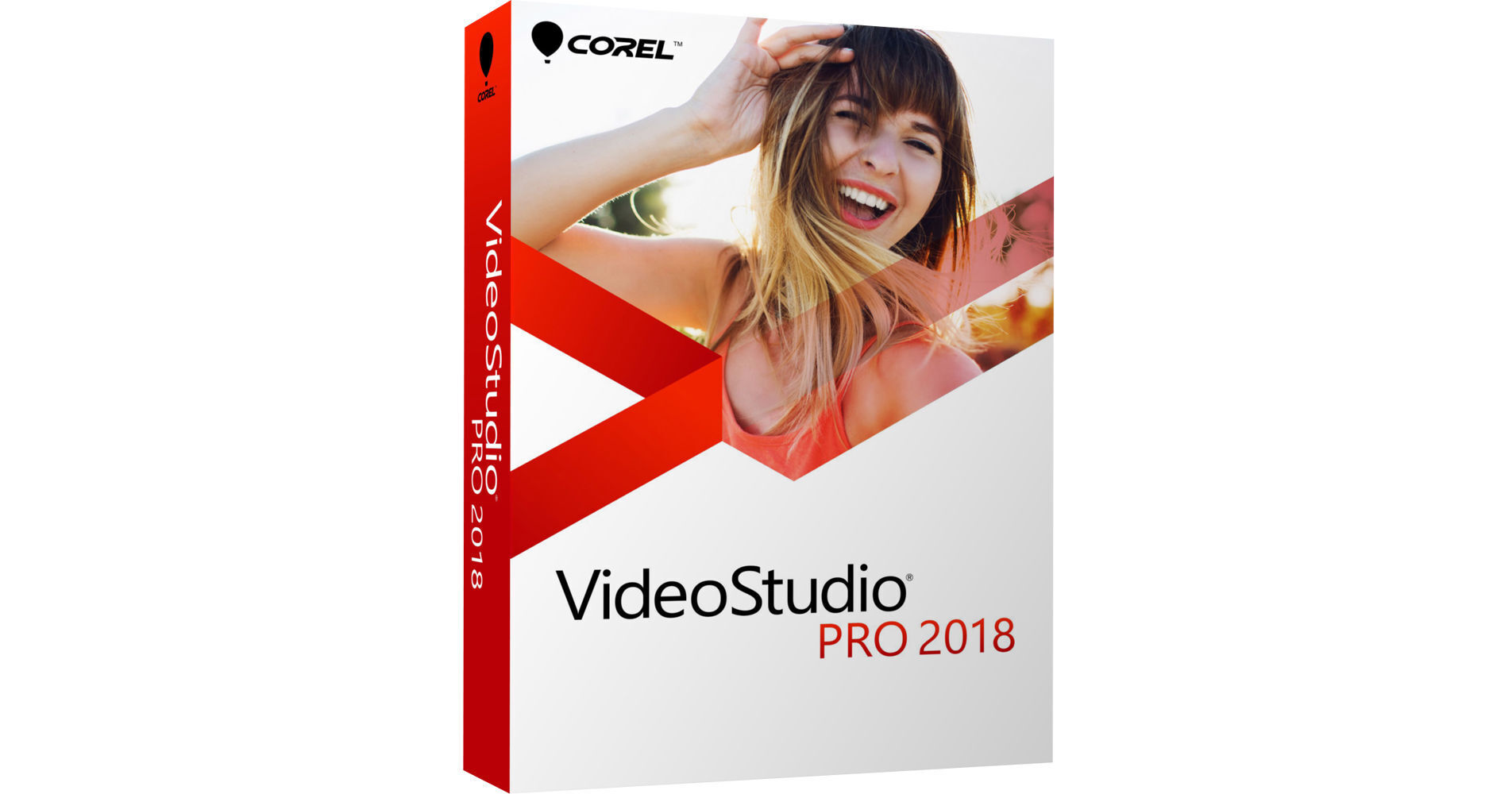
Corel VideoStudio Pro 2018 is a comprehensive consumer video editing application designed with editing enthusiasts, students, social media marketers, and new videographers in mind. The program offers an easy-to-learn and easy-to-use interface and workflow which allow you to achieve results quickly, and at the same time it features a thorough collection of standard and advanced tools and functions that will let you turn your projects into creative works of art.
VideoStudio supports up to Ultra HD 4K resolution, so you'll be able to make use of most 4K cameras and 4K displays that you may already own or will in the future. 1500+ creative effects, transitions, titles, image correction tools, and other filters are integrated to enable you to polish up your projects with style and precision.
VideoStudio Pro 2018 incorporates a variety of sophisticated video and audio features, including 4-camera multi-cam editing and multi-point motion tracking for those who want to get really creative. Multi-point motion tracking will allow you to easily add moving text or graphics to your videos or apply a mosaic blur to moving faces, logos, license plates, and other elements. The application also includes several 3rd-party plug-ins from NewBlue FX for further stylizing your videos.
VideoStudio Pro 2018 is compatible with Windows 10, 8, and 7. The default operating language is English but you can choose between a variety of languages in the settings menu.
- 1500+ video effects, filters, and transitions
- 4-camera multi-cam editing
- Lens correction / fisheye correction
- Split screen video templates
- 360-degree video editing
- Track transparency
- Stop motion animation
- Video titles
- Motion tracking
- Screen recorder
- Chroma key effects / green screen
- Time-lapse video
- Subtitle editor
- Color correction tools
- Picture-in-picture
- Video overlays
- Video templates
- Video masking
- Time remapping
- Video stabilization
- 21 tracks
- Timeline editing
- Storyboard editing
- Portrait video editing
- Track height adjustment
- Smart Guide alignment tools
- Group objects
- 360 video to standard video
- Crop video
- Pan and zoom
- Dual window display
- Scalable windows
- Detachable windows
- Right-to-left text
- Voiceover tools
- Video trim
- Split video
- Merge video
- Rotate video
- Convert titles to alpha channel files
- Create custom workspaces
- Smart proxy editing
- Backup library
- 8 tracks
- Normalize audio
- Audio ducking
- Audio filters
- ScoreFitter royalty-free music library
- Dolby Digital support
- Integrated video tutorials
- Corel Live Screen Capture
- Corel FastFlicks slideshow maker
- Corel MyDVD disc authoring software - 50 templates
- NewBlueFX Titler EX
- NewBlueFX Video Sampler Pack
- NewBlueFX Video Essentials I
- NewBlueFX Video Essentials II
- Insert chapter points in timeline
- Burn DVD and AVCHD with menus and chapters
- Export to common video formats
- Export to YouTube, Facebook, Flickr, and Vimeo
- Export to smartphones and tablets
- XAVC-S authoring to SD card
- SD card output
- Export 360 videos
- Smart Package for easy archive/restore
- 360 video
- 4K video
- HD video
- HTML5 editing
- HEVC import
- 64-bit architecture
- NVIDIA, Intel, and AMD DirectX video acceleration support
- Intel Quick Sync Video hardware acceleration
- NVIDIA CUDA optimization