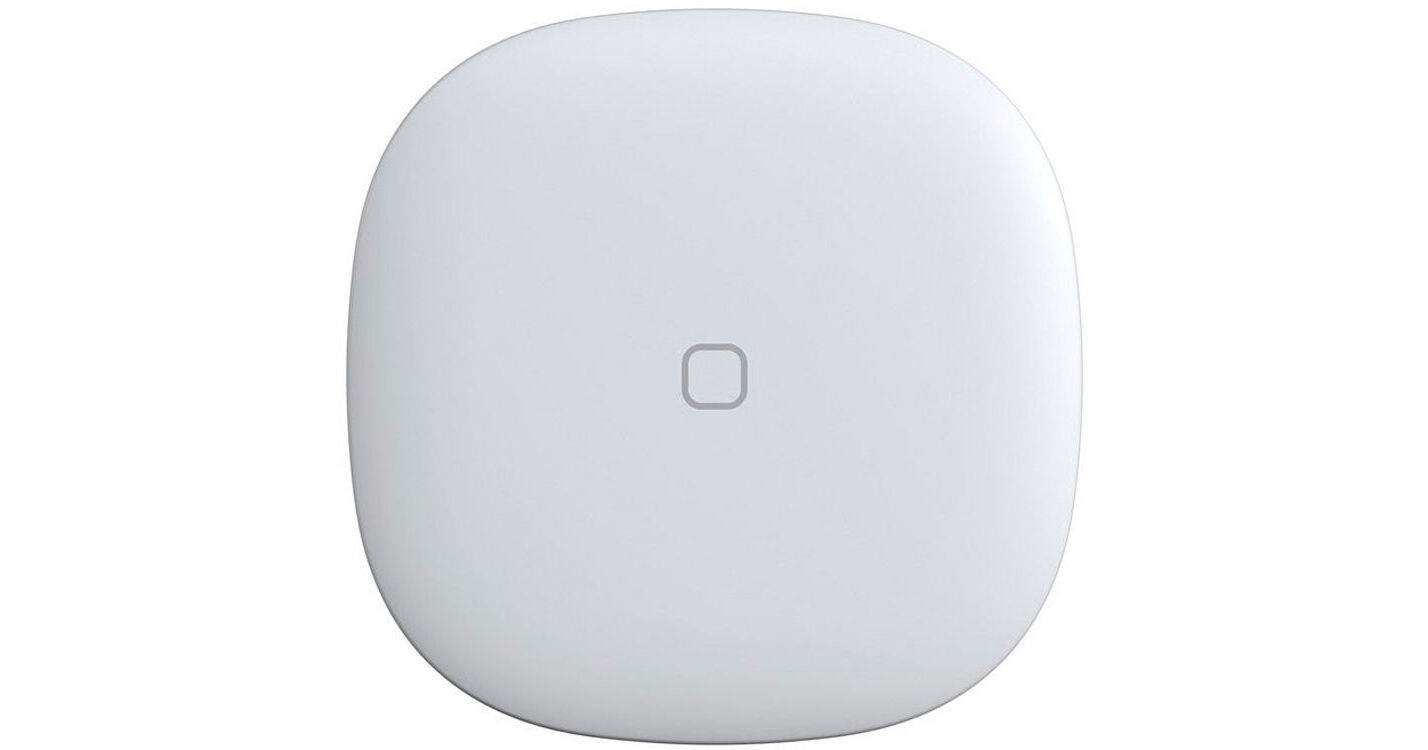
Samsung SmartThings Button

BH #SASTBTN • MFR #GP-U999SJVLEAA
Print
Samsung SmartThings Button
Key Features
  • Remotely Control Connected Devices
  • 50 to 130' Operating Range
  • Zigbee Protocol
  • SmartThings App for iOS and Android
The white SmartThings Button from Samsung enables control of connected devices like lights, electronics, and small appliances. Additionally, you'll be able to adjust your thermostat and turn on your lights with one touch. The SmartThings app for iOS and Android enables monitoring and control of your connected devices.
More Details
No Longer Available
No Store Display
Ask an Expert
800-606-6969

Sam ung SmartThing Button Overview

The white SmartThings Button from Samsung enables control of connected devices like lights, electronics, and small appliances. Additionally, you'll be able to adjust your thermostat and turn on your lights with one touch. The SmartThings app for iOS and Android enables monitoring and control of your connected devices.

This button utilizes a Zigbee protocol and has a 50 to 130' operating range. It is powered by an included CR2450 battery. A SmartThings hub, SmartThings Wi-Fi, or compatible devices with SmartThings hub functionality (available separately) is required for operation.

Requires SmartThings hub, SmartThings Wi-Fi, or compatible devices with SmartThings hub functionality (available separately)
Zigbee protocol for home automation
SmartThings app for iOS and Android
Designed for indoor use
FCC, IC, and CE certified

Sam ung SmartThing Button Specs

Protocols
Zigbee
Operating Range
50 to 130' / 15.2 to 40 m
Operating Requirements
SmartThings hub, SmartThings Wi-Fi, or compatible devices with SmartThings hub functionality (available separately)
Power Source
CR2450 battery (included)
Housing Material
Plastic
Operating Temperature
32 to 104°F / 0 to 40°C
Certifications
FCC, IC, CE
Dimensions
1.61 x .58 x 1.61" / 41 x 15 x 41 mm
Weight
0.05 lb / 22.7 g
Packaging Info
Package Weight
0.145 lb
Box Dimensions (LxWxH)
3.6 x 3.55 x 2.1"

Sam ung SmartThing Button Reviews

See any errors on this page?
Whatever You Need, We've Got It