HumanCentric Adjustable Device Wall Mount (Extra Small)

BH #HU1012017 • MFR #101-2017
Print
HumanCentric Adjustable Device Wall Mount (Extra Small)
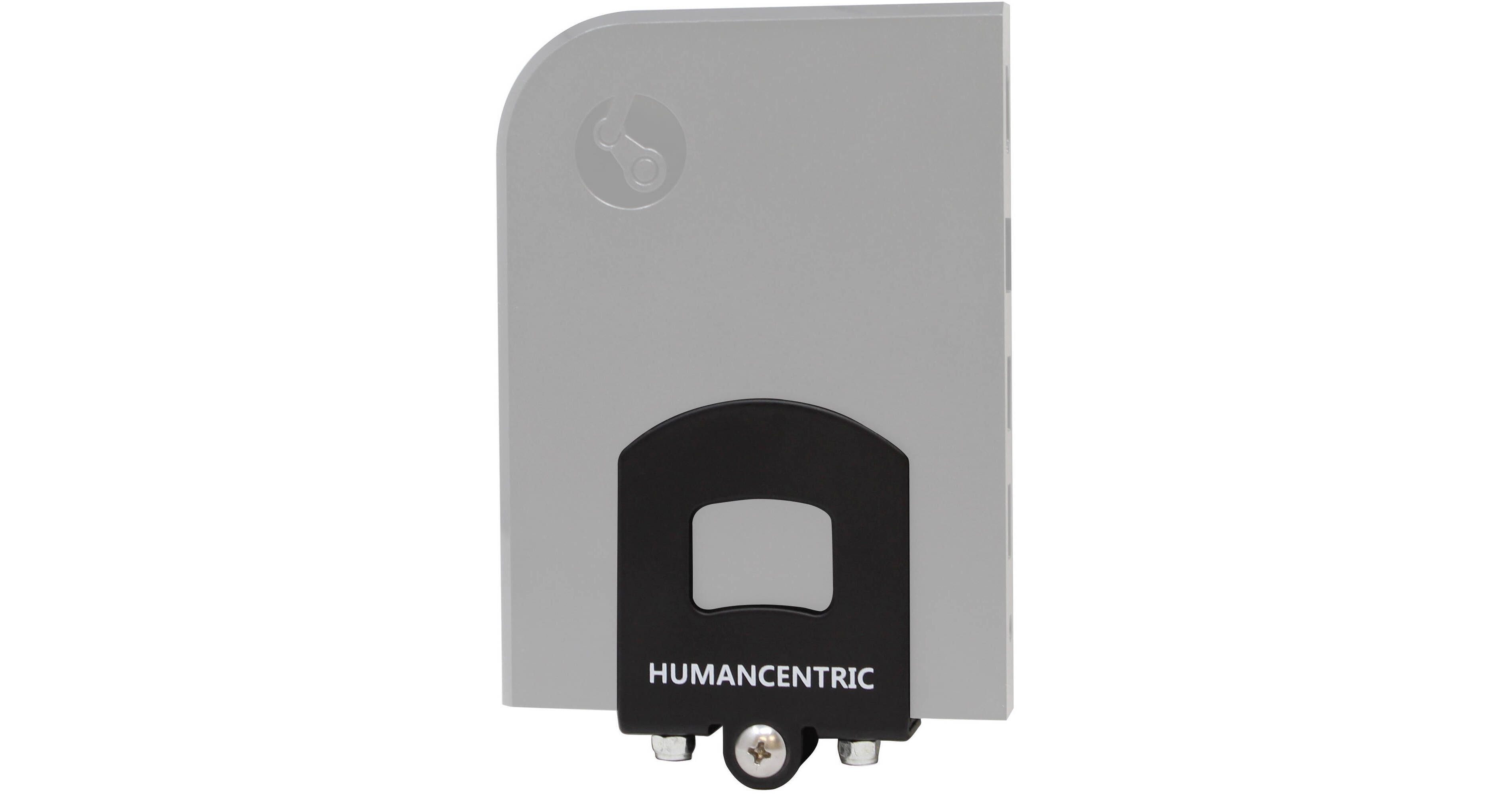
Shown in use, for illustrative purposes only
Key Features
  • Mount your A/V Equipment on a Wall
  • Fits a Variety of Set-Top & Cable Boxes
  • Allows Access to Buttons and Ports
  • Includes Drywall Screws and Anchors
Mount your cable box, Blu-ray player, or game console on a wall with the Adjustable Device Wall Mount from HumanCentric. Designed to fit a variety of cable and A/V set-top boxes, the adjustable mount is simple to install; simply tighten the bracket until your device is secure. The mount is designed to allow access to power buttons, ports, and cables.
More Details
No Longer Available
No Store Display
Ask an Expert
866-264-7509

HumanCentric 101-2017 Overview

Mount your cable box, Blu-ray player, or game console on a wall with the Adjustable Device Wall Mount from HumanCentric. Designed to fit a variety of cable and A/V set-top boxes, the adjustable mount is simple to install; simply tighten the bracket until your device is secure. The mount is designed to allow access to power buttons, ports, and cables.

This particular model of the Adjustable Device Wall Mount is designed to fit extra-small devices with a maximum vertical height of 6" / 15.2cm. Please check the specifications for exact measurements.

Compatible with many A/V devices, game consoles, and set-top boxes, including select AT&T U-verse, Comcast Xfinity, Charter Spectrum, Roku, Verizon Fios, and Swann NVR models, the Nintento Wii, select Samsung and Toshiba Blu-ray players, the HP Pavilion Mini, select DirecTV receivers, and select Dish DVRs.
To install the mount, you'll need a Phillips head screwdriver, a 17/64" diameter drill bit, a power drill, and a hammer. Drywall screws and anchors are included.

HumanCentric 101-2017 Specs

Mount
Device Fit
Maximum of 6" / 15.2 cm (H), 2" / 5 cm to 5" / 12.7 cm (L), 0.75" / 1.9 cm to 1.25" / 3.2 cm (D)

HumanCentric 101-2017 Reviews

See any errors on this page?
Whatever You Need, We've Got It