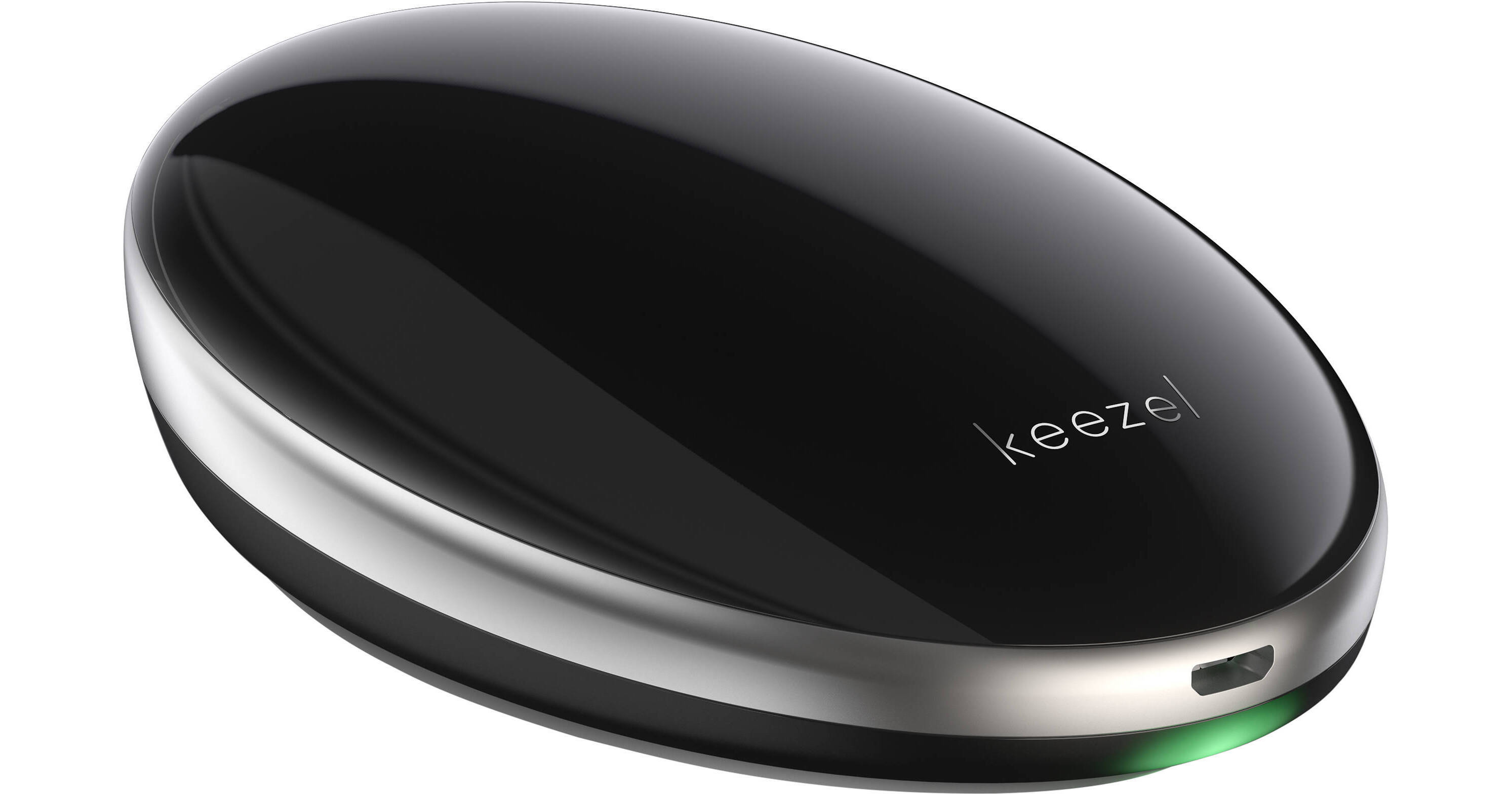
Protect your internet connection while you're on the go with the Portable VPN Security Device from Keezel. This portable device is designed to connect to a nearby Wi-Fi network and then create a secondary, VPN-protected wireless network for your wireless devices. Capable of up to 40 Mb/s throughput, the dual-band Portable VPN Security Device features a single button that powers it on, while Wi-Fi network configuration is performed over the web browser on a connected device, such as a phone or a laptop. Powered by an internal rechargeable 8000mAh battery, the VPN device comes with a lifetime Premium VPN service plan.
Single-Button Design
The Keezel VPN device has only one button, which is located at the base of the device. Press it to turn the device on.
Connect
Once the VPN device is on, your Wi-Fi-enabled devices can find its secure hotspot. By default, the name of the hotspot is "keezel" followed by a random string of numbers, such as "keezel1234." To connect the Keezel device to the internet, go to your browser. When you type "keezel/" in the address bar and hit Enter, a Keezel page prompts you to connect to a Wi-Fi network. Choose your preferred (or available, if there is only one) network and connect.
Surf
The Keezel VPN device is designed to encrypt your internet connection, helping to ensure your connected devices are protected from hackers and snoopers.
Choose a Data Server
The Keezel device is designed to pick the best available connection for you, but you also have the option of choosing a server in a different location.
Wi-Fi, With or Without Passwords
You can connect to open networks, for which you don't need a password. You can also connect to password-protected networks. If you have the Wi-Fi login and password of your coffee shop, for example, you can tell the VPN device to use these to make the connection. Hidden wireless networks are also supported.
Captive Portal Support
Networks, especially in hotels, sometimes require you to enter your room number, enter credit card details, or simply accept their terms. The device temporarily relays login screens in a new browser, allowing you to take the required steps.
Advanced Network Support
Some networks have more restrictions than others. The Keezel device can use a special setting (TCP 443) that enables use on severely restricted networks. The downside is that performance on telephony applications or games is not as good as with UDP, the default protocol.